3. Mode
36080
3/9
36080
Printer Mechanical Adjustment
4. Make a test print by selecting Test Print (Paper Magazine A, A2, B or C) in F:Functions.
5. For confirmation of the test print results, see each value shown below.
Adjusting the paper zigzagging in the exposure advance unit
1. Make a test by selecting Exposure Advance Pressure Inlet Roller Test Print (Paper Magazine A,
A2, B or C) in F:Functions.
IMPORTANT
• Print the test print with the maximum paper width which has been used.
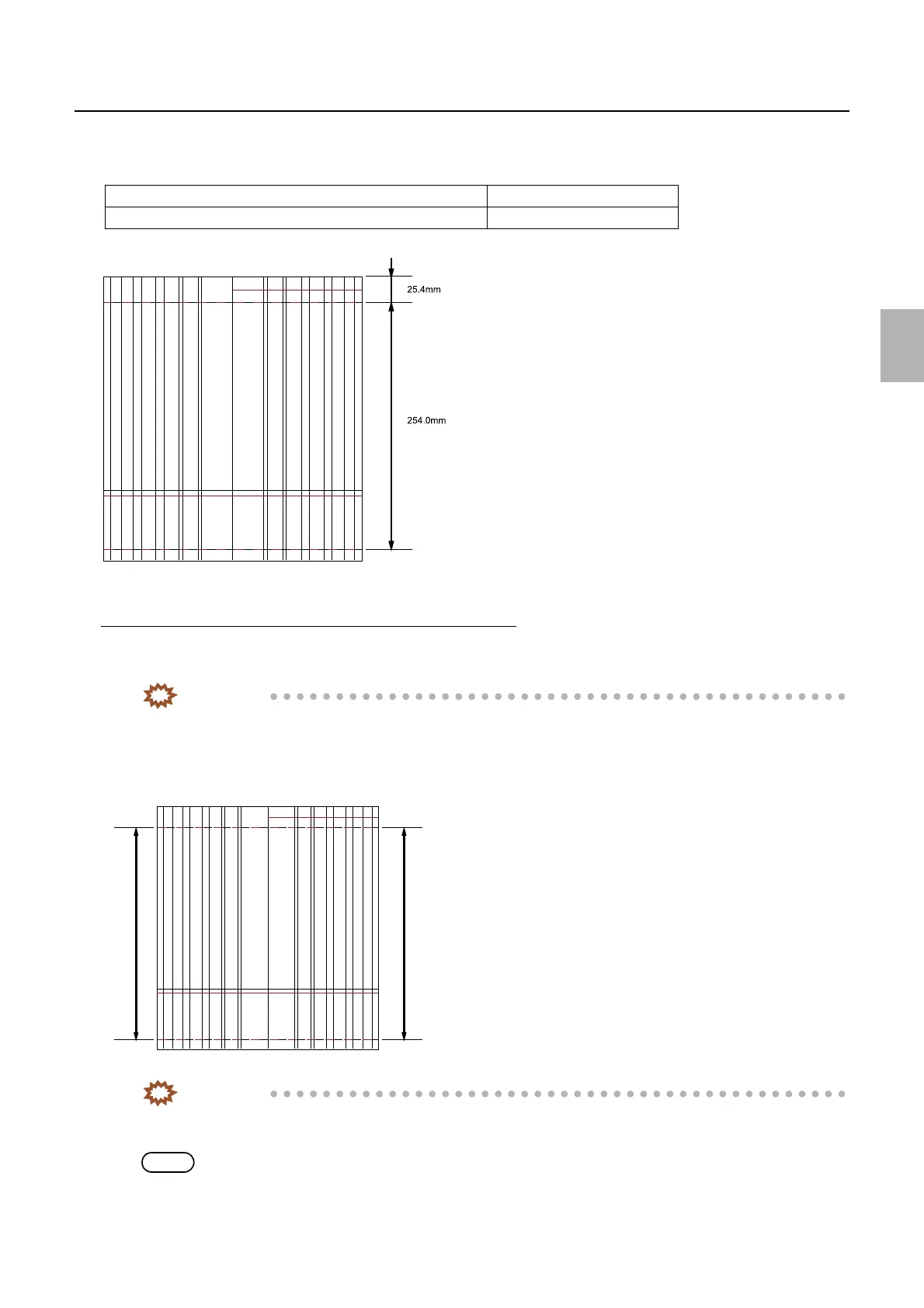
2. Measure the lengths between 0 mm-line and 254 mm-line of right and left edges of the test print and
check that the difference is within 0.2 mm.
IMPORTANT
• If the difference between the right and left measured values is ±0.2 mm or more, carry out the following
adjustment.
NOTE
• There is another method to check the difference. Cut the paper at the center and put them together to check the difference
between lines A and B.
Length between the paper front end and 0 mm-line 25.4 mm
Length between 0 mm-line and 254 mm-line 254.0 mm
A
Rear end
Paper advance direction
G068466
A
Left Right
Rear end
Paper advance direction
G068467
Distributed by: minilablaser.com



 To Next Page