9/9
4. Troubleshooting
4202
4202
Diagnosis appendix for the failures: Symptom due to the connection failure of wiring
!
!!
! Laser power supply (PS5)
!
!!
! Checking condition of wiring connection failure
This section explains the errors and symptoms seen when the power supply of this system is turned on with the connector of each PCB
unplugged (for example, the monitor is not turned on, the lamp does not light, the fan does not rotate).
IMPORTANT
• Symptoms that appear when the connectors of each PCB are disconnected are explained.
• For the optional PCBs, some of them are explained.
• If the system condition does not change even if the power supply is turned on with each connector removed from each
PCB, No malfunctions in the operations will occur on this condition. is shown in the tables.
• Several errors may occur at the same time with a single connector.
• The suffix number (description of PCB) of No. 6901 ARCNET communication error. may be different from the
following explanation depending on the ARCNET communication feature.
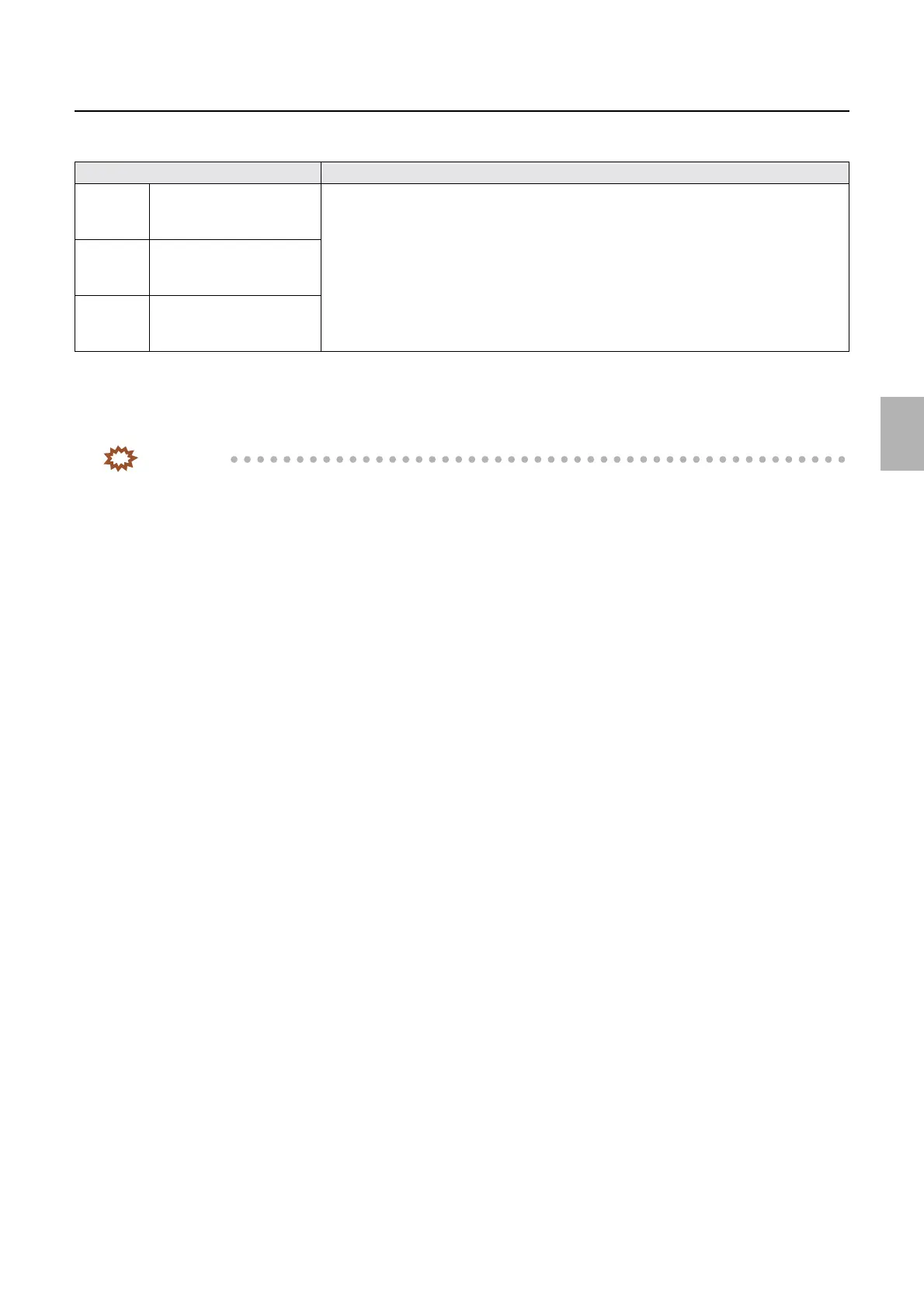
Connector No. Symptom
J/P433 Inputs the AC power supply
from the Processor relay
PCB.
• In Printer Information on Status Display, Laser temperature control status does not
change from Temperature control started for five minutes or more.
• Via input check, Interlock Switch (Printer Door 1, 2)/Interlock switch (printer top
cover) is OFF.
• Via input check, Inner Temperature and Laser temperature unit sensor is 0.0.
J/P1615 Supplies power to the laser
control PCB and G laser
driver PCB (GND)
J/P1614 Supplies power to the laser
control PCB and G laser
driver PCB (+24 V)
Distributed by: minilablaser.com



 To Next Page