6. Electrical parts
63315
2/2
63315
Positions of electrical parts (Processor section)
1. Confirm that nothing is placed between the auto loading holder unit and the communication unit.
2. Remove the auto loading holder unit from the processor.
3. After five seconds or later, attach the auto loading holder unit to the processor again.
Communication starts again.
• If the green light blinked
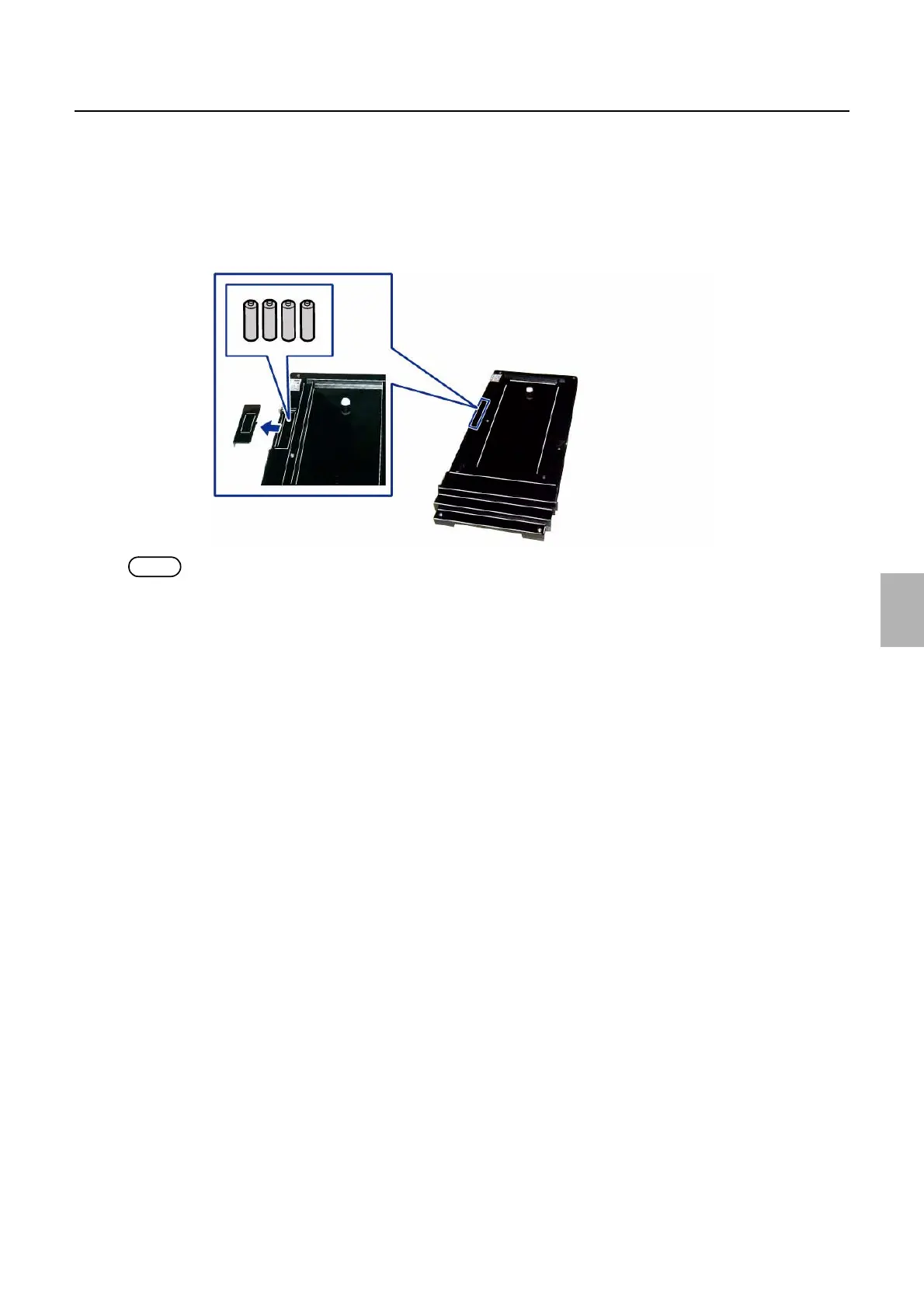
Remaining battery level is low.
Though you can continue the process, replace batteries (four AA batteries) as soon as possible.
NOTE
• When automatic control strip processing starts, the red light turns on.
G087963
Distributed by: minilablaser.com



 To Next Page