The Edit window allows the configuration of the following settings:
Reference Mode: Used to control how the reference mode operates in
determining its validity. Values are:
Primary Reference—Allows the frequency reference to be valid
based solely on its own presence.
Secondary Reference—Requires another valid reference to syn-
chronize the system before the frequency reference can be determ-
ined to be valid. This is used when the frequency reference is
intended to operate as a backup reference to a different primary ref-
erence source.
Frequency: Used to configure the frequency (in Hertz) of the input signal.
The available Frequency range is 1KHz…10MHz in 1Hz steps.
The input frequency is measured versus internal frequency and compared to the
setup value. If the discrepancy is larger than 1kHz, the input is disqualified and not
considered valid. The frequency reference does not inherently provide an on-
time point, so it relies on the current on-time point of the system prior to its tak-
ing over for synchronization.
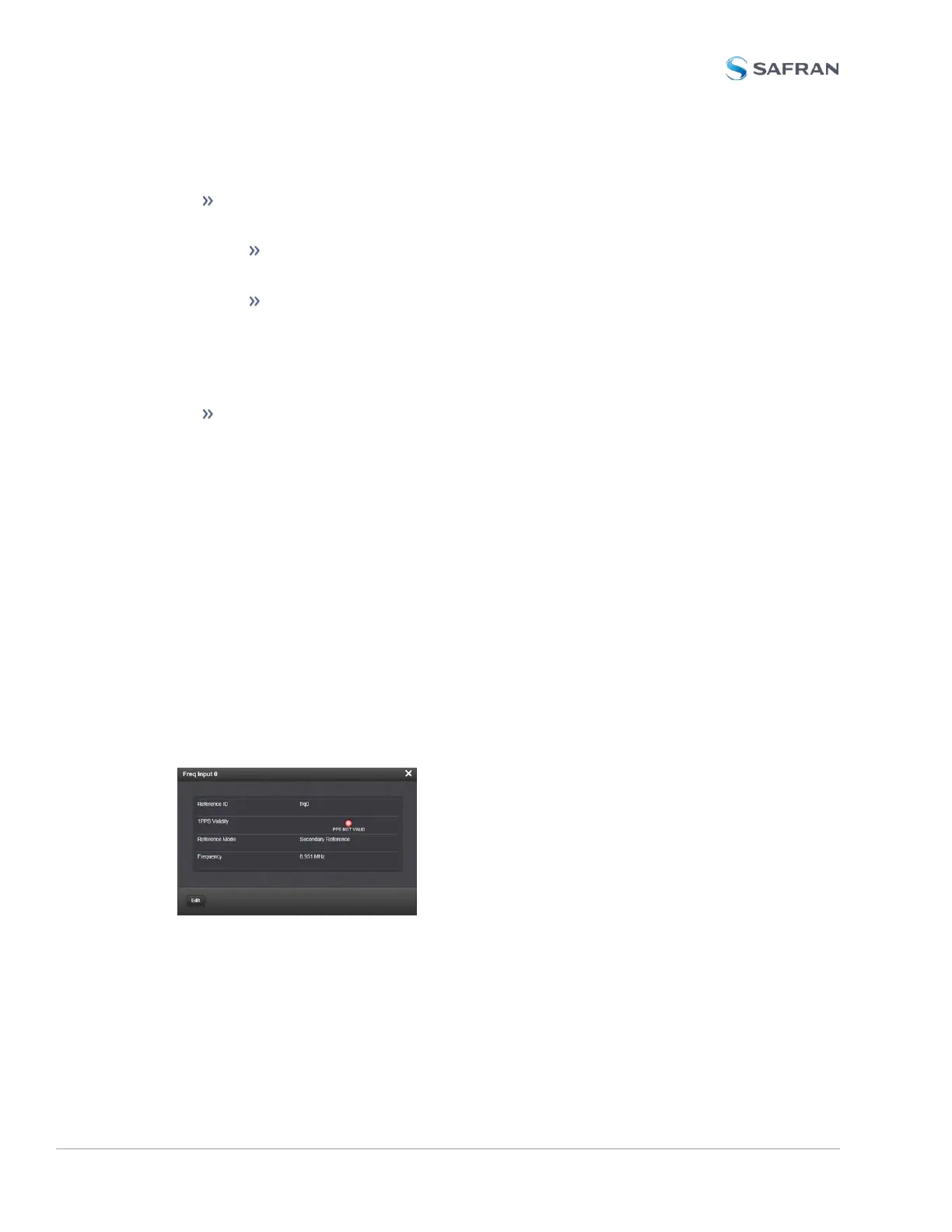
Frequency Input: Status Window
To view the current settings of the Frequency Input (also referred to as ‘Refer-
ence’), go to its Status window. For instructions, see: "Viewing Input/Output Con-
figuration Settings" on page363.
The Web UI list entries for these cards are: 1PPS/Frequency BNC and 1PPS/Fre-
quency RS-485.
The connector number is: J1 (BNC card); J1 (RS-485 card).
The Status window displays the following settings:
400 SecureSync 2400 User Manual
APPENDIX



 To Next Page