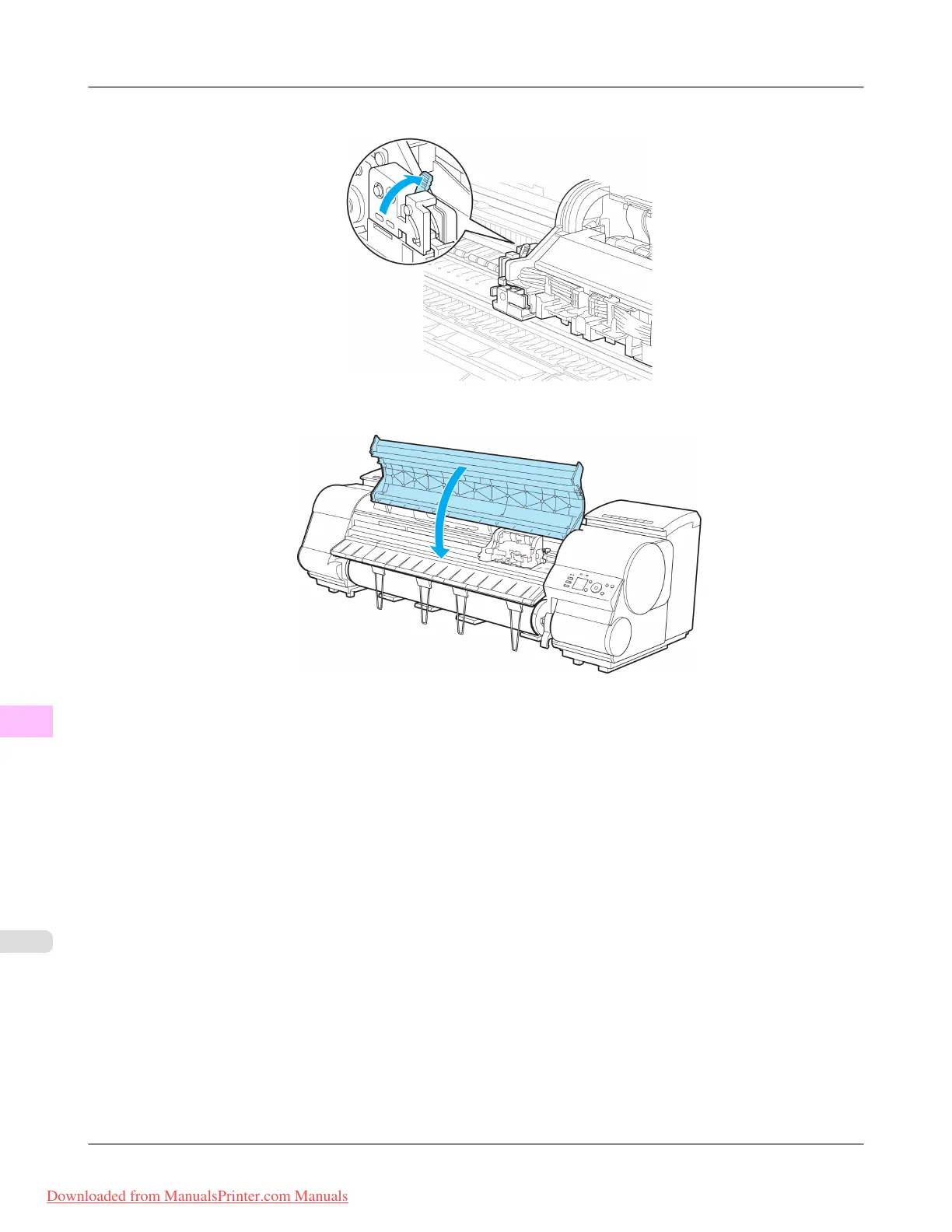
10. Lift the Cutter Unit Detachment Lever to lock it.
11. Close the Top Cover.
12. A confirmation message is displayed about the Cutter Unit lock.
Press ▲ or ▼ to select "Yes", and then press the OK button.
13. The Carriage is moved, and a confirmation message is displayed about resetting the cut count.
To reset the cut counter, press ▲ or ▼ to select Yes, and then press the OK button.
Maintenance
>
Cutter Unit
>
Replacing the Cutter Unit iPF8300
11
1014
Downloaded from ManualsPrinter.com Manuals














 To Next Page