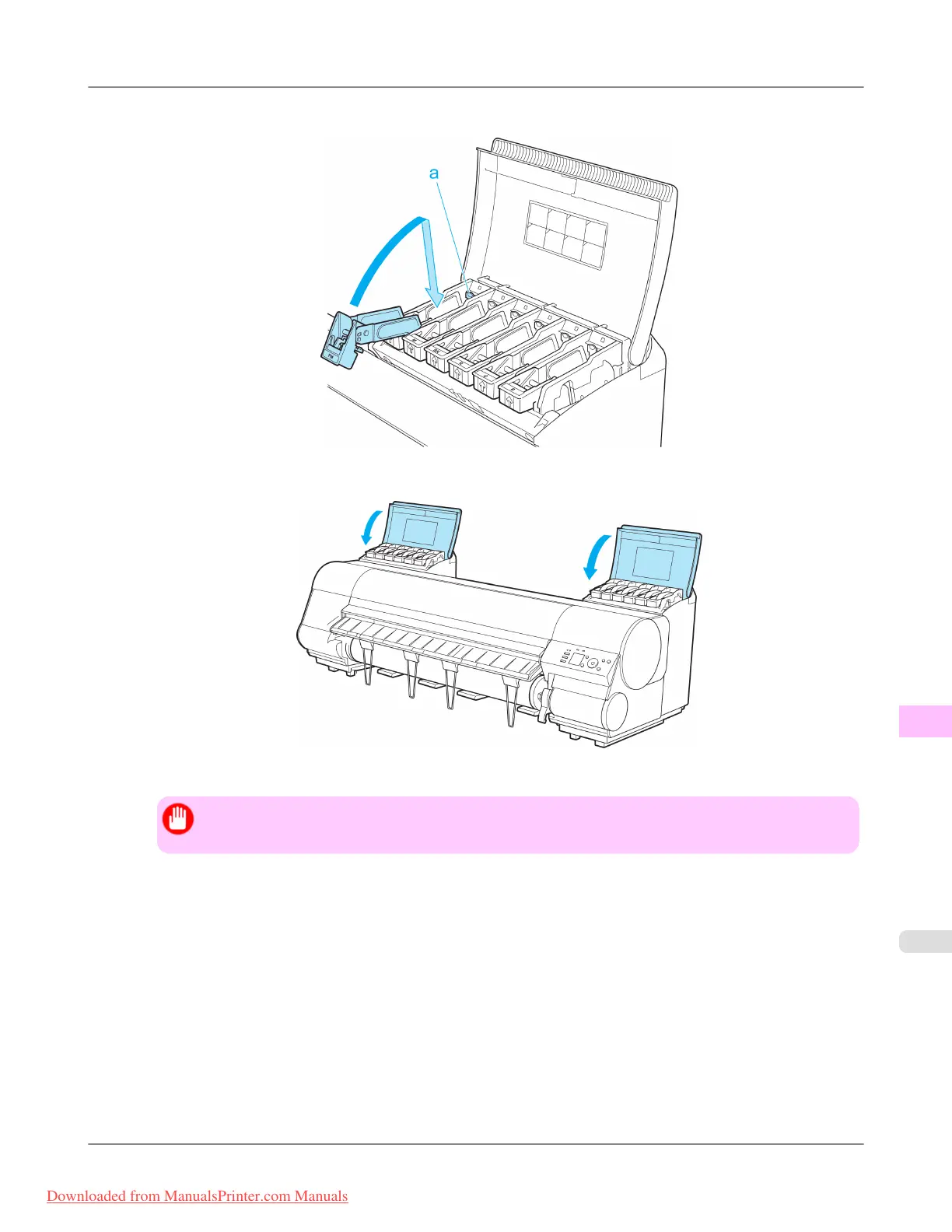
5. Push down the release lever (a) as shown as you gently return all ink tank lock levers to the original position.
6. Close the Ink Tank Cover.
At this point, ink is drawn out from inside the tubes.
Important
• Do not remove the Maintenance Cartridge during this process.
When the process is finished, "Preparations for moving the printer finished. Turn the power off" is displayed.
Maintenance
>
Other Maintenance
>
iPF8300 Preparing to Transfer the Printer
11
1035
Downloaded from ManualsPrinter.com Manuals














 To Next Page