• Light for Highlight
• Light for Shadow
• Enhance brightness for the curves
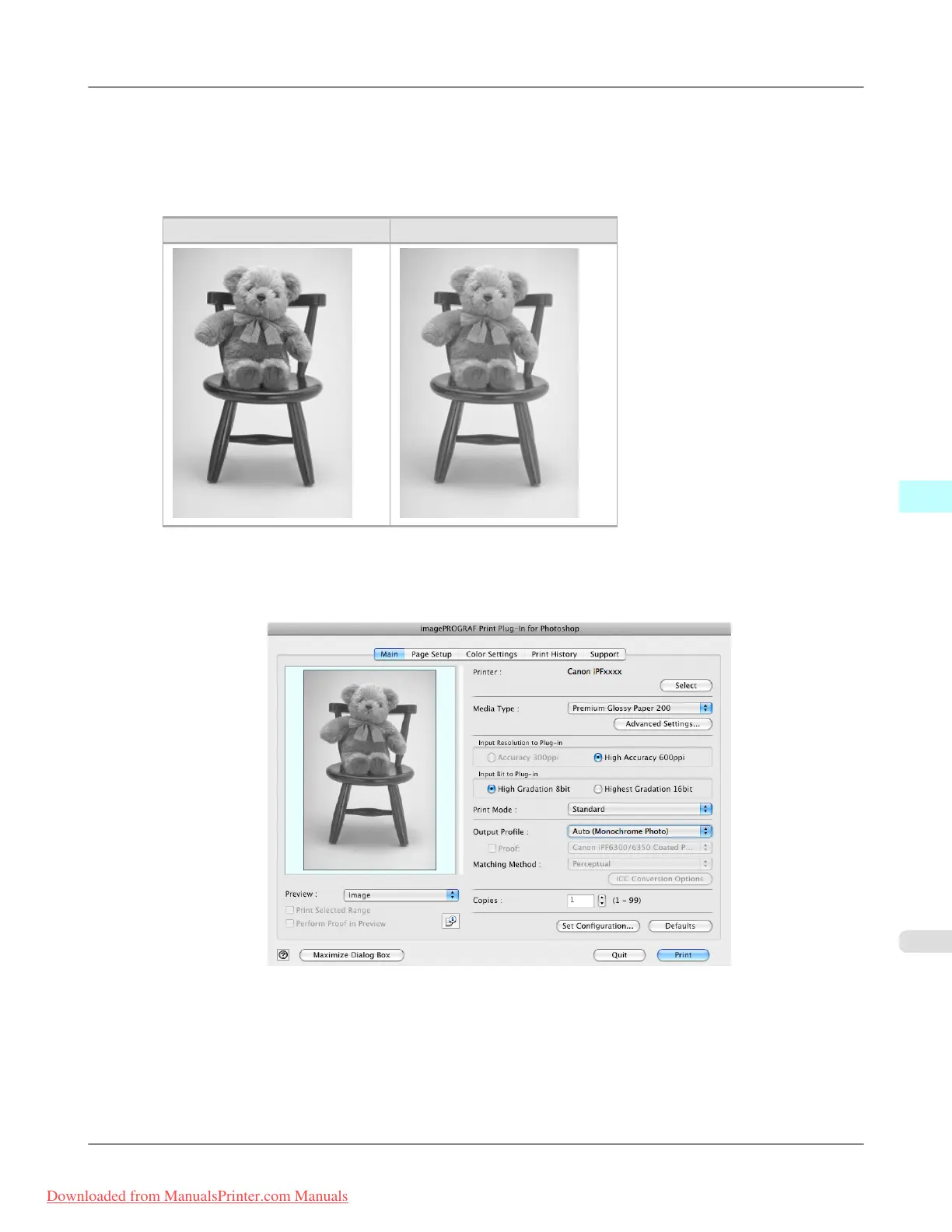
The unapplied and the applied images of the above image adjustments are as below.
Before Application After Application
1. Open the Main sheet.
2. Select Auto (Monochrome Photo) in Output Profile.
Mac OS X Software
>
Print Plug-In for Photoshop/Digital Photo Professional
>
iPF8300 Adjust the Colors while Checking the Preview (for Monochrome)
5
639
Downloaded from ManualsPrinter.com Manuals














 To Next Page