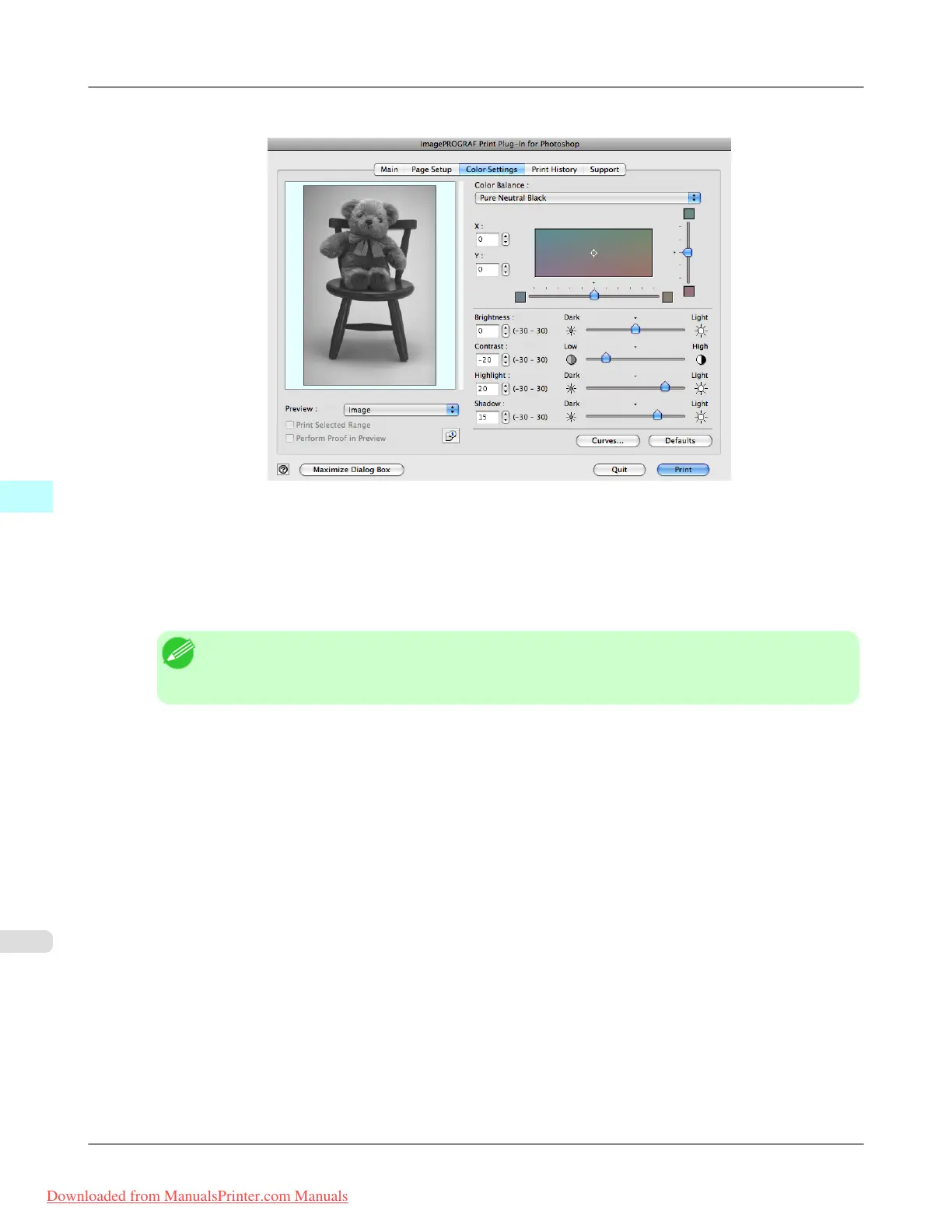
3. Open the Color Settings sheet.
4. In Contrast, drag the slide bar toward Low.
5. In Highlight, drag the slide bar toward Light.
6. In Shadow, drag the slide bar toward Light.
Note
• You can change the numbers by inputting in numerical characters.
• You can change the numbers by clicking either ▲ button or ▼ button.
7. Click the Curves button then click near the center of the curve.
Mac OS X Software
>
Print Plug-In for Photoshop/Digital Photo Professional
>
Adjust the Colors while Checking the Preview (for Monochrome) iPF8300
5
640
Downloaded from ManualsPrinter.com Manuals














 To Next Page