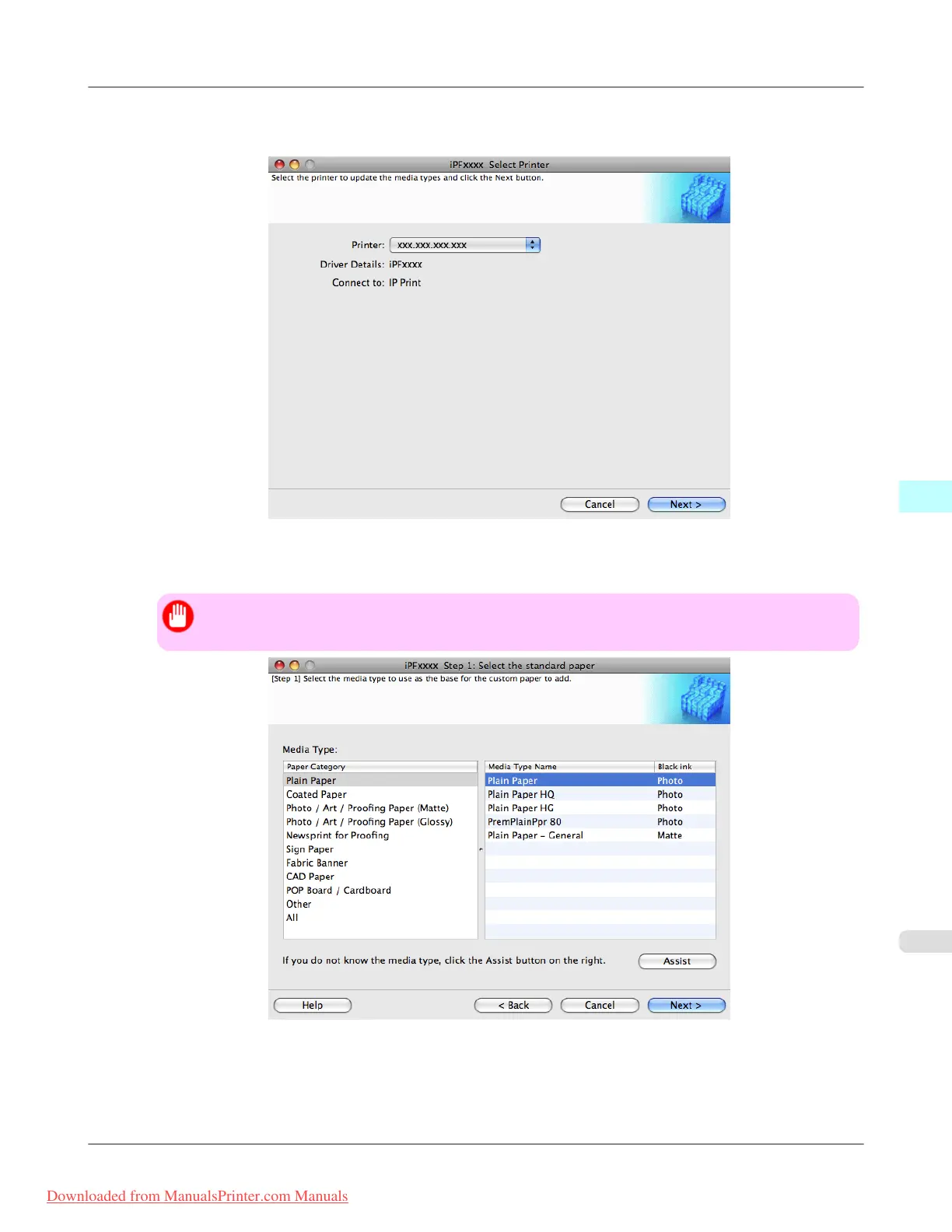
2. Check that the printer on which you are updating the media information is displayed in Printer in the Update Me-
dia Types - Select Printer dialog box and click the Next button.
3. The Step 1: Select the standard paper dialog box is displayed. In Paper Category, select the category of media
type to use as the basis of the custom paper you are adding.
Important
• Select the category that you think is the closest to the custom paper you are adding.
Mac OS X Software
>
Media Configuration Tool
>
iPF8300 Add Custom Paper
5
697
Downloaded from ManualsPrinter.com Manuals














 To Next Page