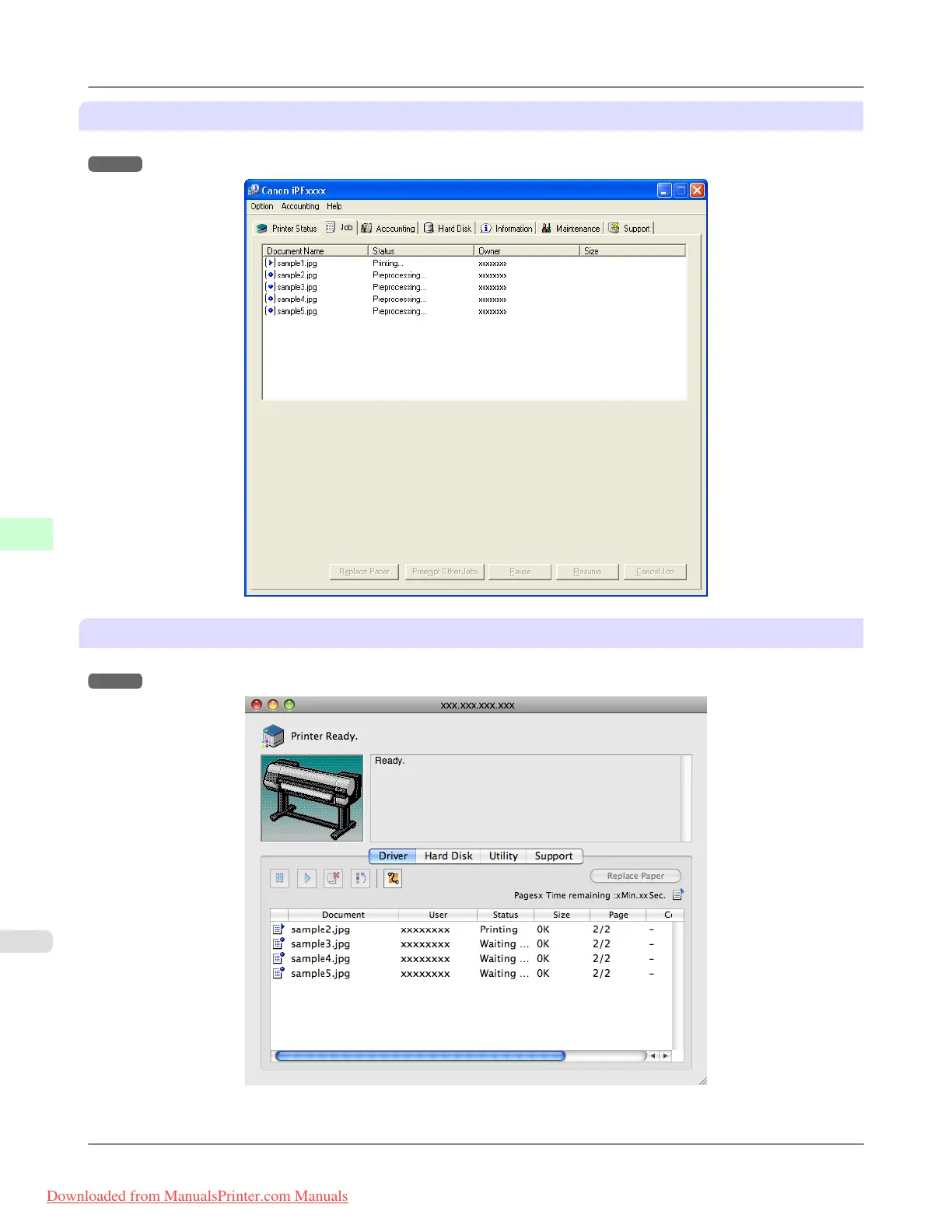
Using imagePROGRAF Status Monitor
Manage jobs as needed on the Job sheet. For details, see "Job Management Using imagePROGRAF Status Monitor."
→P.420
Using imagePROGRAF Printmonitor
Manage jobs as needed on the Driver sheet. For details, see "Job Management Using imagePROGRAF Printmonitor."
→P.669
Print Jobs
>
Basic Print Job Operations
>
Managing Pending Jobs (Printing or Deleting Jobs on Hold) iPF8300
6
724
Downloaded from ManualsPrinter.com Manuals














 To Next Page