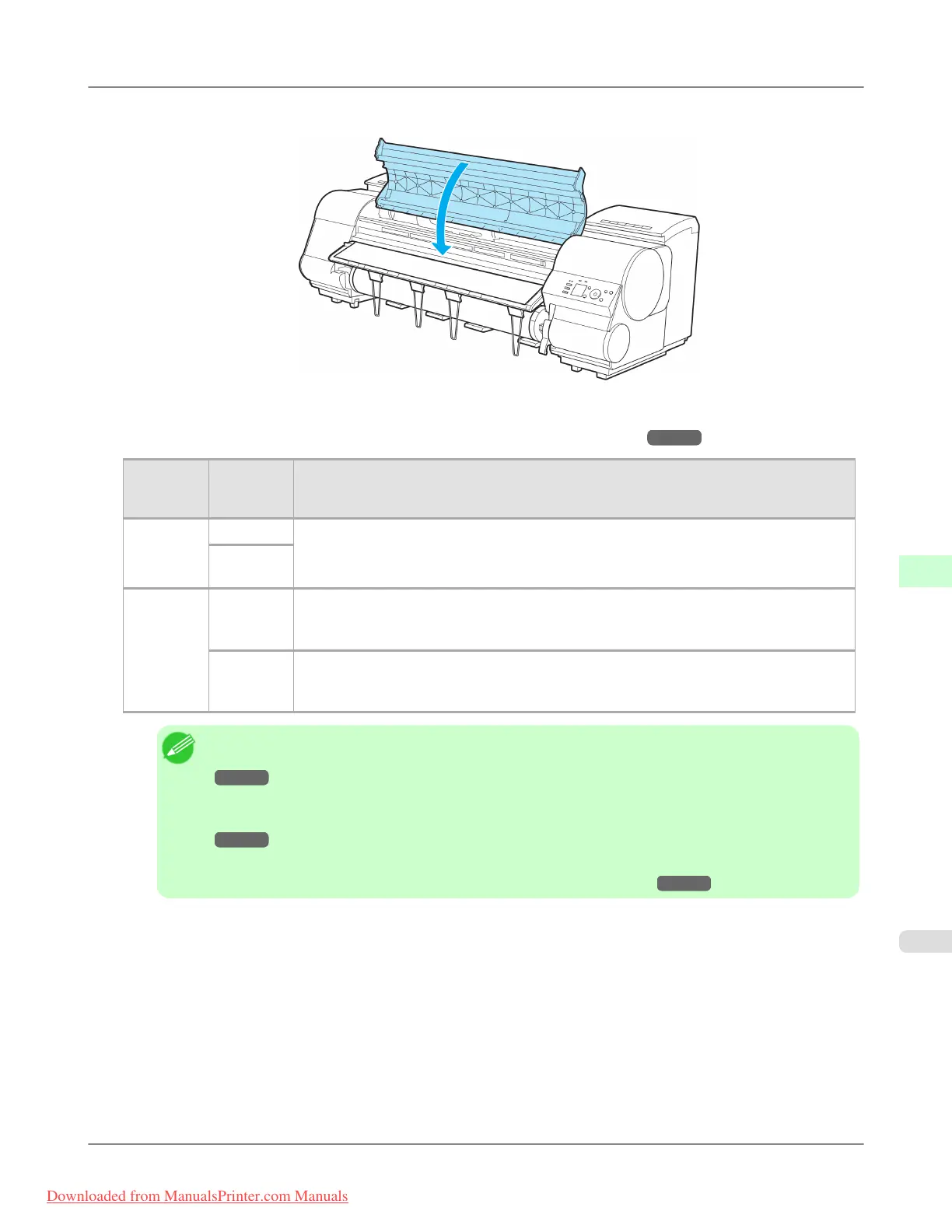
9. Close the Top Cover.
10. Once paper feeding starts, you will need to do the following, based on the ManageRemainRoll setting and the bar-
code printed on rolls. (See "Keeping Track of the Amount of Roll Paper Left.") →P.791
Manag-
eRemain-
Roll
Barcodes Printer Operation After the Paper is Fed
Off Printed A menu for selection of the type of paper is automatically shown on the Display Screen.
Press ▲ or ▼ to select the type of paper, and then press the OK button.
Not prin-
ted
On Printed The type and amount of paper left is automatically detected based on the barcode printed
on the roll.
There is no need to specify the type and length of the paper.
Not prin-
ted
A menu for selection of the paper type and length is automatically shown on the Display
Screen.
Press ▲ or ▼ to select the type and length of paper loaded, and then press the OK button.
Note
• For details on types of paper to select, see the Paper Reference Guide. (See "Types of Paper.")
→P.768
• Adjusting the printhead alignment with the type of paper to be used in printing may enhance printing
quality. (See "Automatic Adjustment to Straighten Lines and Colors (Head Posi. Adj.).")
→P.839
• Cut the edge of the roll after the paper is advanced if it is creased or soiled, or if you have cut it with
scissors or a blade. (See "Specifying the Cutting Method for Rolls.") →P.794
Handling Paper
>
Handling rolls
>
iPF8300 Loading Rolls in the Printer
7
783
Downloaded from ManualsPrinter.com Manuals














 To Next Page