Note
• If the Tab Selection screen is not displayed, press the Menu button.
2. Press the OK button. The Paper Menu is displayed.
3. Press ▲ or ▼ to select Paper Details, and then press the OK button.
4. Press ▲ or ▼ to select the type of paper, and then press the OK button.
5. Press ▲ or ▼ to select Cutting Mode, and then press the OK button.
6. Press ▲ or ▼ to select Eject, and then press the OK button.
7. Print the job.
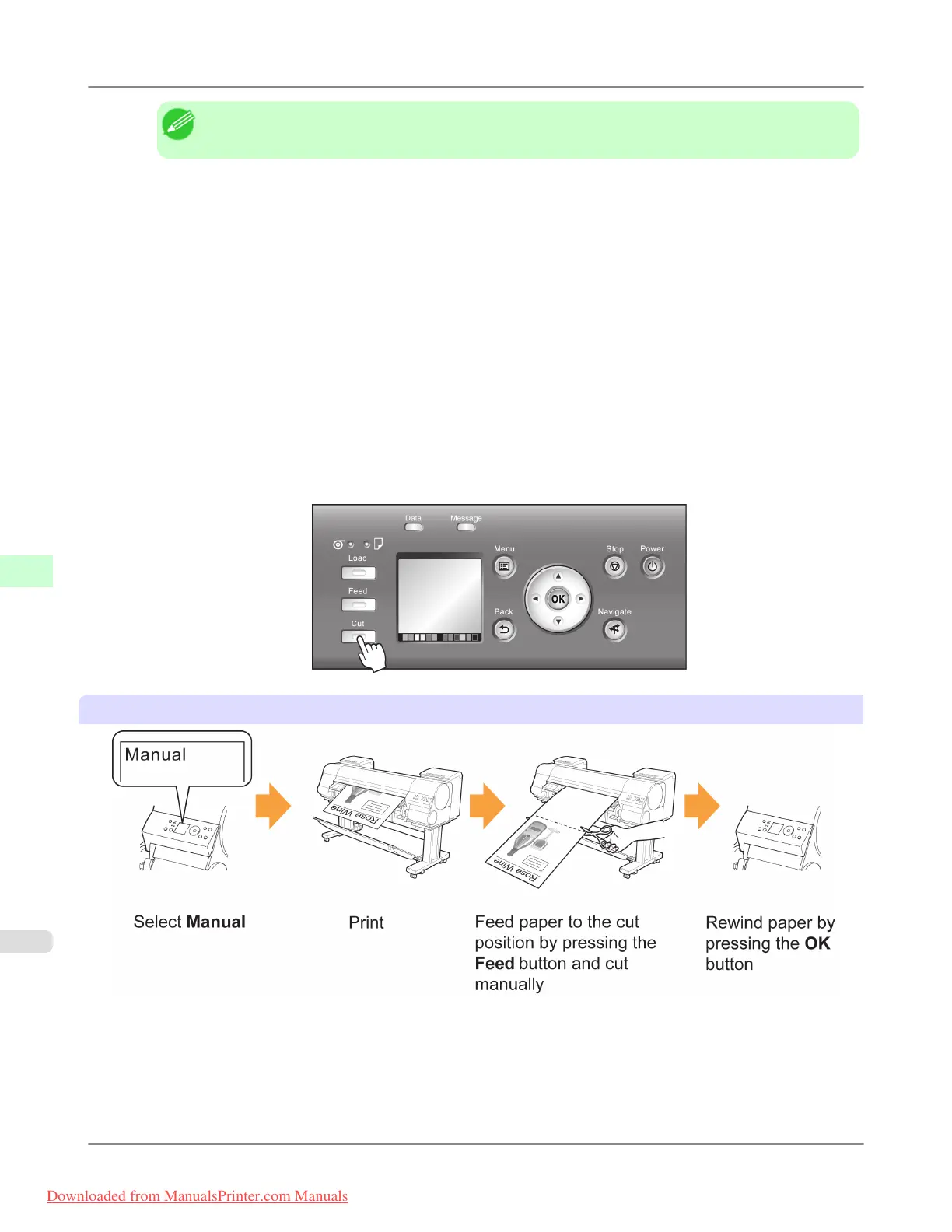
When printing is finished, the printer will stop without cutting.
8. Holding the printed document to prevent it from dropping, press the Cut button to cut the roll.
Manual (when using media that cannot be cut with the Cutter Unit )
Handling Paper
>
Handling rolls
>
Specifying the Cutting Method for Rolls iPF8300
7
796
Downloaded from ManualsPrinter.com Manuals














 To Next Page