269Service Manual – CS7010™ 42 - Sweep System, Main
Broom Lift Actuator
1. Remove the Recovery Tank described on
page 254.
2. Remove the Main Broom described on
page 263.
3. Turn the key switch on and switch the
machine to the Service Mode.
4. Extend the scrub deck downward in the
Service Test Mode. This will give you
additional clearance for removing the
hair cotter pins and clevis pins on the
broom lift actuator.
5. Extend the main broom downward in the
Service Test Mode so the bristles rest on
the oor. This will minimize the weight
on the broom lift actuator.
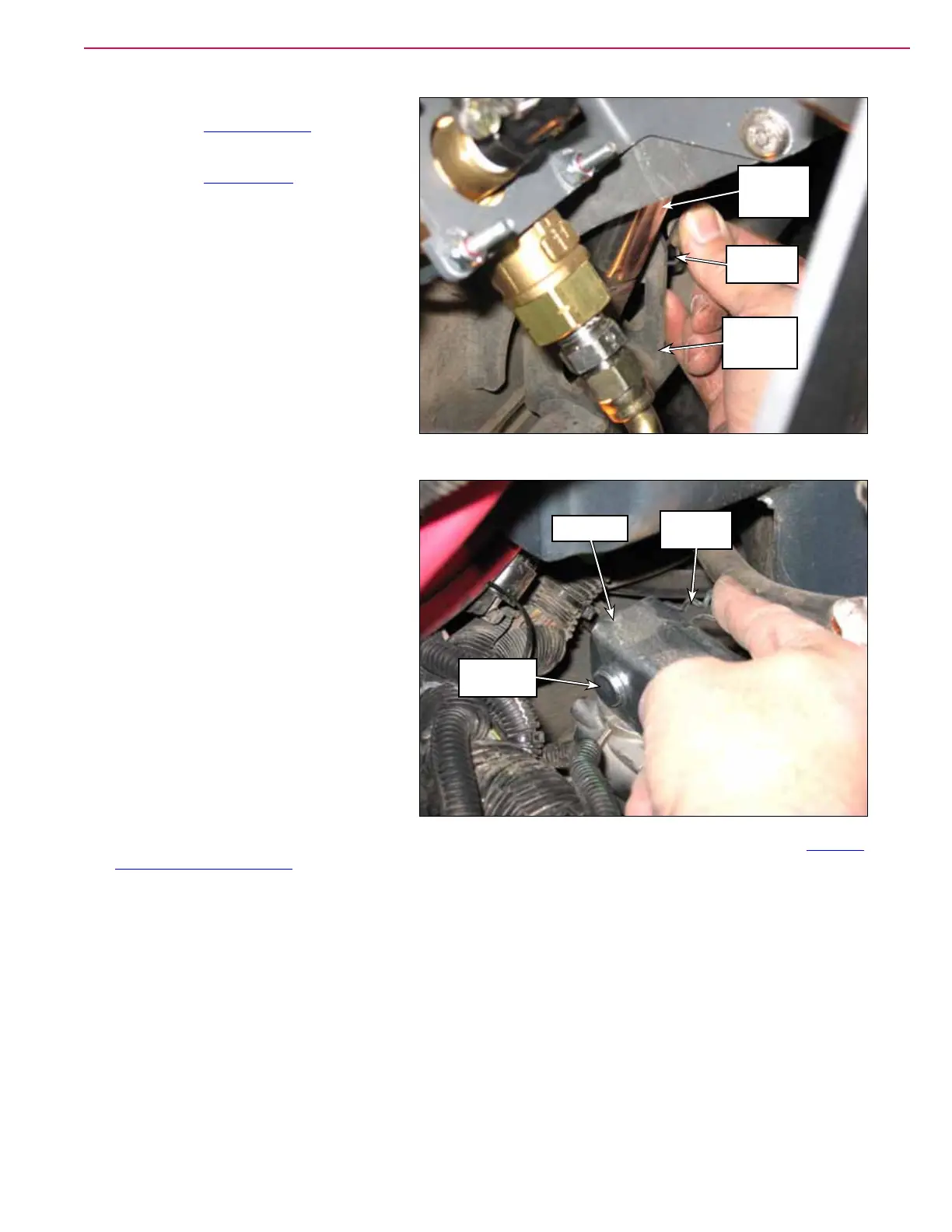
6. Remove the Hair Cotter Pin, washers
and .50” x 2.75” Clevis Pin holding the
bottom of the Broom Lift Actuator to the
Broom Support Weldment.
7. Remove the Hair Cotter Pin, washers
and .50” x 1.75” Clevis Pin holding the
top of the Broom Lift Actuator to the
Spring Arm.
8. Disconnect the Broom Lift Actuator
electrical connector and remove the
Broom Lift Actuator from the machine.
9. Reinstall the Broom Lift Actuator by
following the above steps in reverse
order.
10. The broom lift actuator itself doesn’t
need to be adjusted, but the main broom height and main broom sweep pattern described in the “Adjust
the Main Broom Height” on page 261 should be checked and adjusted as necessary
Hair Cotter
Pin
Broom
Support
Weldment
Broom Lift
Actuator
Hair Cotter
Pin
Spring Arm
.50” x 1.75”
Clevis Pin



 To Next Page