81Service Manual – CS7010™ 20 - Wheel System, Traction
Troubleshooting
Fault Codes
The drive controller has very robust fault code capabilities. Since most problems will result in setting a fault
code, whenever there is a problem with the drive system, the rst thing you should do is check for fault
codes.
All fault codes for all system modules are displayed by the Main Machine Controller. Because multiple
related fault codes may span different machine modules, all fault codes are presented in the Controller
chapter of this manual. The A4 Drive Controller fault codes are listed on page 55.
Removal and Installation
Drive Motor and Gearbox Assembly
The drive motor, gearbox and drive wheel are removed as an assembly out of the bottom of the machine.
Once removed, separate the motor from the gearbox.
1. Remove the squeegee.
2. Remove the recovery tank and hose.
CAUTION: Before turning the key on below, make sure all personnel and equipment are clear of
the drive and steering system. The steering system will initialize.
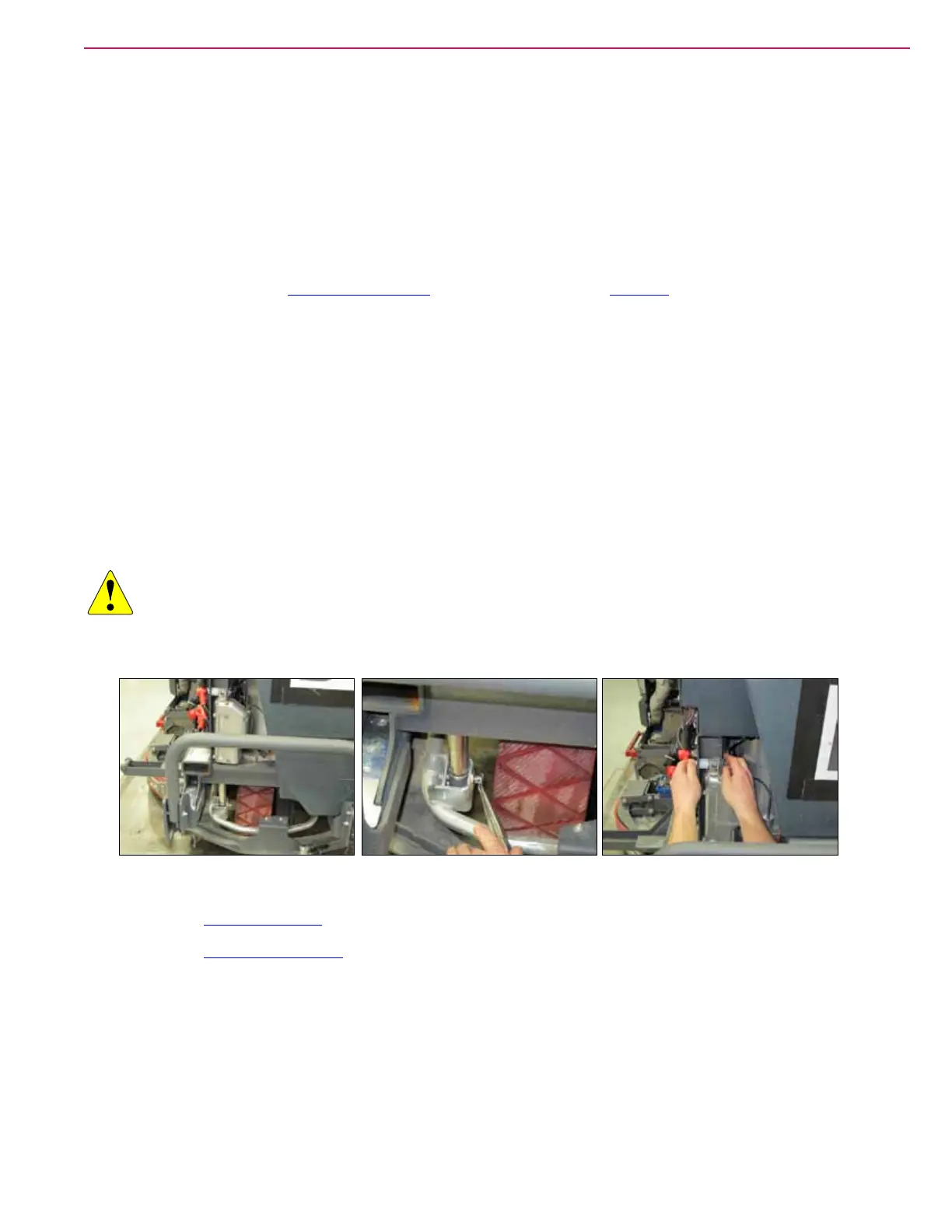
3. Turn the key switch on and press the vacuum button to lower the squeegee support.
4. Unplug the squeegee actuator electrical connector, then turn off the key. Remove the squeegee actuator.
5. Disconnect the main power connector.
6. Remove the Drive Controller described on page 84.
7. Remove the Steering Controller described on page 95.
8. Label the drive motor and steering motor cables for proper reassembly, then remove them from the
motors.



 To Next Page