2. Replacement and adjustment of parts
27470
2/4
27470
Colorimeter Section
NOTE
• If necessary, disconnect the connectors of the colorimeter and paper sensor.
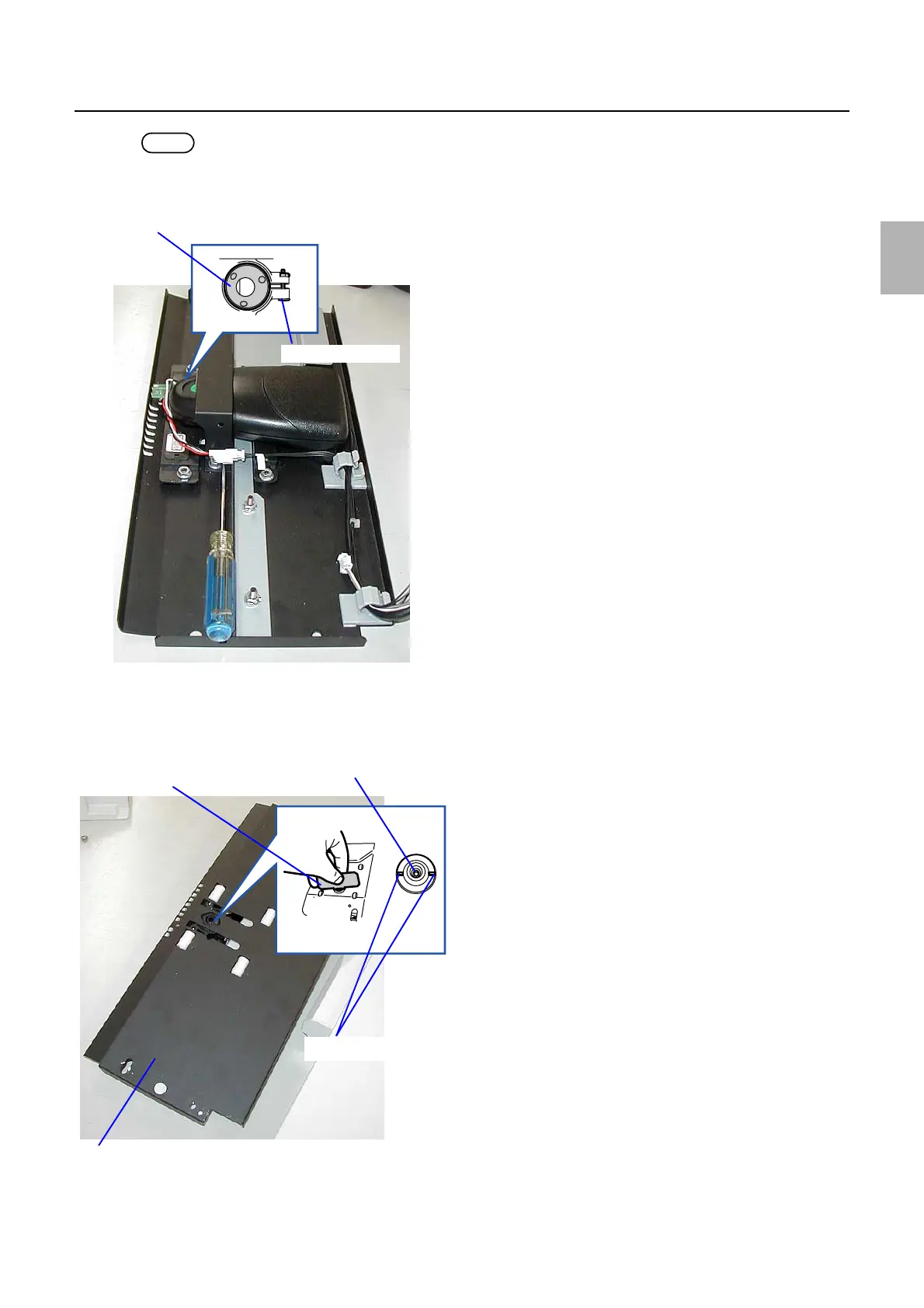
4. Loosen the lock screw on the leading end control holder of the colorimeter. (one screw)
5. Turn over the colorimeter unit top.
6. Turn the leading end control holder so that the height of colorimeter leading end aligns with the back
face of the colorimeter mount. Use the colorimeter height adjustment jig.
Leading end control holder
Lock screw
G085253
Colorimeter height adjustment jig
Leading end of the measurement
Colorimeter unit top
Groove of the leading end control
G085254
Distributed by: minilablaser.com



 To Next Page