4/4
3. Mode
32510
32510
Setup
!
!!
! Setup Switch (SP1)
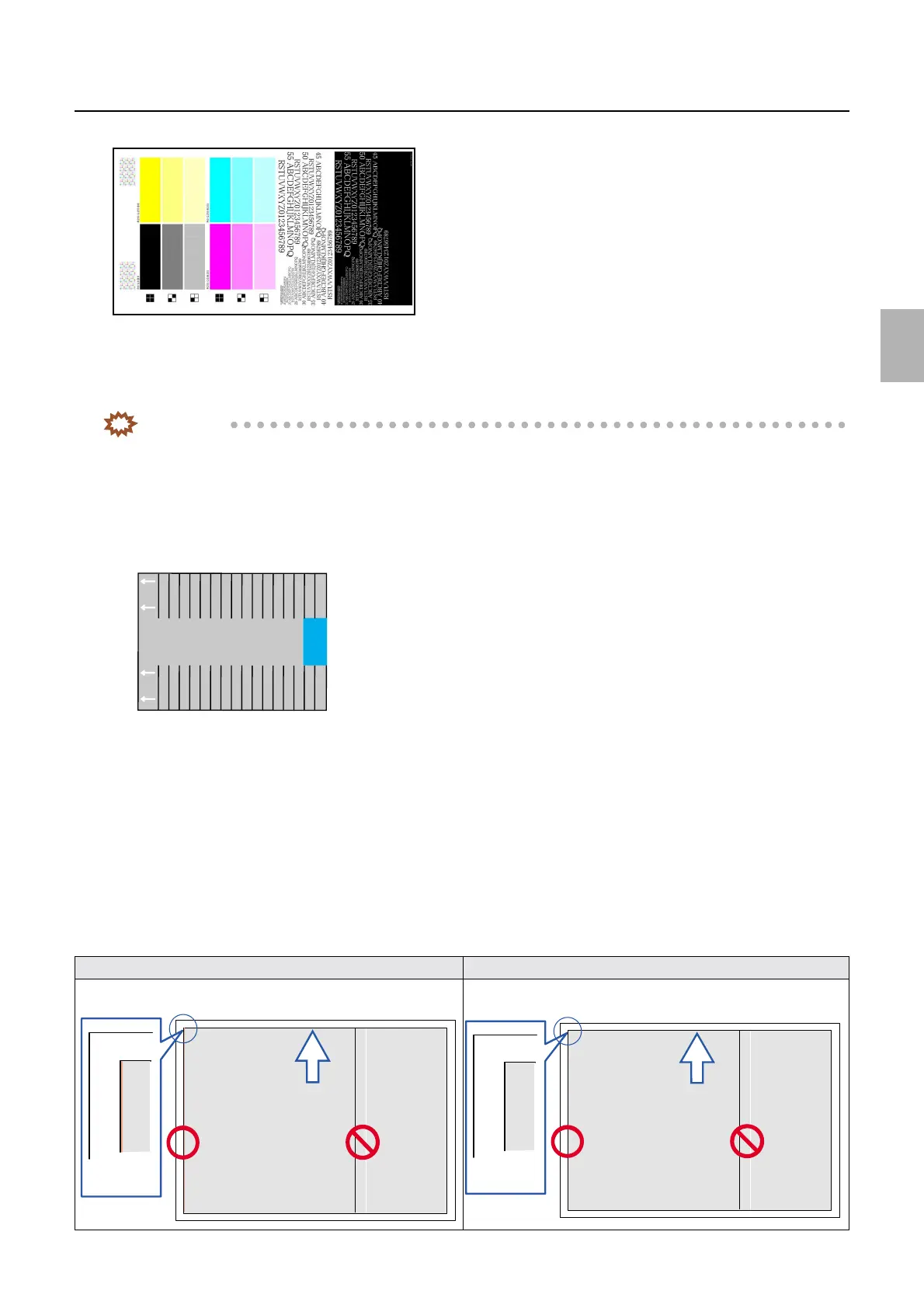
When the setup switch is on, the high density section is calculated and Dmax is set to the most appropriate value.
When the setup switch is off, setup is performed within the range of the colorimeter specification (Dmax: 2.2 D or less).
IMPORTANT
• If you change the setting of the setup switch, it is necessary to carry out operations from the initial setup again.
• The setup switch is normally left on.
!
!!
! Brightness of the Edge (SP1)
If prints lack uniformity, you can return the system's gray levels to the factory defaults.
See
☞32514.
!
!!
! Edge Brightness Correction Data Initialization (SP1)
• Carry out this initialization before performing Brightness of the Edge.
!
!!
! Machine-to-machine variation correction
• Corrects color difference between printers when two or more printers are connected.
For details, see the Operator's Manual - Additional Operations -.
!
!!
! Exposure Adjustment (SP1)
If uneven prints as shown in the illustration below are output after the laser unit is replaced, it can be corrected.
This adjustment is effective only for the type of unevenness shown on the left below. See
☞32515.
Example: before performing exposure adjustment Example: after performing exposure adjustment
G084967
2
1
G085142
Exposure adjustment is effective
Exposure adjustment is not effective
Exposure adjustment is effective
Exposure adjustment is not effective
Distributed by: minilablaser.com



 To Next Page