3. Mode
32510
3/4
32510
Setup
*1. (SP1) is shown when entering the service personnel password (2260).
!
!!
! Black Balance Adjustment
Adjust each R,G and B color automatically so as to show the black letters as black.
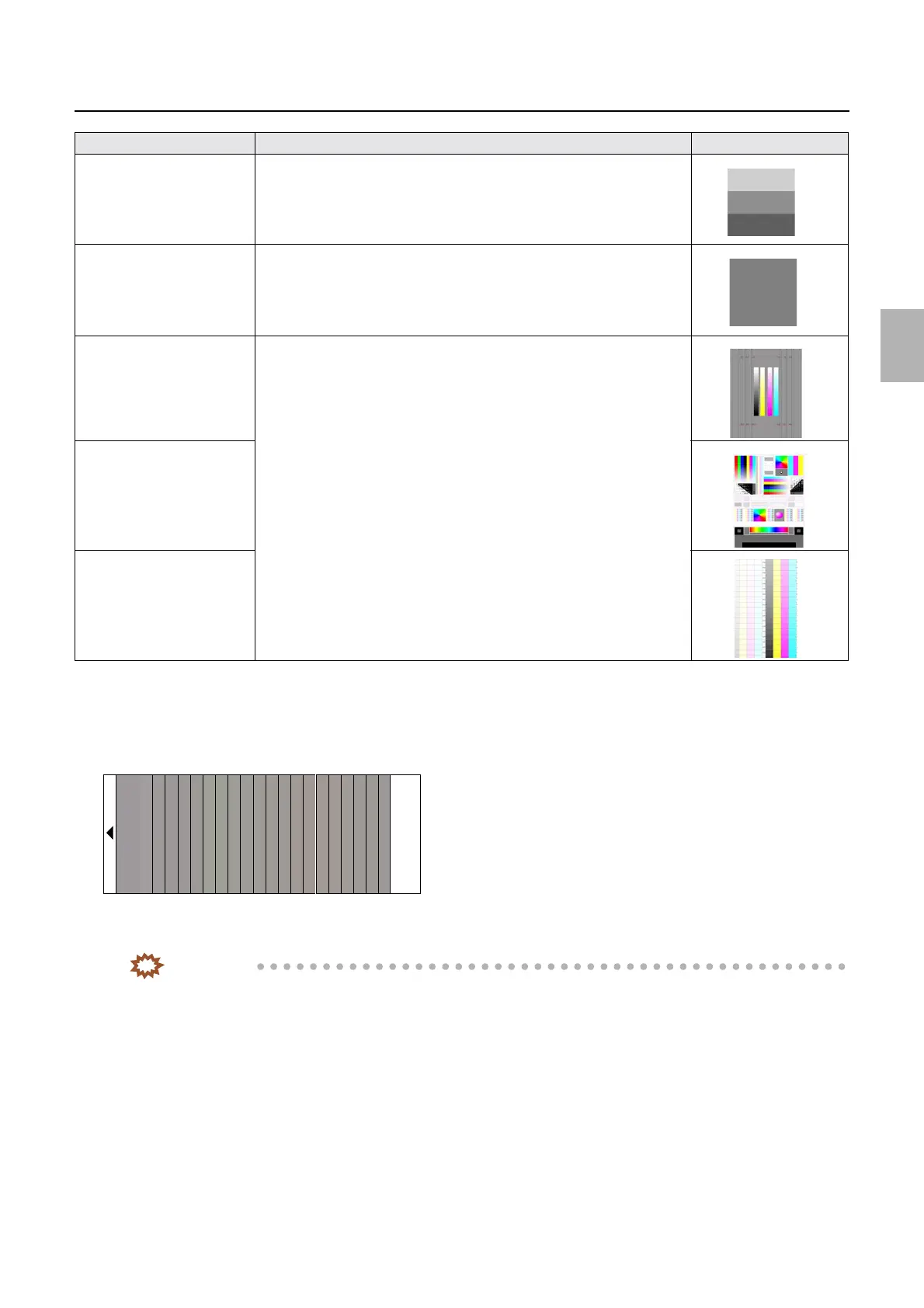
The test print is a gray 22-step setup sheet.
• Functions : Black Balance Initialization
You can initialize the correction values configured for Black Balance Adjustment and NCE Mode.
IMPORTANT
• If Black Balance Adjustment is performed with the correction values of Y, M and C for NCE Mode entered,
these values will be added to the correction values for Black Balance Adjustment, and the adjustment may not
be performed correctly.
Perform Black Balance Initialization of Functions first, then perform Black Balance Adjustment.
• To perform Black Balance Initialization, select the paper type to be initialized on the Black Balance
Adjustment display, then perform Black Balance Initialization, from the Functions menu.
!
!!
! NCE Mode
• After the initial setup or Paper Specification Registration/Setup, Black Balance Adjustment will be automatically carried out. To
make additional fine adjustments, use NCE Mode.
• NCE Mode can be used to lessen the blurring of color around letters on prints.
See
☞32513.
Sample 4
*1
A print containing three scales of gray
Sample 5
*1
A solid gray print
Sample 6
*1
Prints of test charts
Sample 7
*1
Sample 8
*1
Sample print Explanation Image
G068486
Distributed by: minilablaser.com



 To Next Page