3/3
3. Mode
35100
35100
Maintenance
5. Execute Paper Test Advance via Functions.
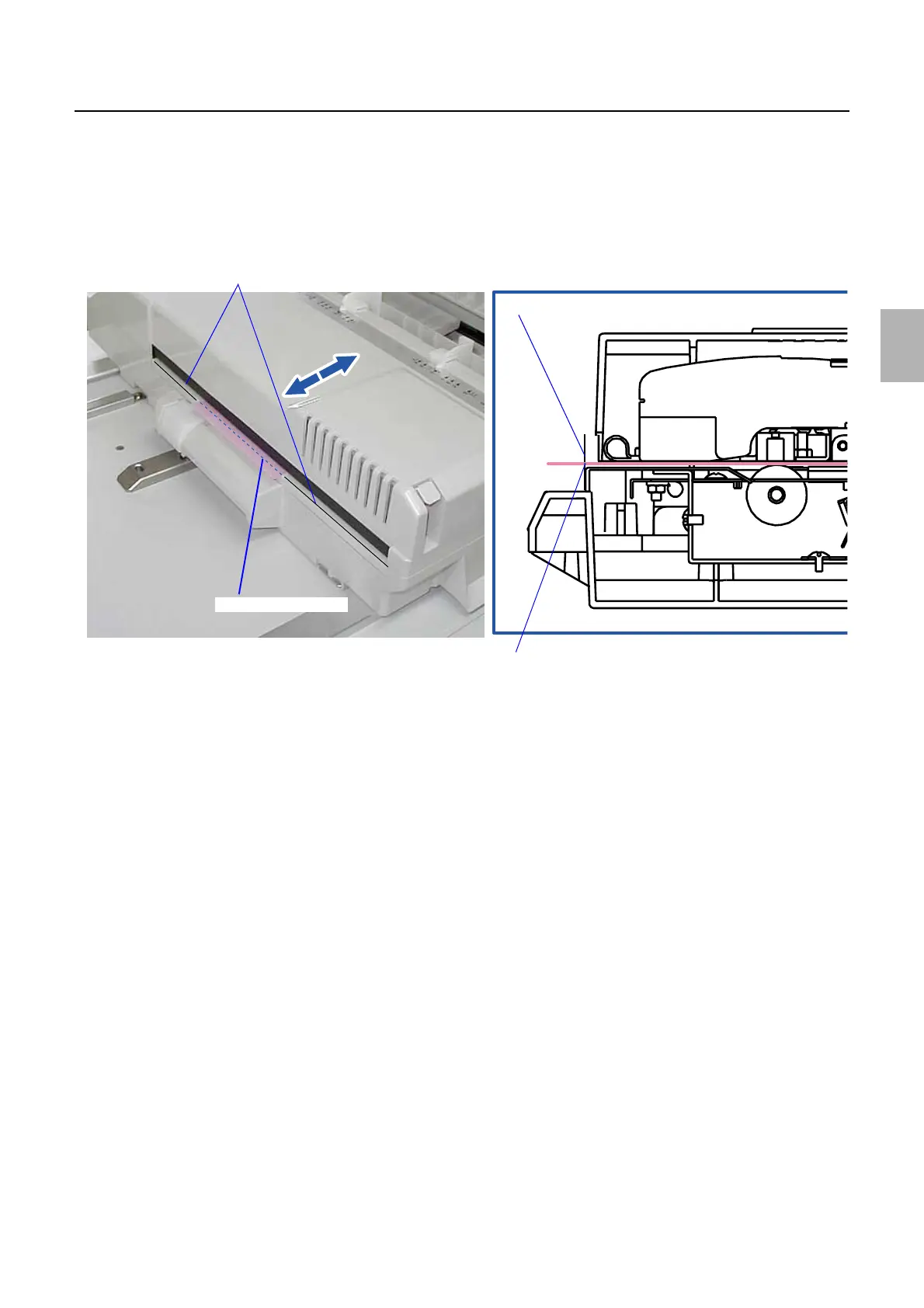
6. When Prepare a sheet of paper (length: 345 mm or more) and draw a line on it 5 mm away from
the leading end. Then, draw a second line at 240 mm away from the first line. is shown, click OK.
The test paper is advanced and stops at the first line.
7. Press the Forward or Backward so that the first line aligns with the guide of the colorimeter.
8. Press the OK key to advance the test paper to the second line.
9. Press the Forward or Backward so that the second line aligns with the guide of the colorimeter.
10. Press the OK key to remove the test paper.
!
!!
! Colorimeter cleaning
1. Execute Cleaning operation of Functions.
2. Insert the cleaning sheet (for the colorimeter) into the colorimeter.
3. Insert cleaning sheet into the colorimeter.
4. Press the OK key.
The cleaning sheet is fed to the colorimeter.
5. The cleaning sheet is ejected.
Colorimeter guide
First line
Colorimeter guide
First line
G085303
Distributed by: minilablaser.com



 To Next Page