Diagnosis appendix: [F]
1/2
4. Troubleshooting
4600
4600
Diagno sis app endix: [F]
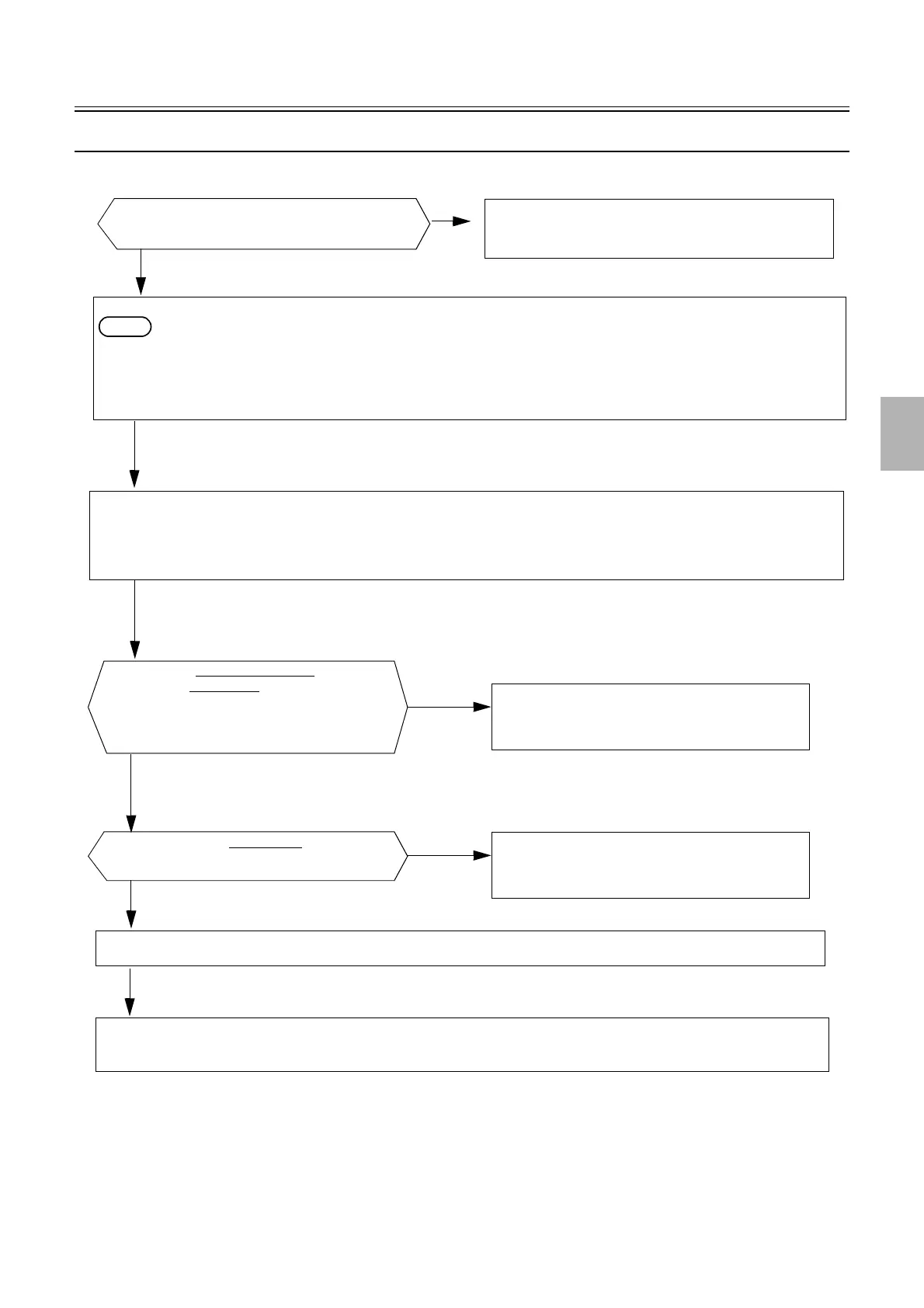
Replenishment cartridge installation section troubleshooting flow
The replenisher section door is open.
NO
Check the setting of the Interlock Switch (Replenisher Section
Door).
YES
Remove the processor rear cover or open the replenisher section door.
NOTE
• If the replenisher section door does not open, unlock the door inserting the driver through the door space.
See
☞ How to open/close the replenisher section door.
Remove the replenisher cartridge.
If the replenishment cartridge is in the lower position, move the replenishment cartridge setting section to the upper position in the Output Check, and
remove the replenishment cartridge.
Confirm that there is no objects in the replenishment cartridge setting section.
See
☞Replenishment cartridge setting section.
Confirm that the Light Lock Door Motor operates
normally in the Output Check
.
Not operating
The operation sound of opening motor
is heard.
No
Confirm that the replenishment cartridge position sensor is
normal.
Yes
Confirm that the drive systems such as gear operate normally.
Operating
The replenishment cartridge opening motor or F replenishment I/O PCB is failed.
Perform recovery procedure 1 from the replenishment error.
☞4610
Distributed by: minilablaser.com



 To Next Page