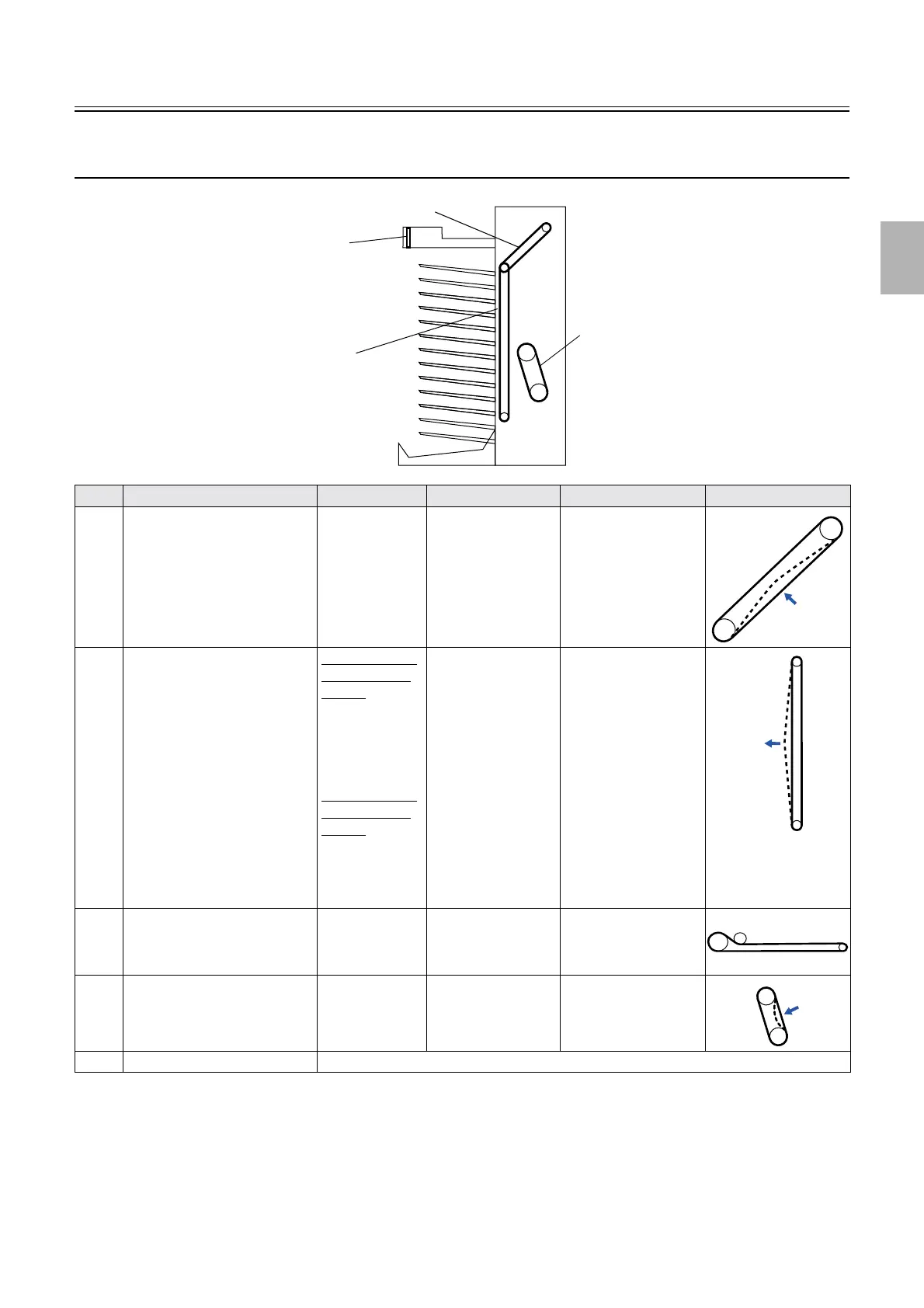
Adjusting belt tension
1/2
2. Replacement and adjustment of parts
20120
20120
Adjusting the belt tension (processor section) (QSS-
3701/3702/3703/LP7500/LP7600)
*1. Remove all the print receiving trays, then adjust tension on the sorter chain belt.
*2. The procedure for adjusting the conveyor motor timing belt is shown below:
No. Name Force Deflection Adjusting point Illustration
1 Sorter motor timing belt 330±10 g
(3.24±0.1 N)
2.5 mm Motor mount
2 Sorter chain
*1
[Print sorter unit
(6-inch type/17
orders)]
From 2.5N to
3.0N
From 250 g to
300 g
[Print sorter unit
(6-inch type/14
orders)]
From 4.0N to
4.5N
From 400 g to
450 g
10 mm Two tension plates
3 Conveyor motor timing belt
*2
- - Conveyor motor (four
screws)
4 Drive motor belt
*3
From 255 to 402
g
(2.6 to 4.1 N)
1.6 mm Drive motor (four
screws)
5 Dryer rack drive chain It is automatically tensed. No adjustment is needed.
1
2
3
4
G070006
Distributed by: minilablaser.com



 To Next Page