2/4
5. Operation sequence
56300-5
56300-5
Print sorter unit operation
NOTE
• Print size and quantity sorted by the print sorter unit vary depending on the type of size-specific sorting being performed.
For the details of the type of size-specific sorting, see Operator's Manual - Additional Operations - Classification
Processing Sorted by Print Size.
3. Print receiving tray operation stops.
• Sorter motor: OFF
Condition: The sorter home sensor turns DARK.
4. The print full sensor of the print sorter unit turns DARK.
• When the print full sensor turns DARK in a specified time, the message ☞No. 00505Remove the prints from the
Print Sorter Unit. is shown.
• The print sorter unit is not activated until attention message No. 0505 is closed.
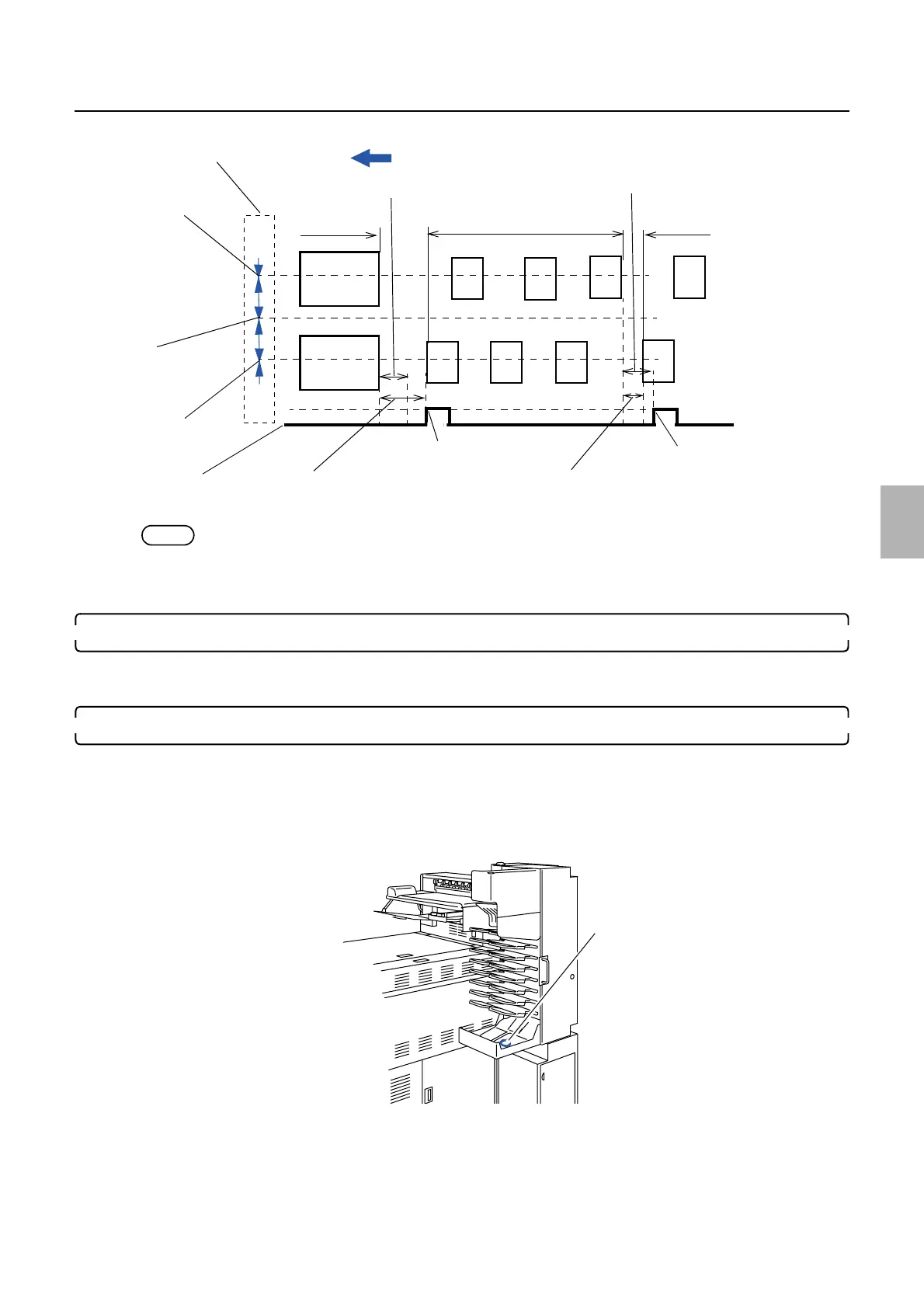
Paper advance direction
Order
Order
Order
Longer than the
specified time
Shorter than the specified
time
A specified time
Sorter motor: ON
Sorter motor: ON
Sorter motor: OFF
A specified time
Dryer rack
Print sensor (left)
Print sensor (right)
Print sensor (center)
G082010
Print full sensor: SE27
G082020
Distributed by: minilablaser.com



 To Next Page