4-34 F650 DIGITAL BAY CONTROLLER GEK-106310-AF
4.1 ENERVISTA 650 SETUP SOFTWARE CHAPTER 4: INTERFACES, SETTINGS & ACTUAL VALUES
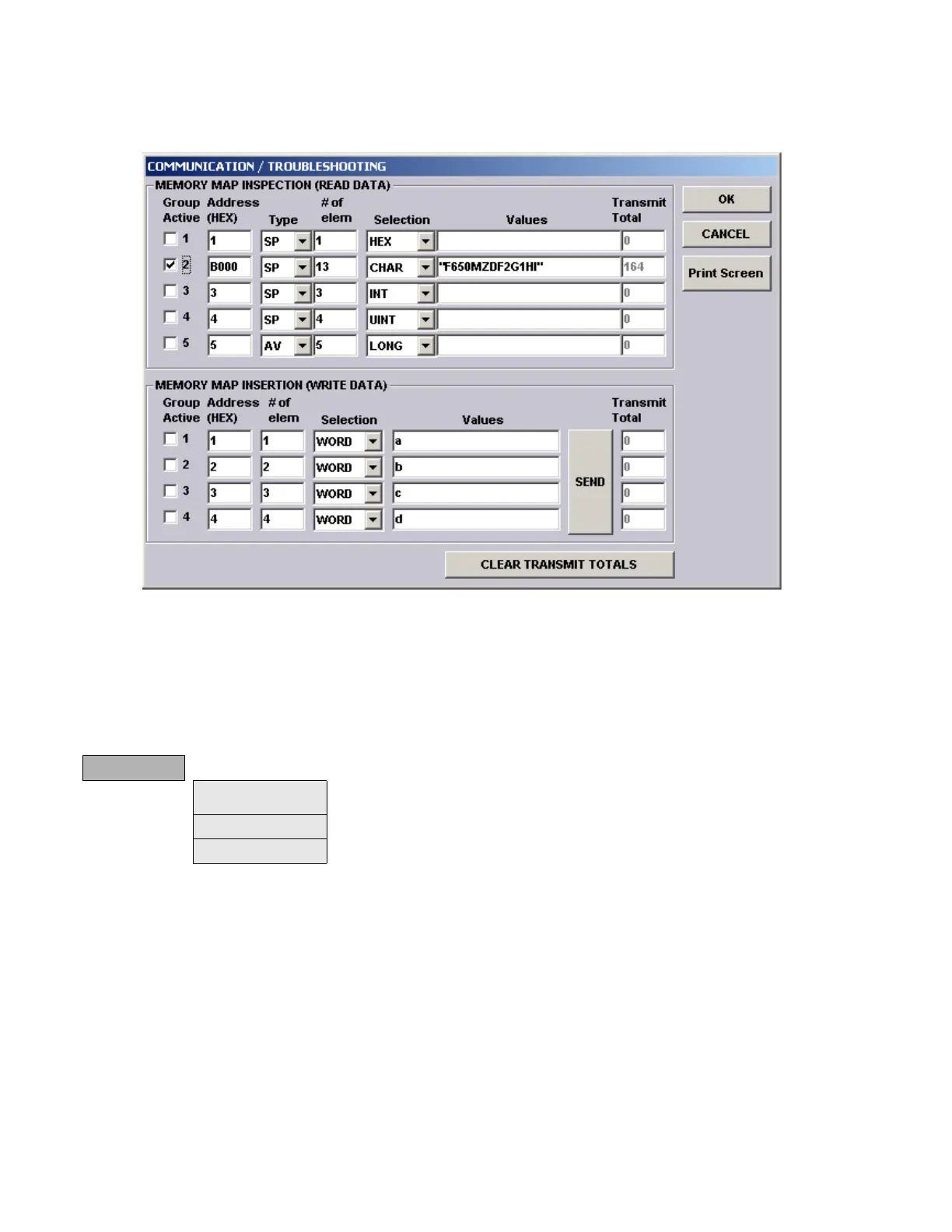
An example of Communication > Troubleshooting follows:
Figure 4-15: Communication troubleshooting example
4.1.11 Security menu
The security menu includes all the menus related to security control in EnerVista 650 Setup. EnerVista 650 Setup security
users and passwords are not related to passwords in HMI. Each security level has its own access for HMI management
and EnerVista 650 Setup management.
(*) indicates online only, (**) indicates offline only
security
Login User (*) Log on menu for EnerVista 650 Setup. Enabled after security control has been enabled in
user management menu.
Change Password (*) Menu to change passwords and establish password recovering questions.
User Management (*) User management dialog box.



 To Next Page