9-12 F650 DIGITAL BAY CONTROLLER GEK-106310-AF
9.1 FIRMWARE UPGRADE VERSIONS BELOW 7.00. CHAPTER 9: BOOTCODE AND FIRMWARE UPGRADE
9.1.3 Firmware version upgrade
9.1.3.1 Introduction
1. Save relay settings and configuration to a file before proceeding, as they will be lost during upgrade.
2. Save calibration settings to a file for firmware revisions lower than 1.50,
before upgrading the F650 to a new firmware
version.
3. For firmware revision higher than 1.50 when only upgrading the firmware (no bootware upgrade), the calibration files
ar
e not modified and do not need to be saved.
4. Special care should be taken when the boot code has been previously upgraded: all data (including calibration
set
tings) is lost.
5. In case of errors during the firmware upgrade process, repeat the entire process as many times as necessary. This is
possib
le thanks to an independent boot memory (bootcode).
6. A pure firmware upgrade process should use the EnerVista 650 Setup
software and Ethernet connection (Port ETH_1
or ETH2) via a Cross-Over RJ45 Ethernet cable.
Note: Downgrading firmware versions can cause errors in measurements.
9.1.3.2 Firmware upgrade
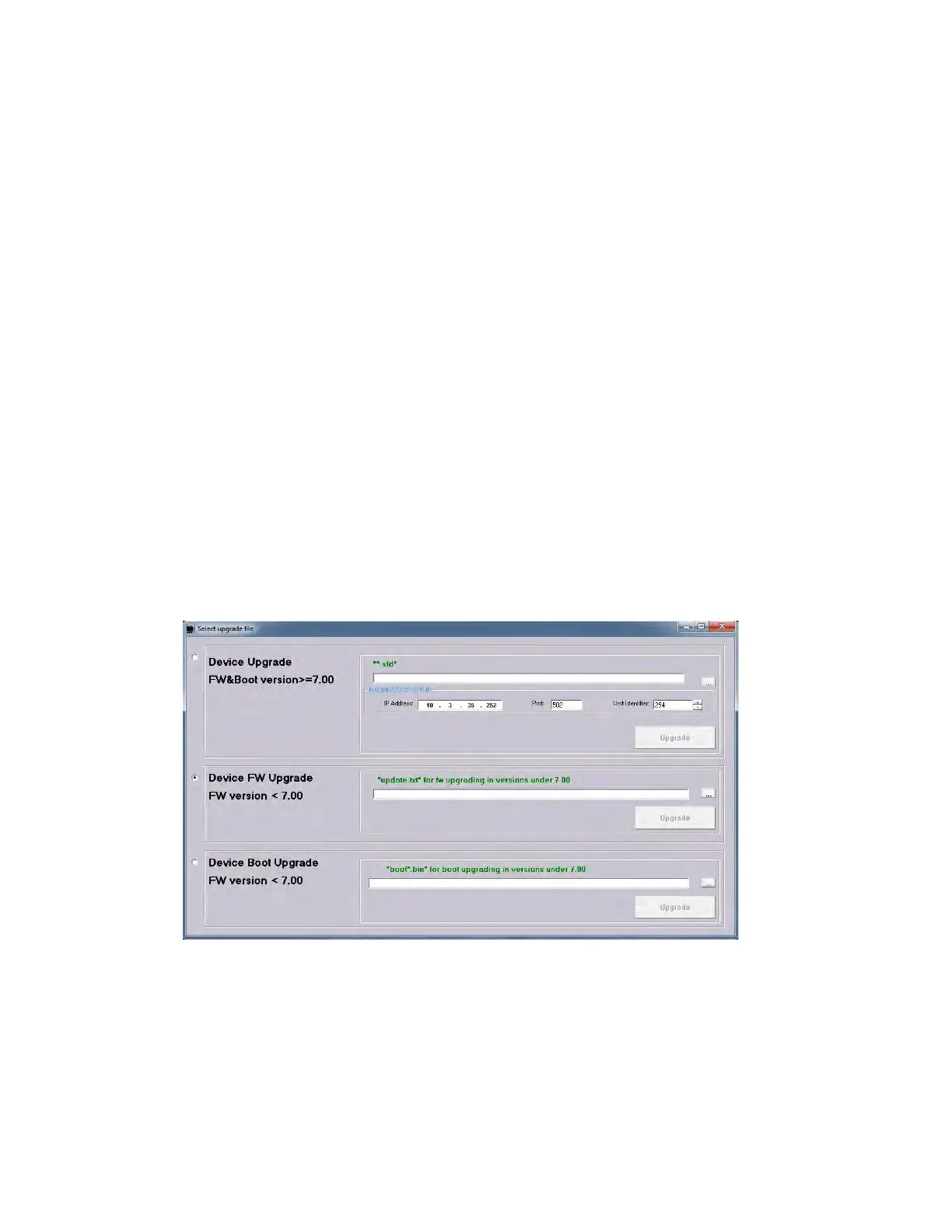
1. Once communication with the relay through the Ethernet connection has been verified, enter the EnerVista 650 Setup
program and select Communication > Upgrade Relay.
Figure 9-1: Upgrade device
2. Select Device FW Upgrade FW v
ersion <7.00 and click [...]. to browse for the new firmware file.



 To Next Page