CHAPTER 8: SECURITY 8.3 ENABLING SECURITY
GEK-106310-AF F650 DIGITAL BAY CONTROLLER 8-3
8.3 Enabling security
EnerVista 650 Setup Security Control is disabled by default. Users don't have to log in through user name and password
after installation and are granted access as Administrator.
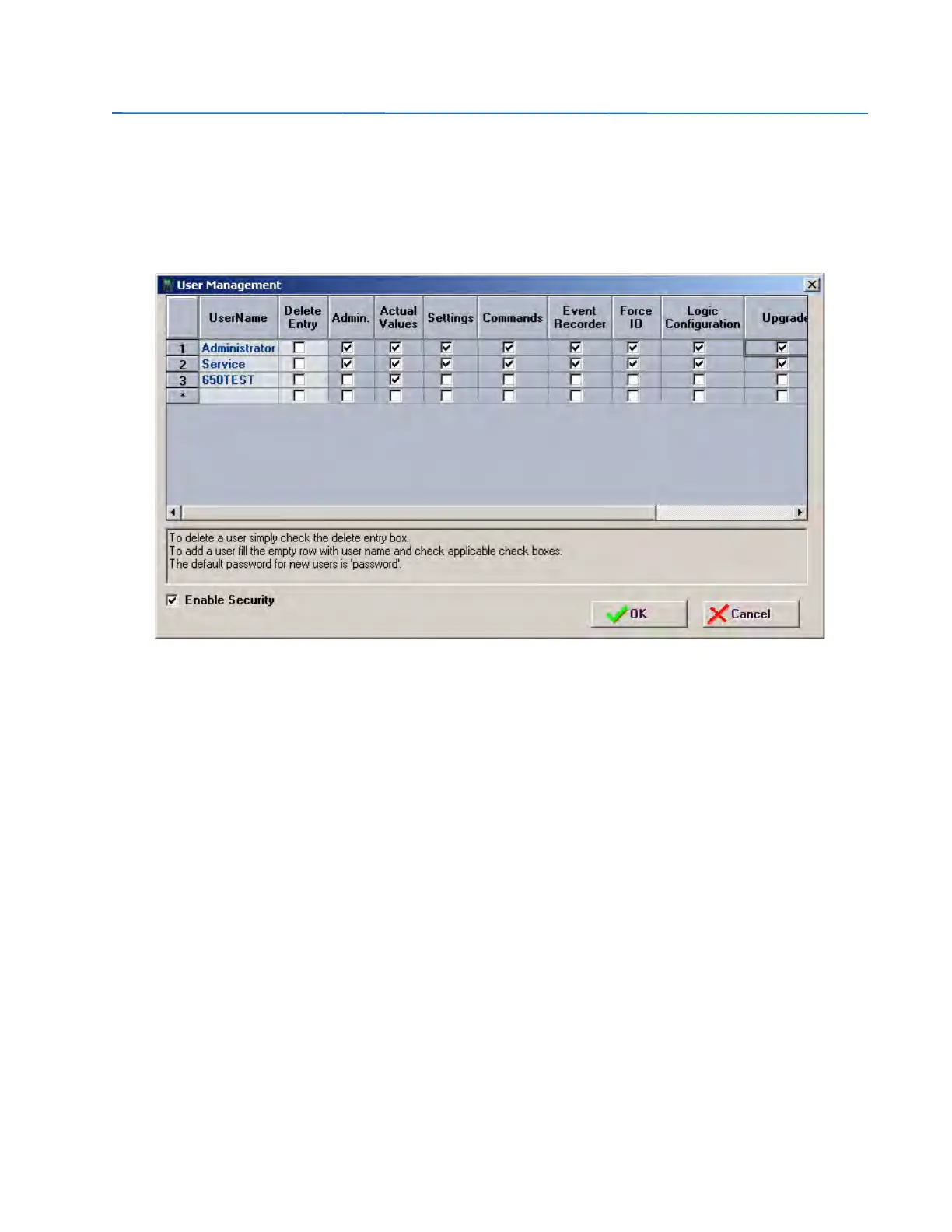
Security Control can be enabled through Security from the tool bar when logged on as an Administrator. Click
User Management:
Figure 8-2: Enabling security
Security Control is enabled by checking the ENABLE SECURITY check box. The first time the enable security option is
selected it is necessary to close and reopen the EnerVista 650 Setup software to start working under security
management.



 To Next Page