CHAPTER 6: ACTUAL VALUES 6.5 RECORDS
GEK-106310-AF F650 DIGITAL BAY CONTROLLER 6-57
6.5.4 Data logger
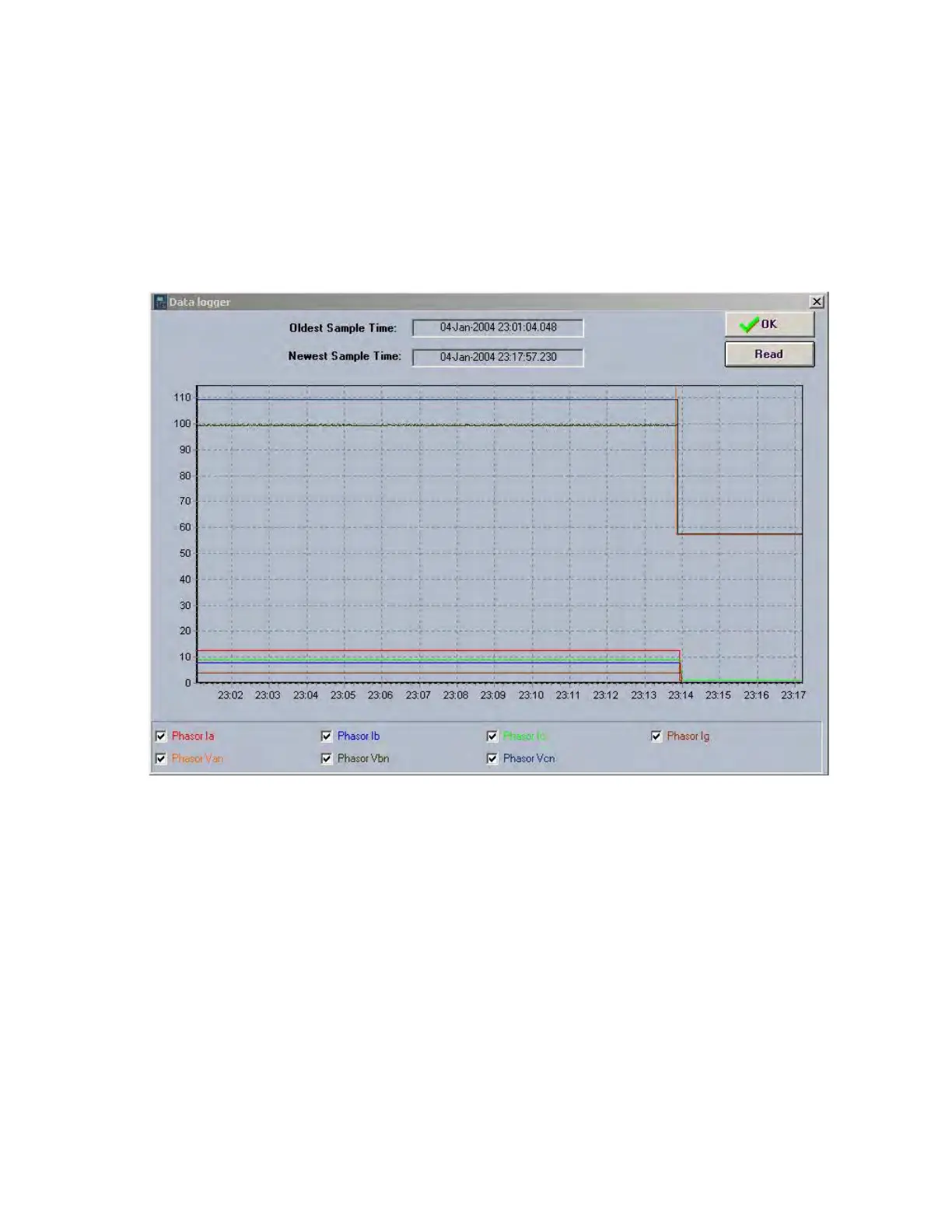
The access menu is Actual > Records > Data Logger. Once open, this menu shows a screen containing the information
monitored by the relay according to the settings adjusted at Setpoint > Product Setup > Data Logger, where the user can
select which analog channels are recorded, as well as the sampling rate.
Note that any settings change in the data logger removes all information stored up to that moment.
The data logger screen diagram shows the time during which the displayed values have been obtained.
The upper part of the window shows the time when the oldest sample was taken, as well as the time when the most recent
value was taken.
Figure 6-5: Data logger
This screen offers the possibility of storing the data logger record obtained for a further analysis, in COMTRADE format.
Data Logger file retrieval can be performed only via Ethernet communications.
NOTE: Data logger information takes several minutes to be available.



 To Next Page