1-14 F650 DIGITAL BAY CONTROLLER GEK-106310-AF
1.3 ENERVISTA 650 SETUP SOFTWARE CHAPTER 1: GETTING STARTED
1.3 EnerVista 650 Setup software
1.3.1 System requirements
The relay front panel or the EnerVista 650 Setup software can be used to communicate with the relay. The software
interface is the preferred method to edit settings and view actual values because the computer monitor can display more
information.
The minimum system requirements for the EnerVista 650 Setup software are as follows:
• Pentium® 4 (Core Duo recommended).
• Windows® XP with Service Pack 2 (Service Pack 3
recommended), Windows 7, or Windows 8
• 1 GB of RAM (2 GB recommended).
• 500 MB free hard drive space (1 GB recommended).
• 1024 x 768 display (1280 x 800 recommended).
• RS232 and USB serial and/or Ethernet por
t for communications with the relay.
1.3.2 Installation
After ensuring the minimum requirements for using EnerVista 650 Setup are met (see previous section), obtain the
software from the GE EnerVista DVD, or download from: http://www.gegridsolutions.com/multilin/ as follows:
1. Insert the GE EnerVista DVD into the DVD drive of your computer.
2. Click In
stall Now and follow the installation instructions to install the complimentary EnerVista software.
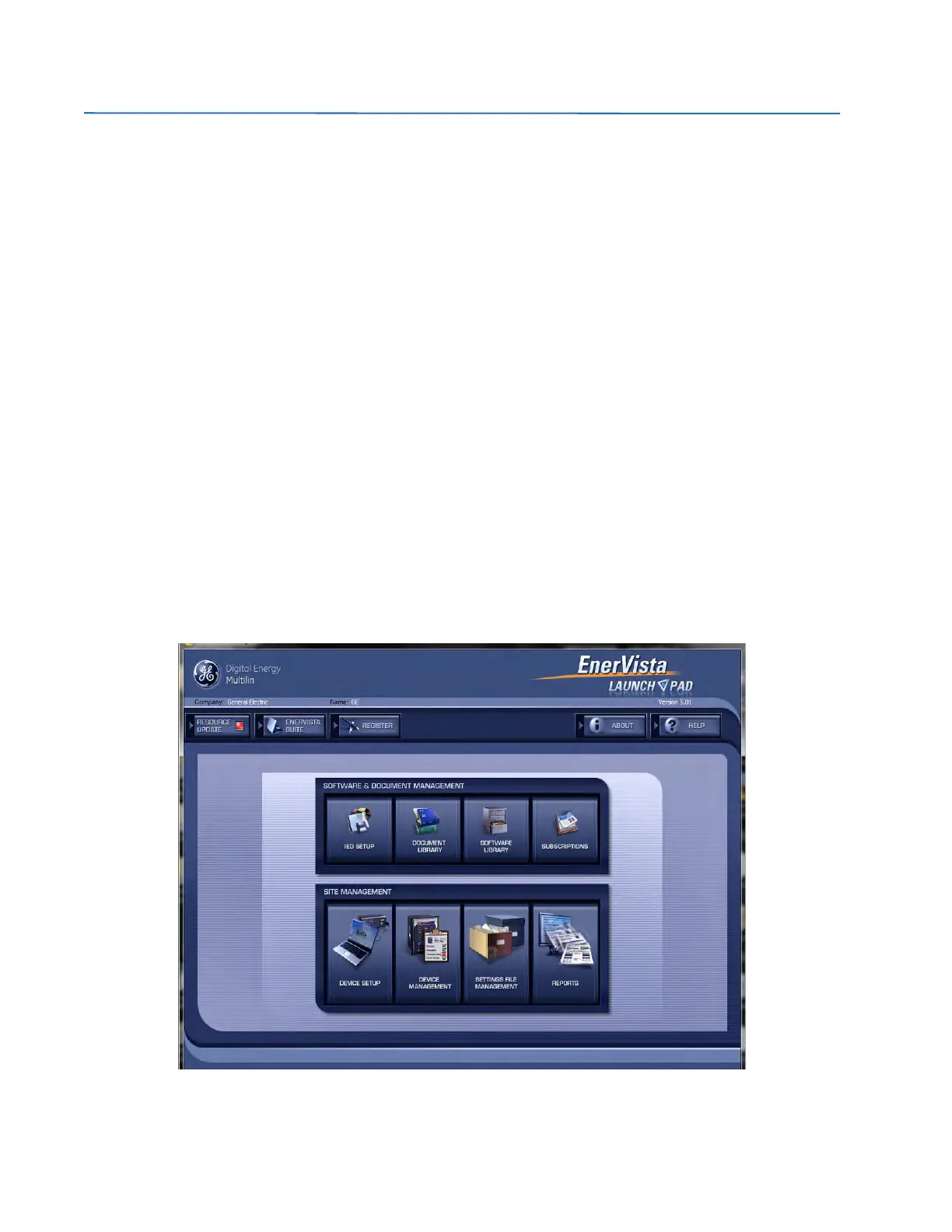
3. When installation is complete, start the EnerVista Launchpad application.
4. Click IED
Setup in the Launch Pad window.
Figure 1-2: Launchpad window



 To Next Page