CHAPTER 5: SETPOINTS 5.9 RELAY CONFIGURATION
GEK-106310-AF F650 DIGITAL BAY CONTROLLER 5-157
5.9.2 LEDs
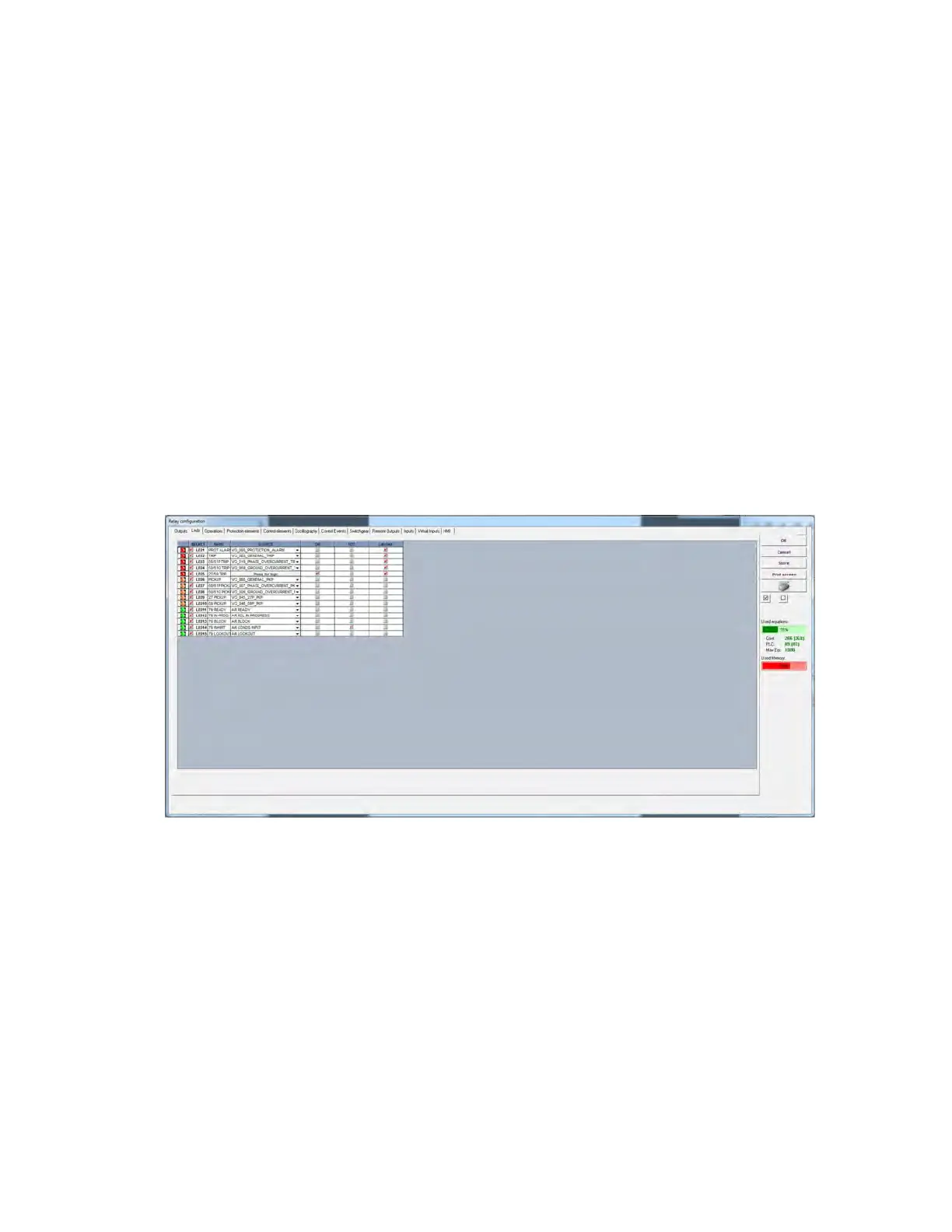
F650 has 15 LEDs fully configurable from any logical variable, contact or virtual input. For firmware version below 7.20, the
first five are latched by hardware, the rest are self reset but can be latched through PLC Configuration. For firmware
version 7.20 or higher, all these LEDs can be individually configured as latched or self-reset. This new setting is accessible
from Setpoint > Relay Configuration > LED.
This window displays all relay LEDs with the following setting options for each one:
• Select checkbox enables each LED. The LED must be enabled before modifying any other setting on that LED
• Nam
e setting for defining identification for the LED
• Sour
ce setting defines which function; logic, remote input, digital input, etc. activates the LED.
• OR check
box for configuring the LED operation by activation of any of the indicated signals. The element performs an
OR of the signals, and its output produces operation.
• NO
T checkbox for inverting or not the configured logic.
• For firmware version 7.20 or higher, latched checkboxes are av
ailable for configuring the LEDs. If it is selected, LED
shall work as latched, if it is deselected, LED shall work as self-reset.
From the LED configuration screen, it is possible to print the vertical LED label for the relay. For this purpose, click the
printer icon. The label obtained is similar to the default factory label, with black background and the LED texts in white. This
label can replace the original one under the black plastic cover. The label is also provided in word format and can be
modified by the user (e.g. different color marking)
Figure 5-47: LED configuration



 To Next Page