CHAPTER 6: ACTUAL VALUES 6.5 RECORDS
GEK-106310-AF F650 DIGITAL BAY CONTROLLER 6-53
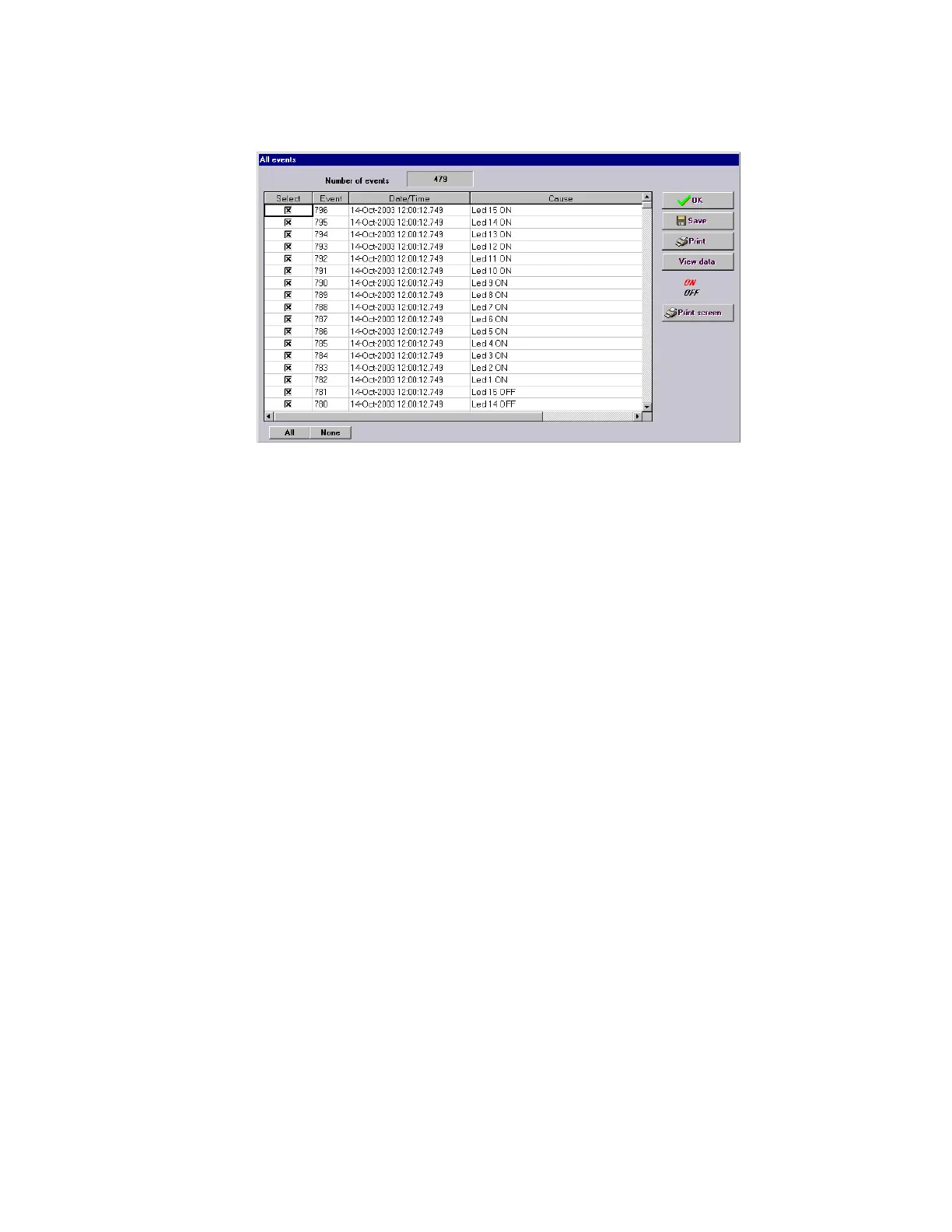
There is a “Select” option, which is used for selecting the events that are required to appear when the screen information is
printed or saved.
Figure 6-2: Snapshot event details
6.5.1.2 New snapshot events
Actual > Records > Event Recorder > New Snapshot Events
This screen shows new Snapshot events, updated since the last time that this menu was accessed; there are three possible
ways to access new events; in local mode (COM2-HMI), remote mode (COM1) and via Ethernet (ETH_1/ETH2 or ETH_E/
ETH_A/ETH_B)
It is the same type of screen as shown on all snapshot event retrieval.
6.5.1.3 Control events
Actual > Records > Event Recorder > Control Events
This screen is identical to the previous ones. The difference is that this screen displays only control events, i.e., those events
configured in section Setpoint > Relay Configuration > Events. There are a total of 128 configurable events and 64 non-
configurable switchgear events.
In this screen, red or black color for a specific event indicates whether it is activated (to 1) or in standby (to 0)



 To Next Page