4-6 F650 DIGITAL BAY CONTROLLER GEK-106310-AF
4.1 ENERVISTA 650 SETUP SOFTWARE CHAPTER 4: INTERFACES, SETTINGS & ACTUAL VALUES
4.1.4 File management menu
File management with EnerVista 650 Setup software:
4.1.4.1 Offline mode
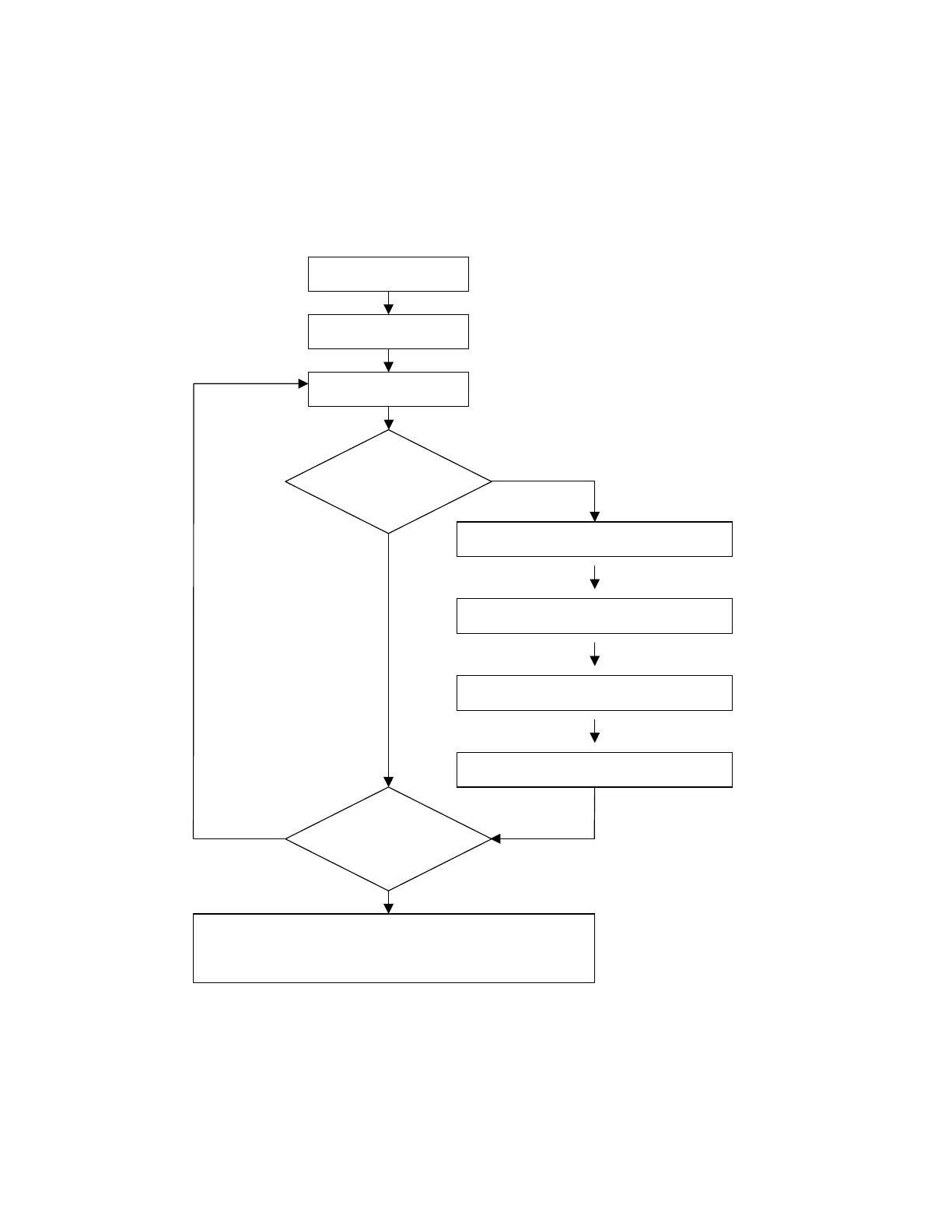
Figure 4-3: Offline mode file management
1
1. “Relay and logic configuration” and “Protection and Control Settings” must be uploaded to the F650 relay or the device
to operate properly
Run EnerVista 650 Setup
Open a *.650 file
Modify Settings and relay
confi
uration
Is it necessary to
program
additional logic?
Launch the Logic Configuration tool in EnerVista
650 Setu
Create new or modify the existing logic:
Compile and save logic file (*.pep) and drawing
desi
uration tool
Exit PLC Graphic Editor and save the *.650 file
from the main a
lication menu
Is the relay
completely
configured?
Save *.650 settings & configuration file
Store in the computer the Logic configuration files (*.pep, *.aut, *.lib) as
well as the *.650 for further logic changes.
YES
YES
NO NO



 To Next Page