CHAPTER 7: IEC 61850 PROTOCOL 7.3 IEC 61850 CONFIGURATOR
GEK-106310-AF F650 DIGITAL BAY CONTROLLER 7-215
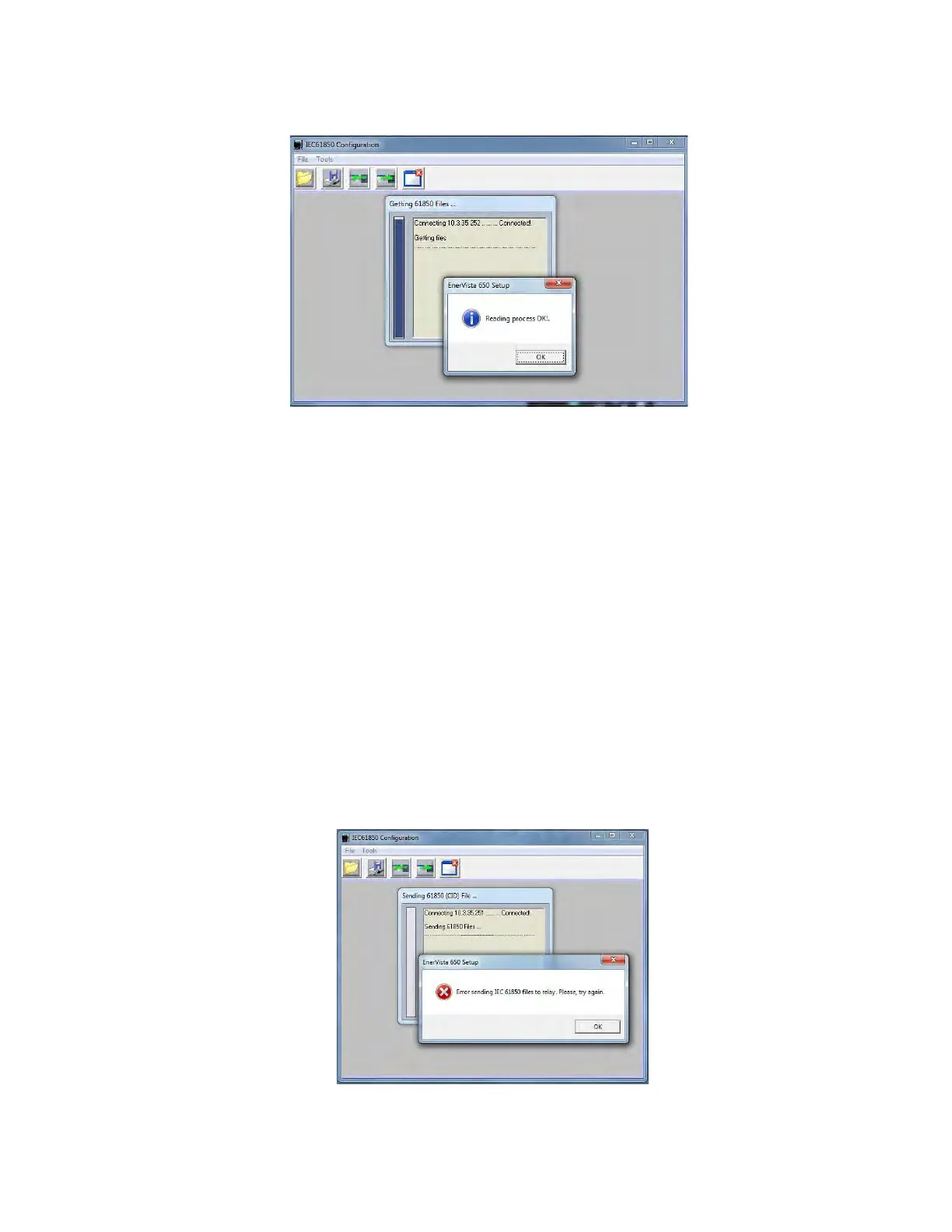
Figure 7-9: File transfer successfully performed
After retrieving the files, all the ICD data is displayed in the ICD/CID tab and the user can start configuring the IEC 61850
protocol.
7.3.2.5 Send IEC 61850 file to device / send CID file to device
The user can send the IEC 61850 files to the 650 relays using the "Send IEC 61850/CID file to device" menu, this menu can
be user either in offline or online mode.
If the user is already communicating with the 650 device using the Modbus/TCP option in the Communication menu the
send files options are performed over the IP Address selected on the Communication menu.
If the user is working in offline mode using the "Open IEC 61850/CID file from disk" option, when the "Send IEC 61850 file to
device" option is selected, the program shall pop up a window to introduce the IP Address.
• "If file transfer fails, error message shall be displayed.
• "If file is successfully sent, the program shall pop up a message
asking to reboot the relay, as shown.



 To Next Page