9-28 F650 DIGITAL BAY CONTROLLER GEK-106310-AF
9.2 FIRMWARE UPGRADE VERSION 7.00 OR ABOVE CHAPTER 9: BOOTCODE AND FIRMWARE UPGRADE
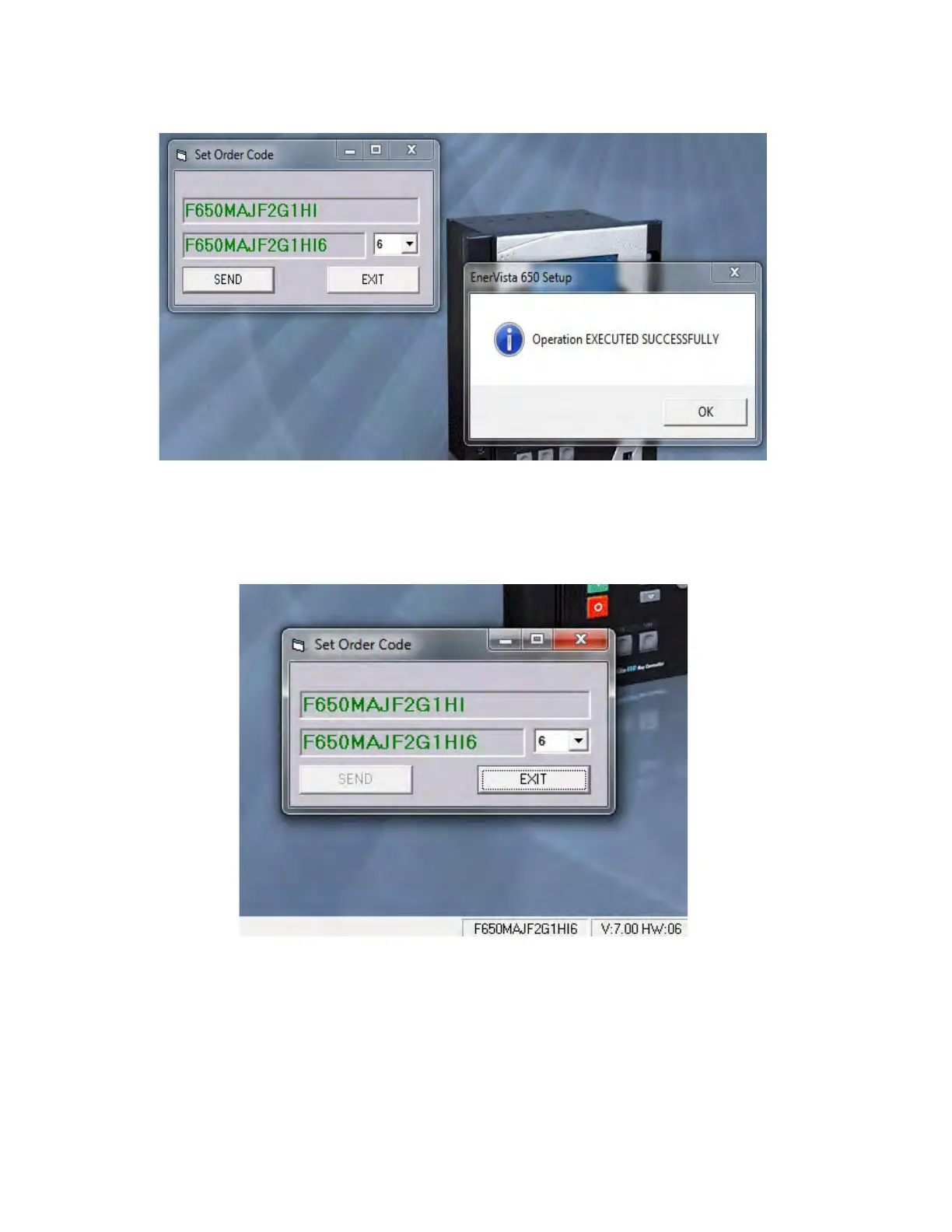
Figure 9-4: Executed successfully
6. After the successful operation, the SEND button is disabled. It is not
allowed to make another change from here, so it
can be seen what changes have been made. The new order code appears on the status bar.
Figure 9-5: New order code
9.2.3 Summary of main firmware upgrade steps
1. Install the proper version of the EnerVista 650 Setup software.
2. Connect an Ethernet cable to the rear Ethernet port (a cr
oss-over cable for back-to-back connection and straight-



 To Next Page