CHAPTER 9: BOOTCODE AND FIRMWARE UPGRADE 9.2 FIRMWARE UPGRADE VERSION 7.00 OR ABOVE
GEK-106310-AF F650 DIGITAL BAY CONTROLLER 9-27
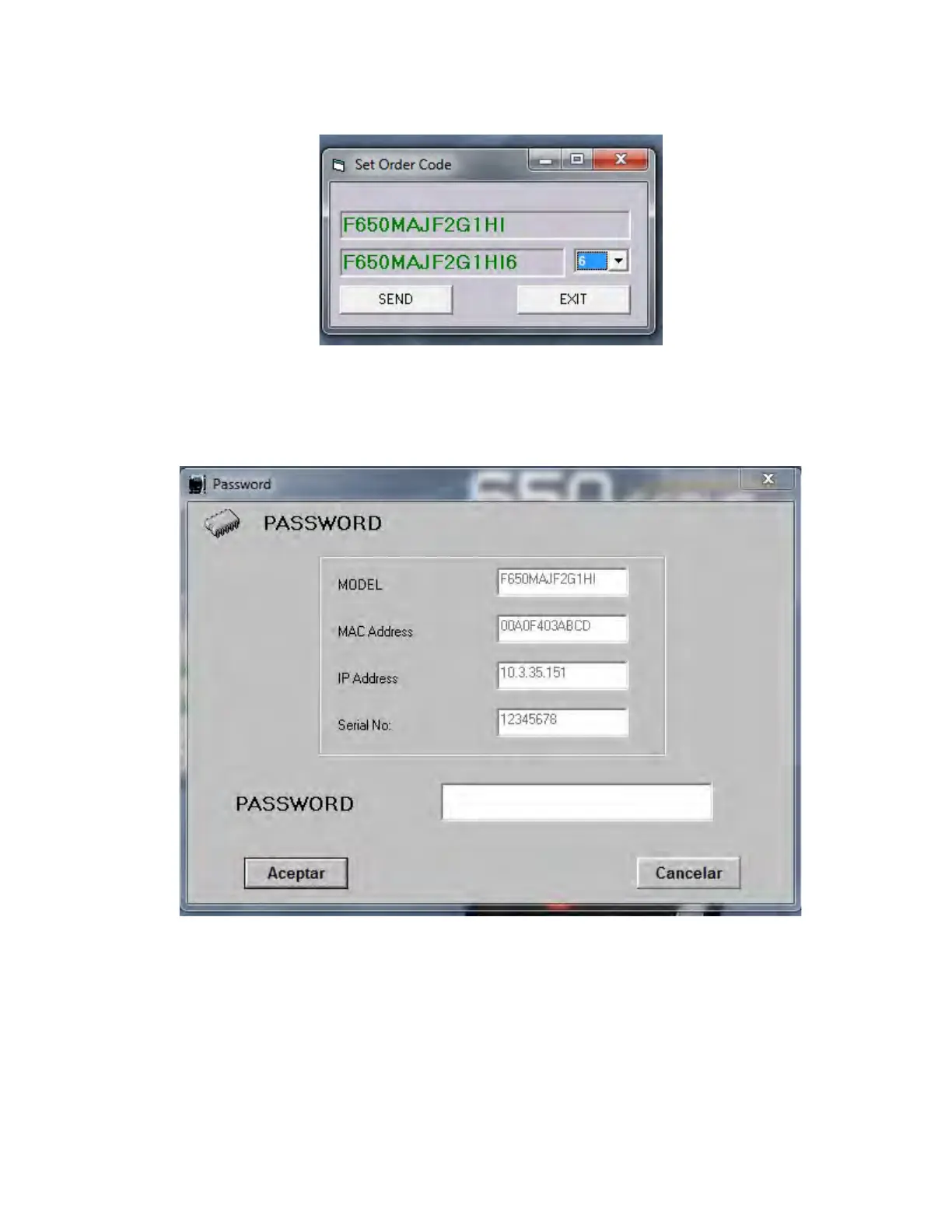
Figure 9-2: Set order code
3. This window only allows changing the last digit, which r
efers to supported communications protocols options. Click
Send:
Figure 9-3: Password requir
ement (special models)
4. The users must contact GE Multilin and provide
the following parameters in their order:
– Unit serial number
–
Current model option (before memory upgrade)
– Desired model option (after memory upgrade)
– Unit MAC address (available in the identification label)
5. Once the password is obtained, enter it when prompted.Tthe following messages appear if the password is correct.:



 To Next Page