4-42 F650 DIGITAL BAY CONTROLLER GEK-106310-AF
4.2 HUMAN-MACHINE INTERFACE (HMI) CHAPTER 4: INTERFACES, SETTINGS & ACTUAL VALUES
4.2.6.2 Text menu hierarchy
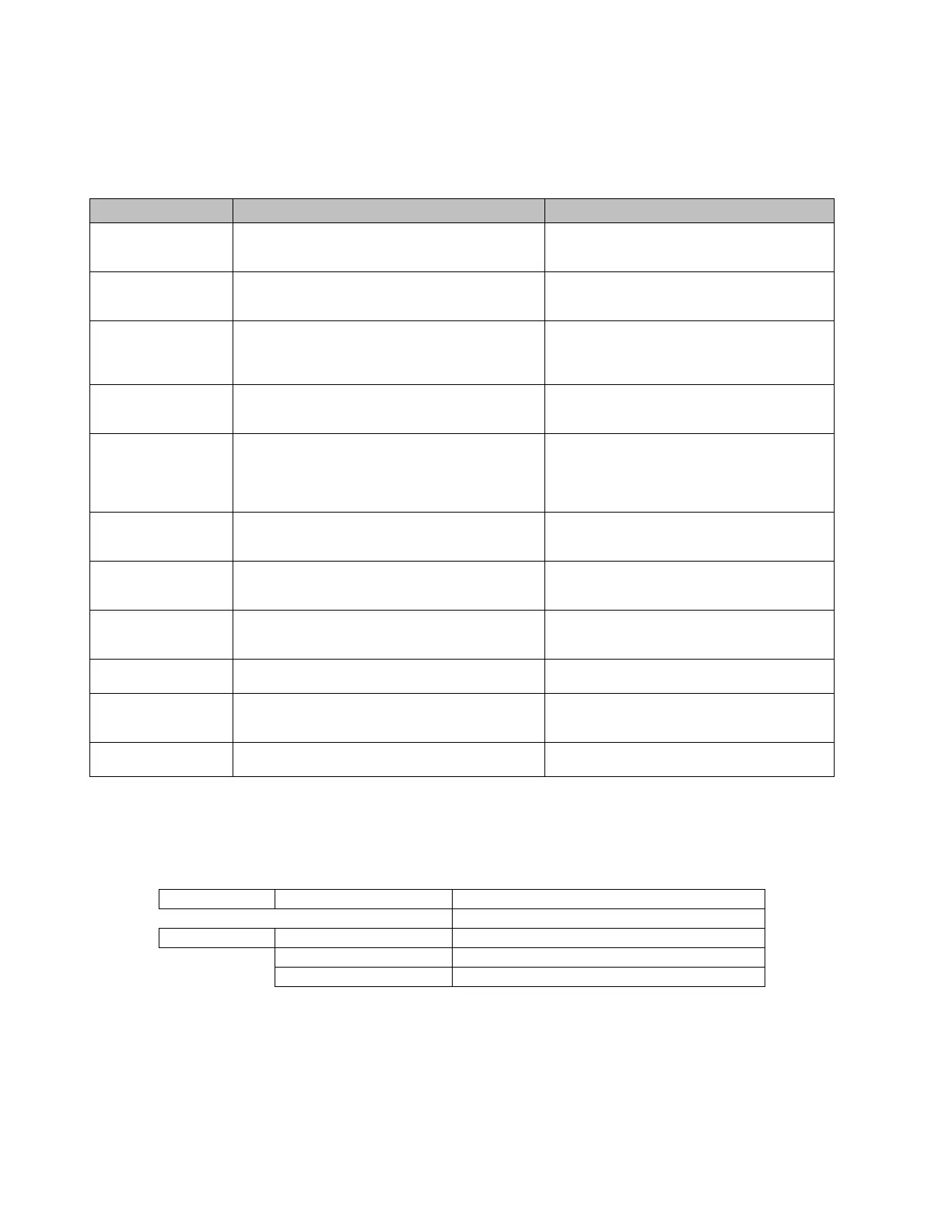
The structure of HMI text menu is similar to the EnerVista 650 Setup menu in the actual values and settings (view and
change) menus. The main menu shows the following options:
4.2.6.3 Actual Values
The Actual Values menu option in HMI concentrates and displays all the status of protection, control elements, metering,
counters information, oscillography, events, fault locator, etc.
Name Description Navigation in menu
Actual Values Actual values of all the signals available in device.
S
tatus of protection and control elements,
measurements, inputs and outputs, etc.
Press shuttle key or enter key to enter next level.
Pr
ess ESC to return to default main screen.
Snapshot events Visualization of all snapshot events in text mode (two
scr
eens for each snapshot event). In graphical displays
there can be seen in a dedicated screen.
Press shuttle key or enter key to visualize snapshot
event
s in text menu. Press ESC to return to default
main screen.
Fault Report Fault reports information available in HMI (two screens
for eac
h fault report)
Press shuttle key or enter key to enter next level.
Move Up/Downto see all the available fault reports
in device. Press shuttle key or enter key to enter
particular information for fault report selected.
View Settings Visualization of all protection and control settings
av
ailable in device.
Press shuttle key or enter keyto enter next level.
Move Up/Down to select submenu. Press ESC to
return to previous level.
Change Settings Menu that allows changing all protection and control
sett
ings available in device. Inputs and outputs
settings, relay configuration and logic configuration
are not available in HMI, only via EnerVista 650 Setup
software.
Press shuttle key or enter key to enter next level.
Move Up/Down t
o select submenu. Press esc to
return to previous level.
Date & Time Date and time visualization and modification by user. First mode is visualization. Press again shuttle key
or
enter key to start modification in date and time.
Press ESC to return to previous level.
Commands Operations execution in local mode. Move Up/Down to pre select operation. Press
shuttle k
ey or enter key to select and confirm.
Press ESC to return to previous level.
Password Password menu for settings and commands Move Up/Down to select submenu. Press shuttle
key or ent
er key to enter next level. Press ESC to
return to previous level.
Select Main Screen Selection of default main screen in text menu. Move Up/Down to select the default main screen
type. Pr
ess shuttle key or enter key to confirm.
Select Language Language selection. Between default language (see
or
der code) and English.
Move Up/Down to select the default language.
Press shuttle key or enter key to confirm selection.
Switch the relay off and on.
< - return Return to previous level Press shuttle key or enter key to return to previous
lev
el.
Front Panel >
LEDs
Status >
Operation Bits
Breaker



 To Next Page