Rev. 1
Page 2-
33
e If a password has been set with the ANY CYCLE START option (see chapter Setting the Password), you will be asked to enter the
access code.
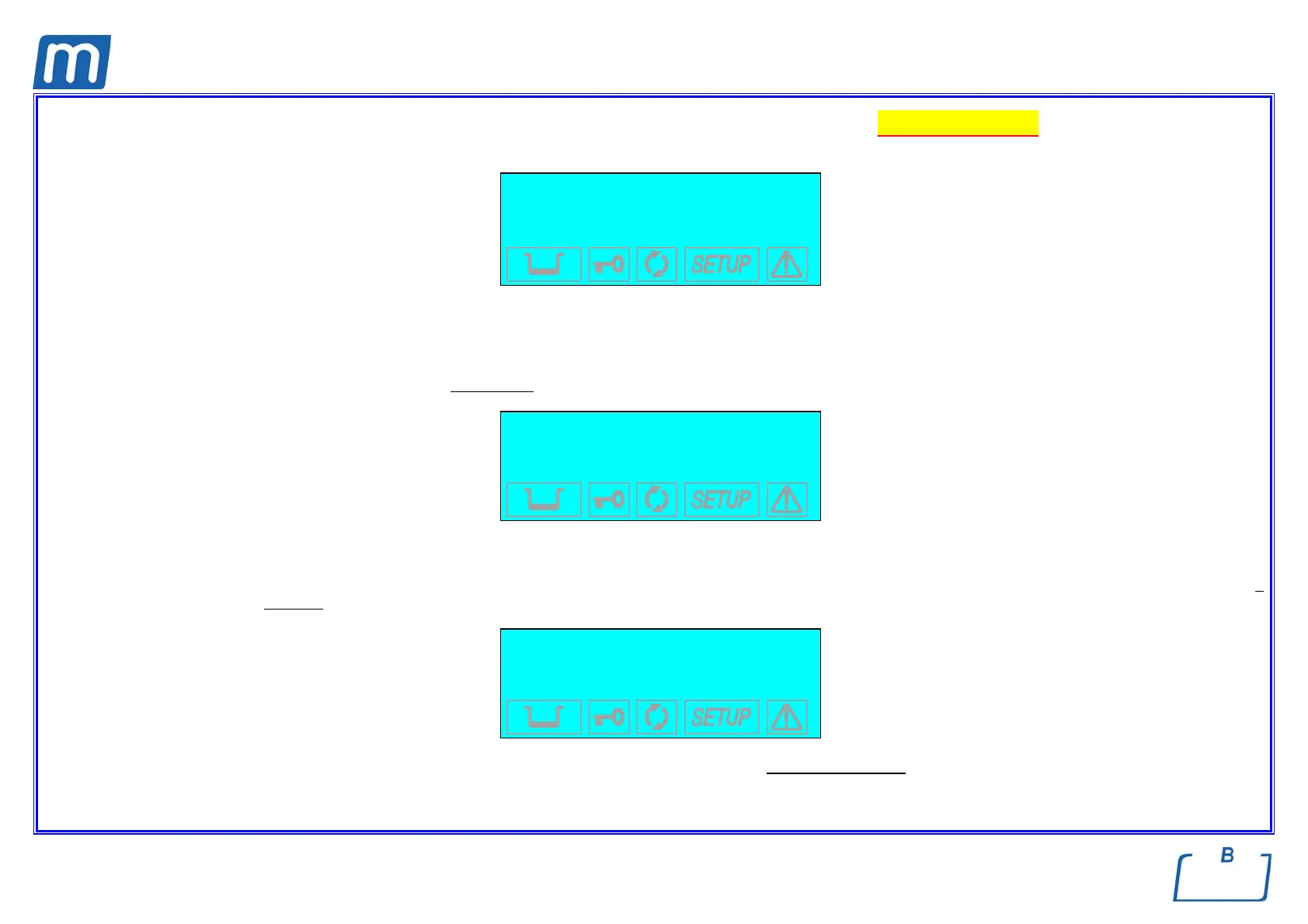
INSERT PASSWORD
↵ to enter
to exit
In addition, the equipment checks the printer paper presence and, if MILLFLASH is connected, the presence of the Compact Flash card and its
memory capacity. The possible warning messages, and the consequent actions to carry out, are the same as described for a standard
sterilization cycle.
The vacuum phase begins immediately
and the display reads:
VACUUM TEST
VACUUM PULSE
-0.69 bar 01:02
The display shows the pressure (bar), and the total time from the start of the program.
When the pre-set pressure is reached (-0.80 bar) the pump stops and the pressure stabilization phase begins (WAITING PERIOD), which lasts 5
minutes (shown on the display as a scalar value):
VACUUM TEST
WAITING PERIOD
05:00
-0.80 bar 01:48
During this phase, a variation of the maximum low pressure is allowed of not more than 10%
, without this causing the test to fail .



 To Next Page