Rev.1
Page 1-
44
Device Test
(DEVICE TEST item on the SERVICE menu)
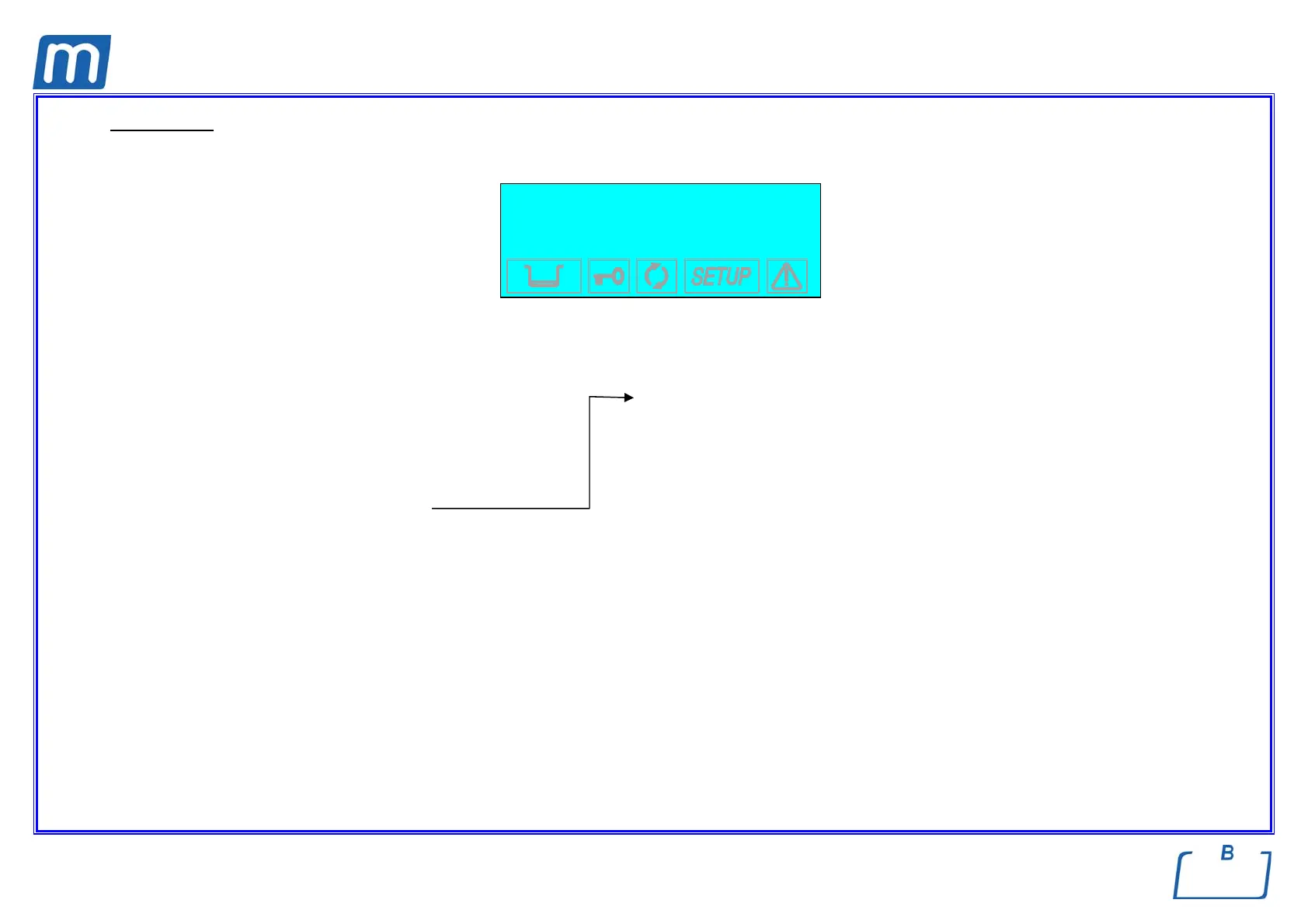
Through this option it is possible to check any device of the sterilizer. The following display is shown:
→ AUTOMATIC +
MANUAL ↑
EXIT ↓
-
Use key
+ / - to select the test mode, push the ↵ key to confirm.
In AUTOMATIC, the unit requires a confirmation and then start the automatic test of the devices according to the following order:
LOCKING DEVICE WATER PUMP
EV1 VACUUM PUMP
EV2 AUXILIARY PUMP (automatic water feeding)
EV3 STEAM GENERATOR
EV4 RESISTOR (heating)
EV5 ELECTRIC FANS
EV6
During the automatic test sequence, the display will show NOW TESTING ….
and at the end of the procedure the message AUTOMATIC TEST COMPLETE.
In MANUAL mode the display shows the device list; scroll the list and select the item on which the test must be performed.
Use key
+ / - to select the device, push the ↵ key to confirm.



 To Next Page