Rev.1
Page 1-
22
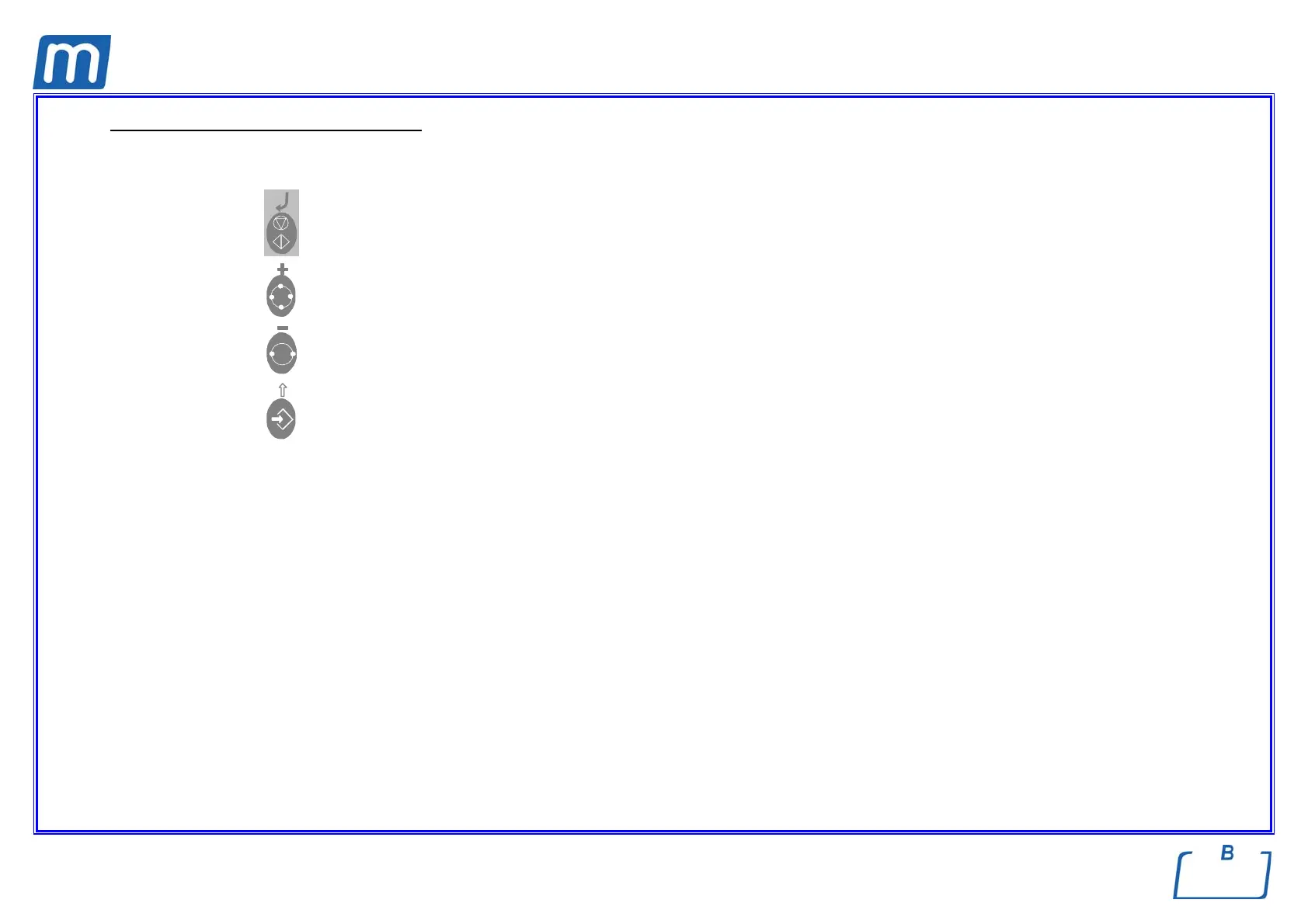
Meaning of the keys in Setup mode
In SETUP mode the control panel keys have different functions than in normal mode.
Symbol ↵ Function ENTER, confirm the selected option or value
Symbol + Increase the value /scroll down
Symbol - Decrease the value /scroll up the menu items
Symbol ESC, exit the selected menu option



 To Next Page