Rev.1
Page 1-
34
Setting the STAND-BY modes
(STAND-BY OPTIONS on the ADVANCED menu)
Based on the equipment's frequency of use, or other considerations, it is possible to select the heating level during the STAND-BY (preheating)
phase and the time beyond which STAND-BY is deactivated.
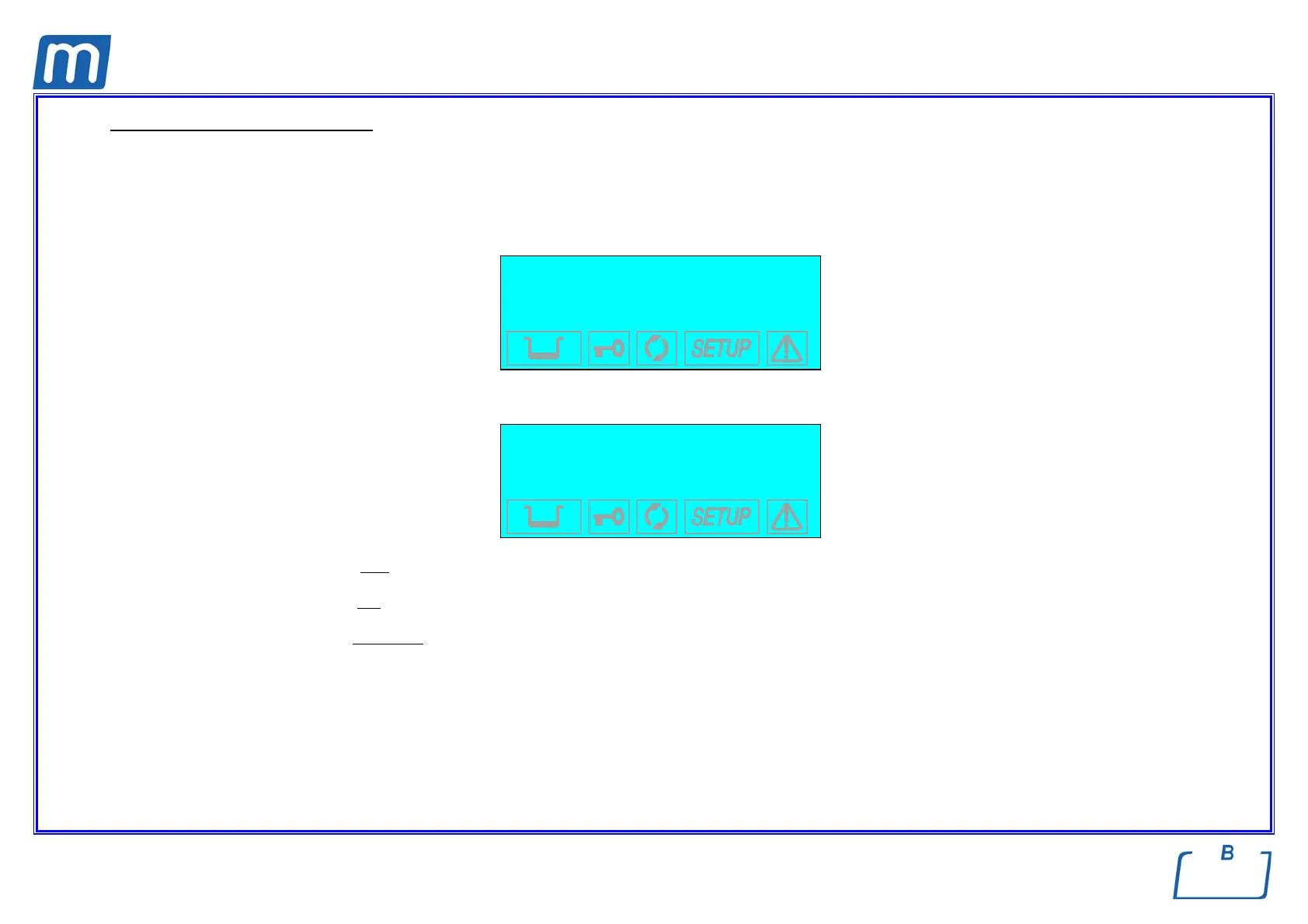
When you select STAND-BY OPTIONS with the ↵ key, you access the following menu:
→ ST-BY MODE +
ST-BY TIME-OUT ↑
EXIT ↓
-
When you select STAND-BY MODE, an additional menu appears where you can set the heating level:
→ OFF +
LOW ↑
HIGH ↓
EXIT -
Select HIGH (high preheating level) for intense use or, at any rate, to reduce the wait time between one cycle and the next to a minimum.
Select LOW (low
preheating) for normal use, since the wait time will be relatively shorter, in any case.
Select OFF (deactivate
preheating) for occasional use. In this case, the wait time will be longer (up to about 10-12 minutes for a "cold start").
Move using the + and - keys; confirm with the ↵ key.
On the other hand, when the ST-BY TIME-OUT option is selected, it is possible to set the time for deactivating STAND-BY, i.e., how many
minutes after the last cycle the heating elements are turned off.
The following screen appears:



 To Next Page