Rev. 1
Card Gr5-
8
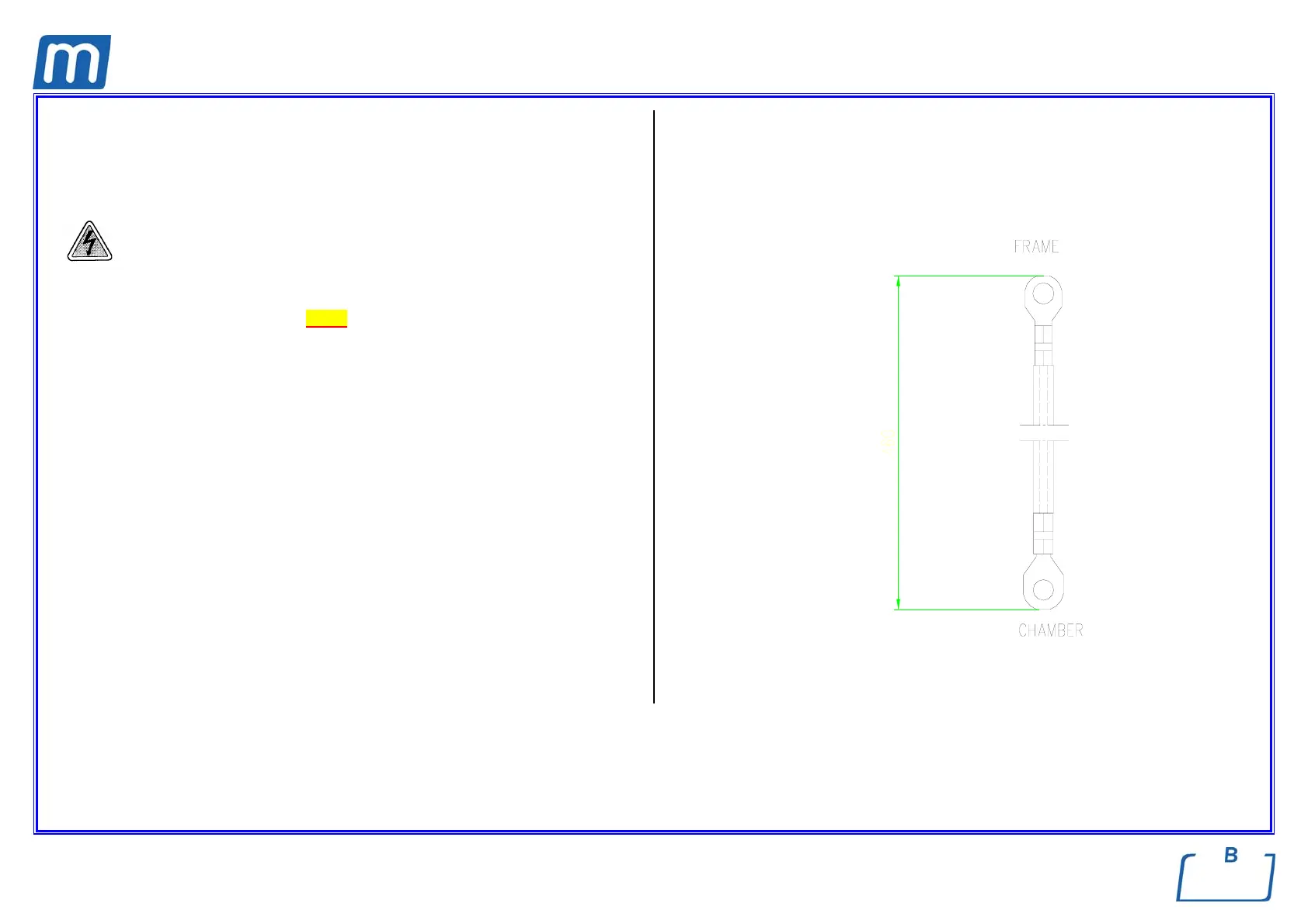
CHAMBER GROUND WIRE
A#2BP2300000
Before servicing, switch off the equipment and unplug the power
supply cable from the mains socket
1. Remove the covers (see card Gr7-1 );
2. Disconnect the grounding wire from the mounting bracket of the chamber and
frame;
3. Replace the wiring, restore connections and assembly all items proceeding in
reverse order as above;
4. Run a sterilization cycle.



 To Next Page