Rev.1
Page 1-
56
Stand-by mode
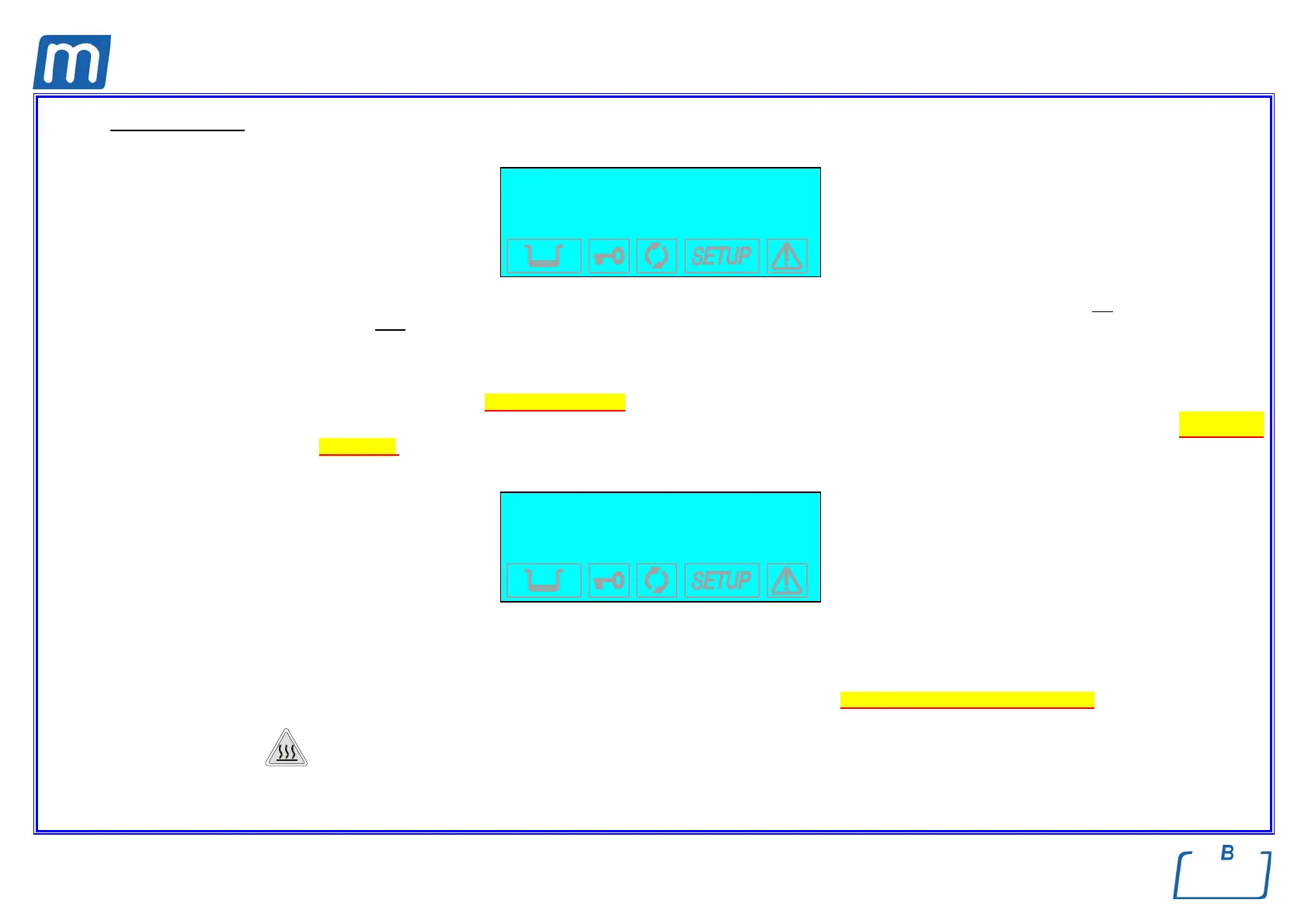
After the initial test, the sterilizer goes to STAND-BY mode and the display shows:
Counter xxxxx/yyyyy
Stand-by HIGH
23.6 °c 30/08/02
-0.01 bar 18:13:05
The upper line is the cycle counter for sterilizations performed, with the number of correctly completed cycles on the left and the total number
started on the right. The line below shows the Stand-by status and the preheating mode (High-Low-Off). The two lower lines show the
temperature and pressure of the sterilization chamber on the left and current date and time on the right.
e A cycle begins with the start of the sterilization cycle (first vacuum phase), excluding the preheating phase. A cycle ends at the end of the
program (see Chapter “Program execution ”).
e To set the date and time as well as select the preheating mode, print the data and fill the tank, please refer to the Chapter, “Configuring
the device”.
At regular intervals, the first two lines on the display alternate with the modes set for printing (ON/OFF) and filling (Manual/Automatic).
Print OFF
Filling MANUAL
23.6 °C 30/08/02
-0.01 bar 18:13:05
The icons in the lower part of the LCD screen remain off with the exception of the door status and/or water level indicators, which light-up if the
door is closed and/or the level in the filling tank reaches its MIN or MAX values (or the MAX value in the drain tank).
During the first start-up, the MIN water level icon in the filing tank is normally on.
The device waits for the selection of the desired sterilization program (see Chapter “Selecting the sterilization program”).
W
HEN OPENING THE DOOR WITH STERILIZER IN STAND-BY MODE, A 30-SECONDS BEEP INDICATES THAT THE SURFACES INSIDE THE DEVICE
ARE HOT
. TO AVOID BURNS, TAKE CARE NOT TO TOUCH THE STERILIZATION CHAMBER, THE SUPPORTS PROVIDED OR THE INSIDE OF THE DOOR
WITH YOUR BARE HANDS
.



 To Next Page