Rev. 1
Card Gr7-
1
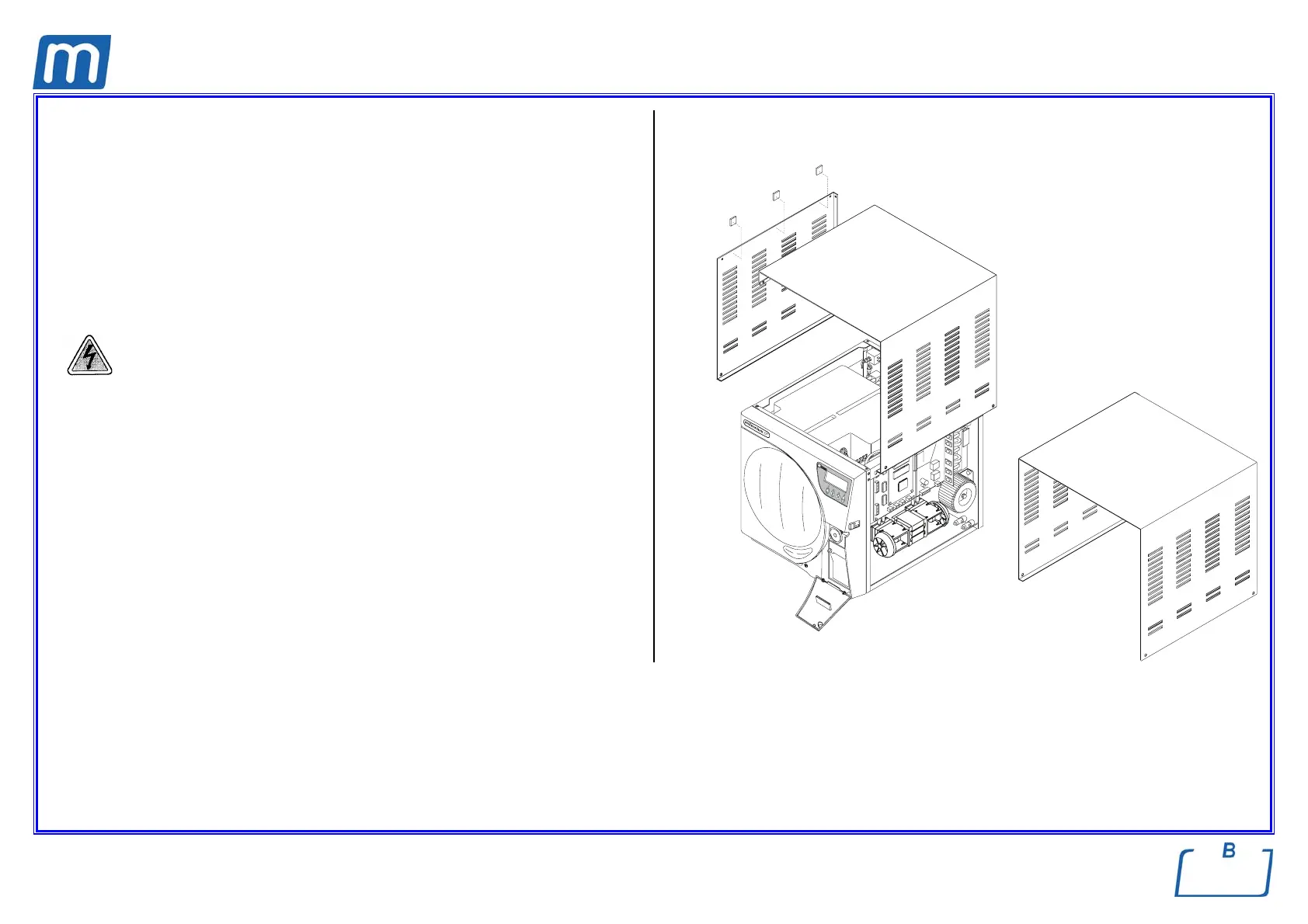
LEFT-SIDE COVER
C#1BP1660001
TOP COVER
C#1BP1650001
SINGLE COVER
C#1BH0060001
Before servicing, switch off the equipment and unplug the power
supply cable from the mains socket
1. Remove the screws of the left-side cover (1);
2. Remove the screws of the top cover (2)
3. Attach new adhesive strips (3);
4. Remove the four screws of the single cover (4);
5. Remount the new covers;
6. Perform a sterilization cycle.
11
2
4
3



 To Next Page