Rev.1
Page 1-
48
DATA REVIEW
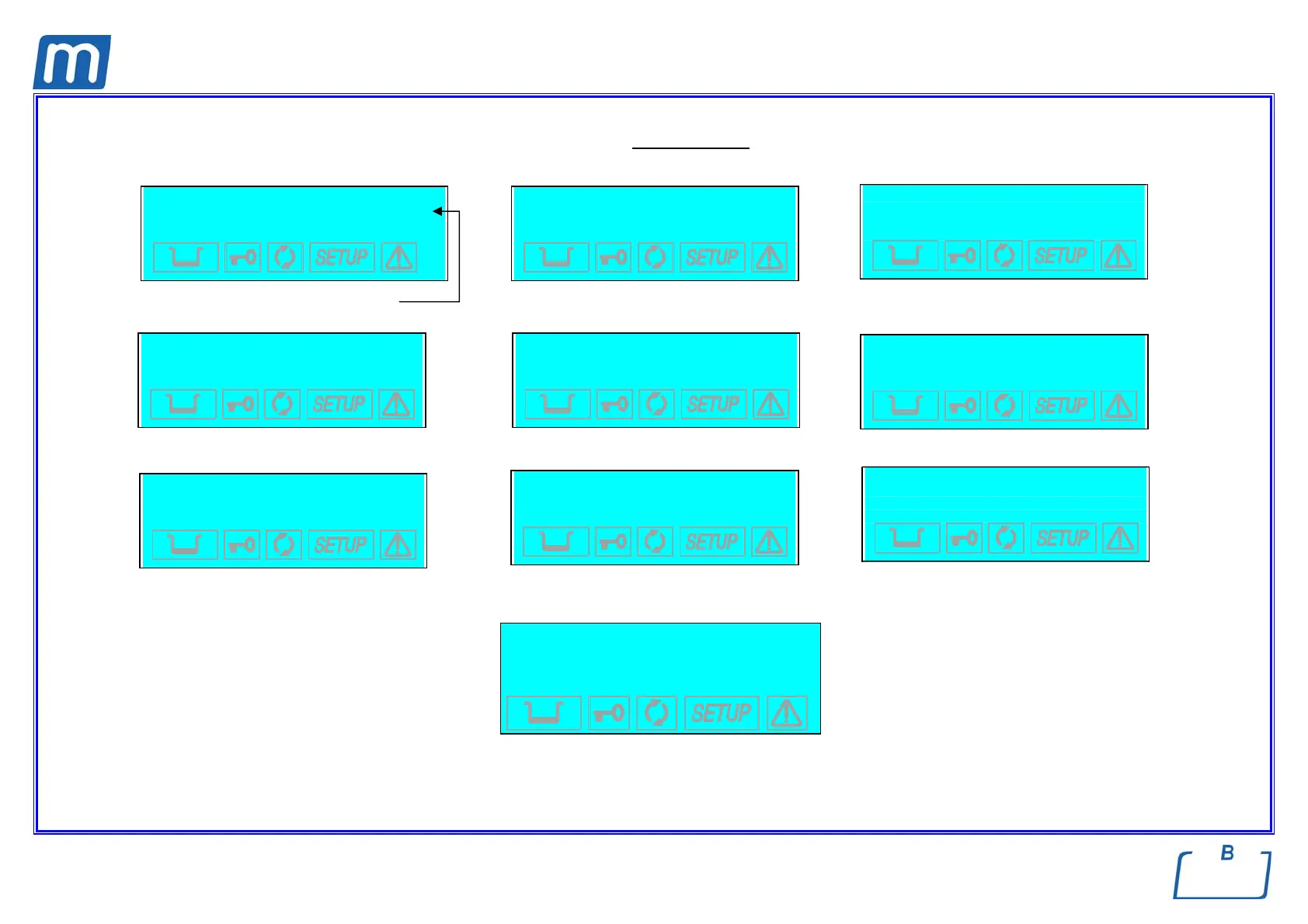
The Data Review displays a summary of the device's current settings, allowing users to verify their correctness.
It has the following screens (shown by way of example).
Firmware version Use the keys + / - to scroll through the menu
Use the keys
+ / - to scroll through the menu
Use the keys
+ / - to scroll through the menu
EXIT
DATA REVIEW
↵ to continue
Press ↵ to confirm
e For the meaning of the terms shown, see the paragraph, Activating Configuration Options.
1st PRESET
134°C POROSI
STANDARD DRYING
2nd PRESET
134°C HOLLOW
FAST DRYING
MILLENNIUM B
R. Exxxx/BMyyyyyy
LANGUAGE
ENGLISH
DATE
dd/mm/yyyy
TIME
hh:mm:ss
3rd PRESET
134°C WRAPPED
EXTRA DRYING +05
4th PRESET
134°C EMERGENCY
FAST DRYING
Stand-by option
HIGH
120 min
Print option
OFF
1 COPY(ies)
Filling option
AUTOMATIC
Drain option
INTERNAL



 To Next Page