Rev. 1
Page 3-
6
which is automatically transformed to the message:
(Alarm Message)
RESET SYSTEM
80.5°C XXXX
0.00 bar
Perform a RESET (described below) and then turn-off the device and check the alarm.
e Alarms that intervene outside of a program do not produce a printed report.
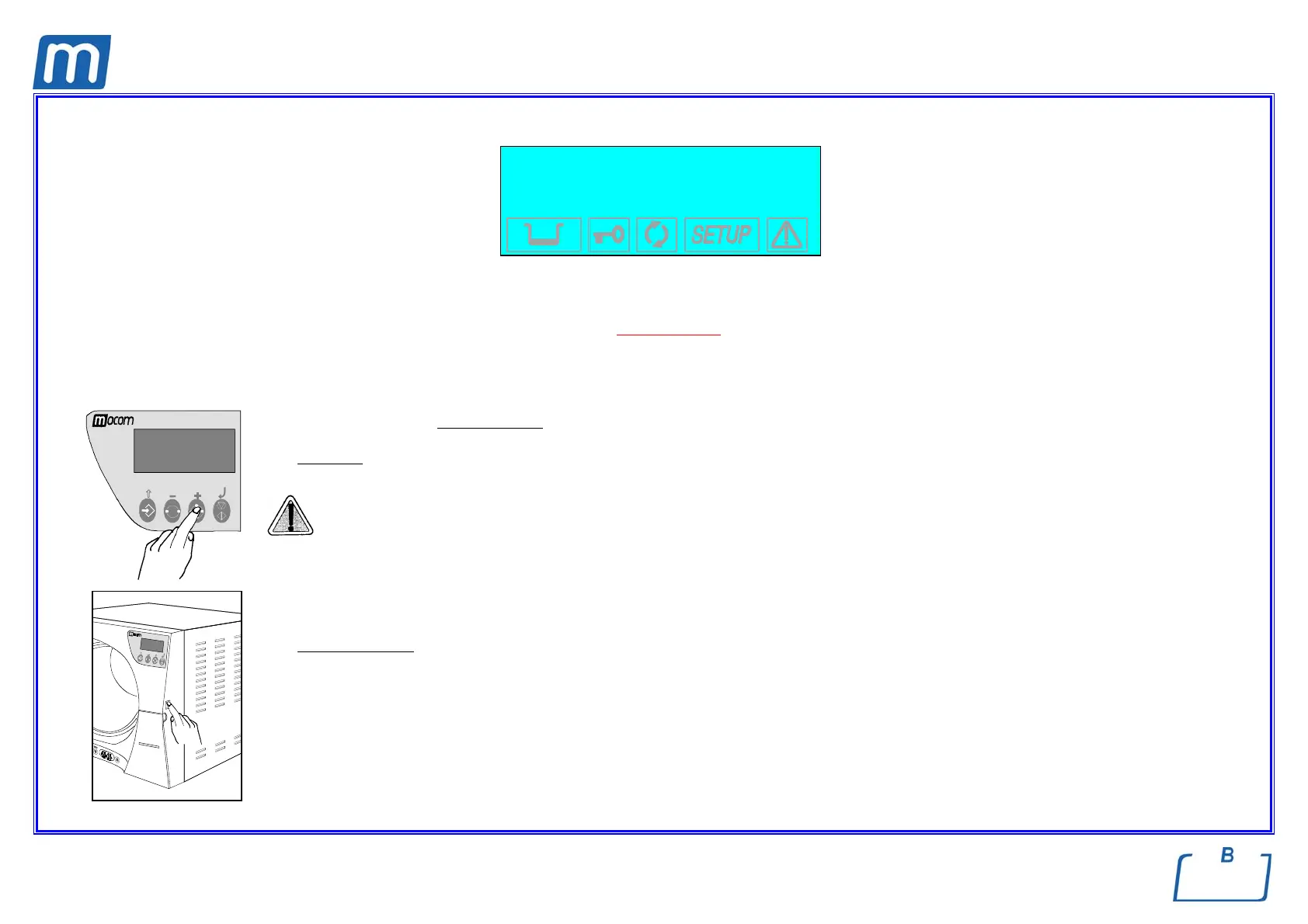
RESETTING THE SYSTEM
The system is RESET in two alternative
ways, depending on the alarm that occurred:
1. Press the
PROGRAM SELECTION key for about 3 seconds.
A beep confirms the RESET;
Never turn the device off before executing a RESET
.
2. Turn-off the device and then power-on using the main switch.
Upon power-up, the sterilizer will perform its normal initial test.
After RESET, and any technical intervention necessary to eliminate the fault, the device will go to STAND-BY mode, ready to execute a new
program.
>3s



 To Next Page