Rev. 1
Page 2-
27
PRINT OF THE CYCLE REPORT
(optional printer)
However, it is a good practice to check that the print report issued at the end of the sterilization program, also specifies a positive outcome.
At the end of the cycle, the salient data for the thermodynamic parameters of the sterilization, temperature and pressure (°C and bar), and time
(minutes) of the sterilization cycle, with particular attention to the sterilization phase true and proper, is printed by simply opening the door.
So, check the values on the print report and any additional indications for a further confirmation of the good outcome of the sterilization process.
The operator should sign in the space provided and file the document for possible future use.
If necessary, copies of the document can be used to identify the load (or parts of it) with the date/time of sterilization and details of the type of
cycle performed.
To select the number of copies to print, refer to Printer Options.
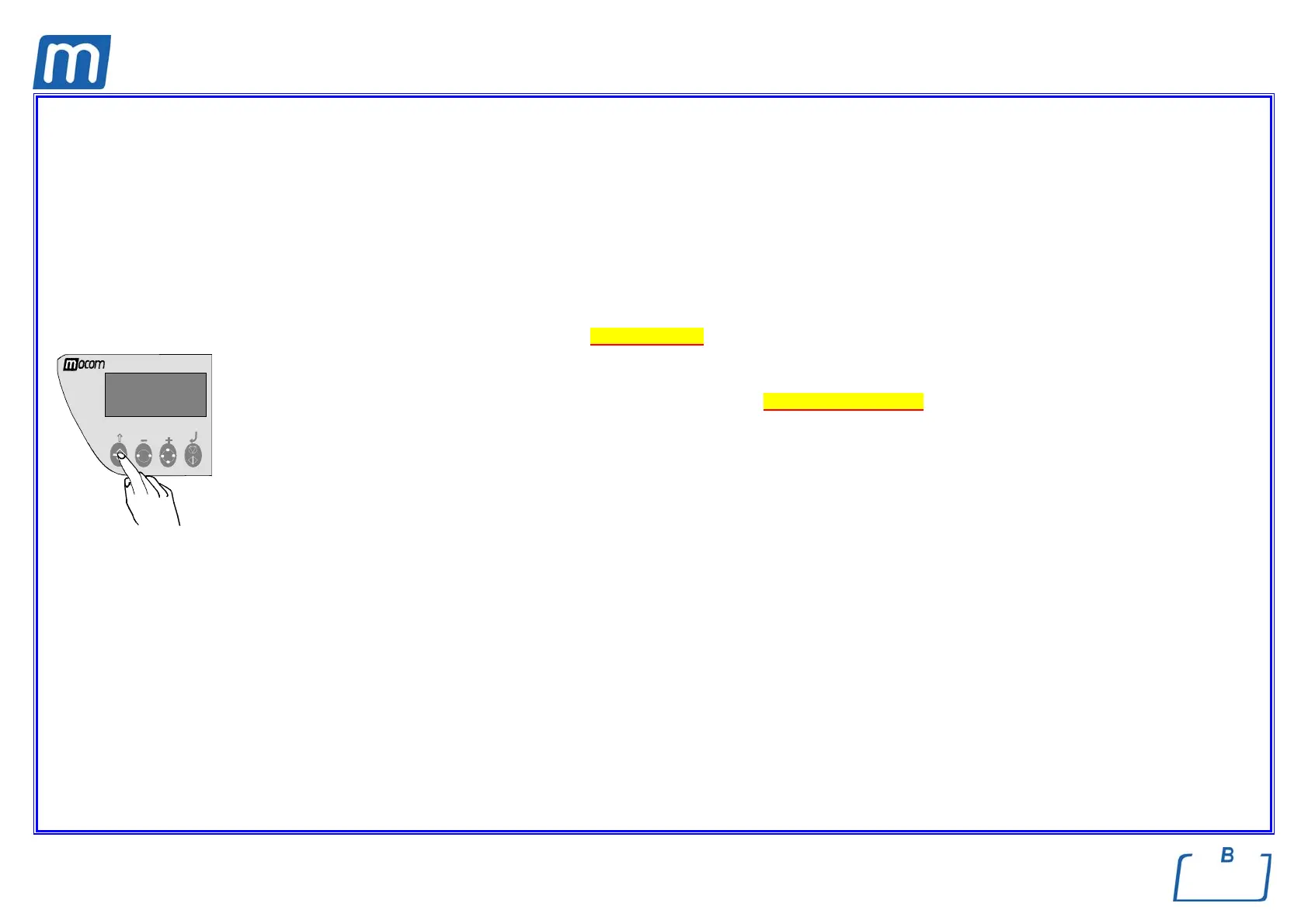
e The operator can also request an extended printout of the sterilization process data, including the recorded values of all the sensors
installed on the machine. To start this print function, hold down the ↑ (ESC) key on the control panel while opening the door.
For complete details about printing the summary, please refer to Print report examples.



 To Next Page