Rev. 1
Page 2-
32
VACUUM TEST
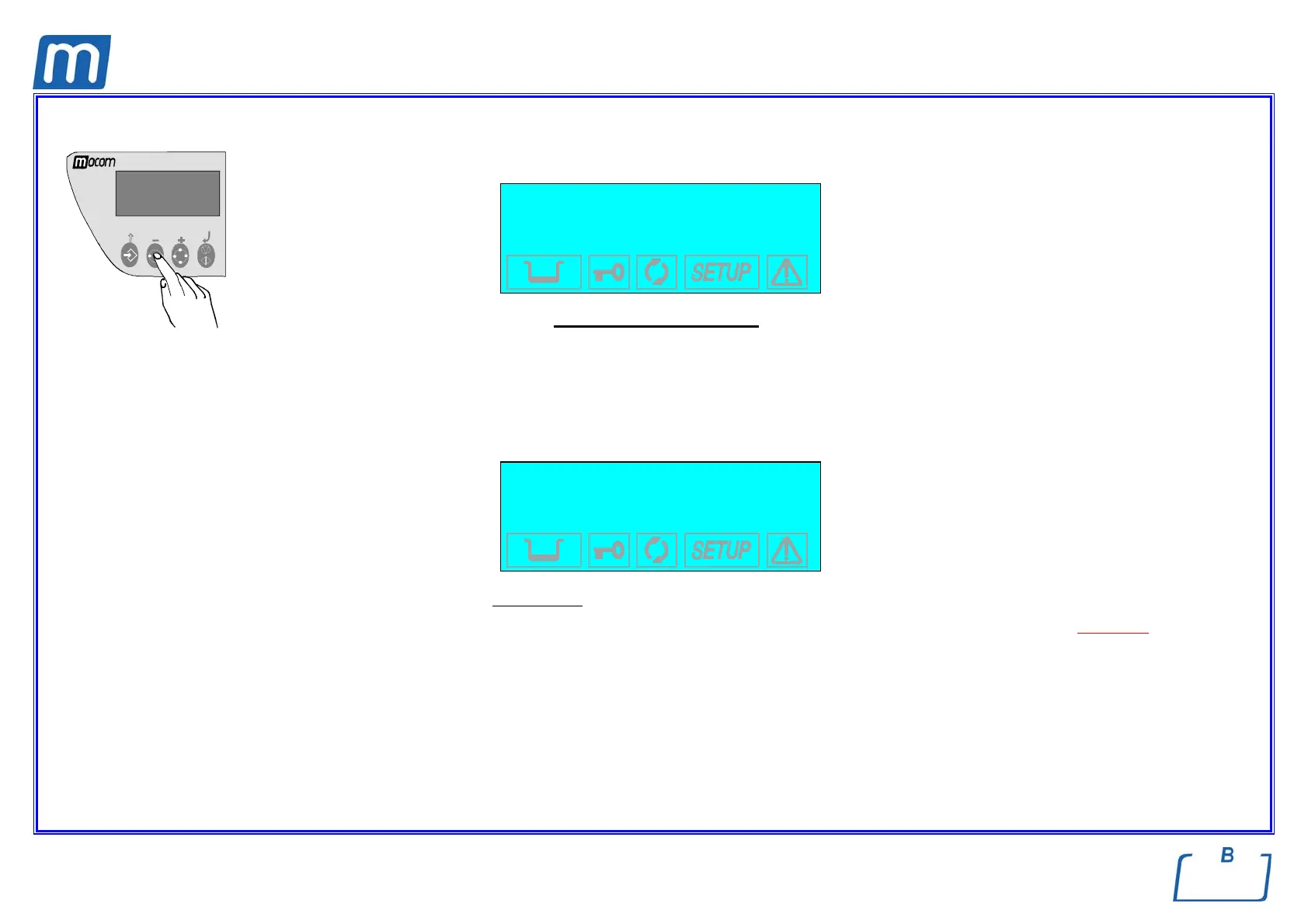
To select the VACUUM TEST program, press the Test Selection key one or two times until the display reads:
VACUUM TEST
-0.80 bar
The Vacuum Test program is run with the sterilization chamber empty, and only the trays and their supports.
e Run the Vacuum Test as the first cycle after powering-on the equipment.
To avoid the heating of the sterilization chamber influencing the variation of the vacuum value measured during the Vacuum Test, the
system is programmed to prevent its execution when the temperature sensors of the sterilization chamber shows a value higher than 50°
C.
If you try to start the program with a higher temperature than indicated above, the liquid crystal display will read:
WARNING!
PT1 OVERHEATING
-0.80 bar
After a short time, the device will automatically return to STAND-BY mode, ready for use.
e To rapidly lower the temperature of the chamber and, thus, perform the Vacuum Test, leave the sterilizer's door open until the correct
temperature is reached.
Close the door and start the program with the START key.



 To Next Page