Rev. 1
Page 2-
5
SELECTING THE STERILIZATION PROGRAM
Program selection is fundamental
for a successful sterilization process.
Since each instrument, or material in general, has different shape, consistency and properties, it is important to identify the most suitable
program for it, both for preserving its physical characteristics (avoiding or, at any rate, limiting alterations) as well to guarantee the most effective
sterilization.
Power-on the device.
e If a password has been enabled with the option ANY POWER ON or ANY CYCLE START (see Setting the Password), you will be
asked to enter the access code:
INSERT PASSWORD
↵ to enter
to exit
Enter the password using the + and – keys. Confirm with the ↵ key.
The display does not offer any active preselection. The device is waiting for the user to select
a program.
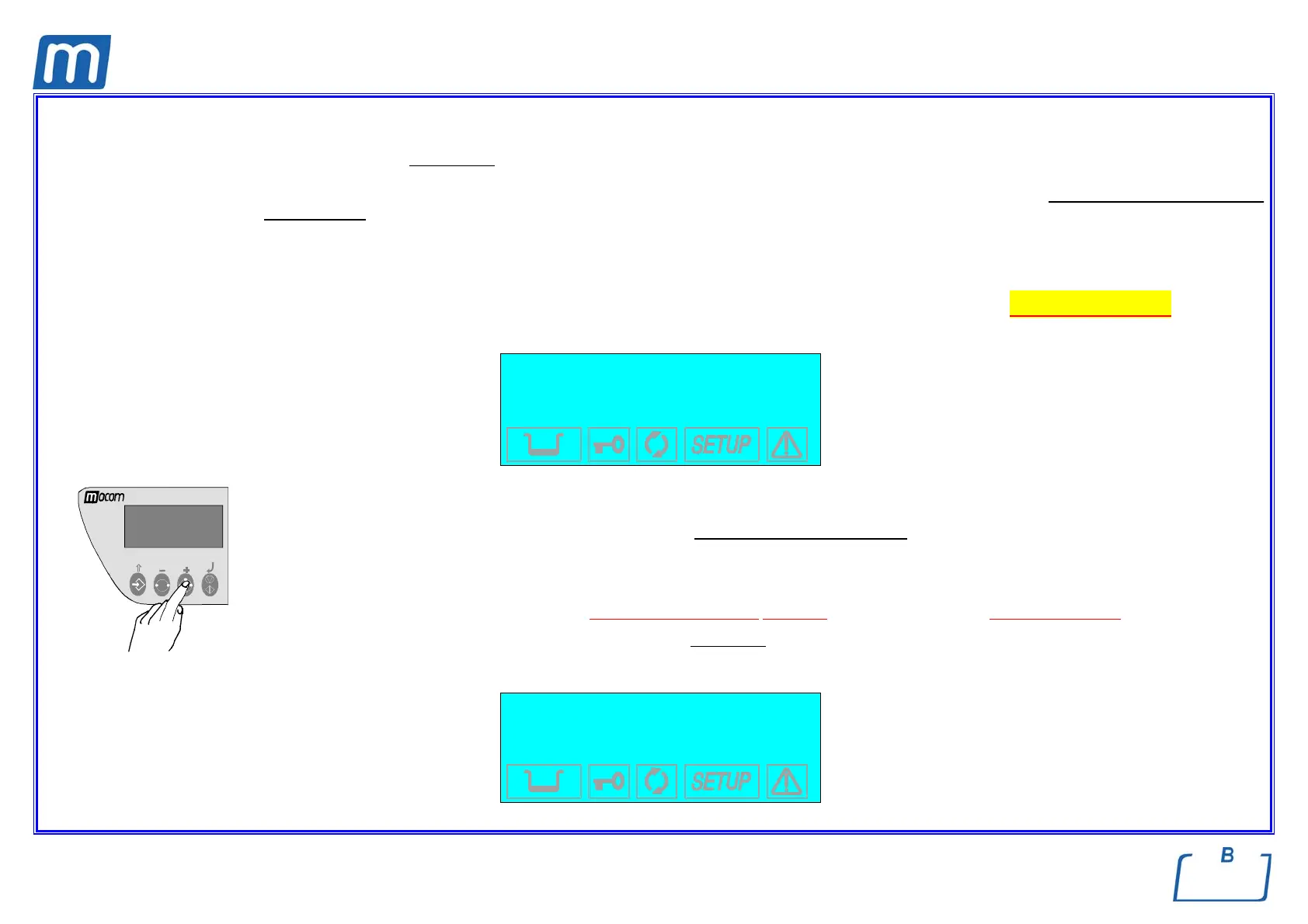
Press the PROGRAM SELECTION key one or more times until you reach the desired program (1, 2, 3 or 4, also shown on the upper left of the
display).
e When the selection key is pressed, the first sterilization program proposed is the one used for the last cycle executed.
In the two lines above the description, the display shows the description
of the selected program and the type of drying set and, below, the set-
point values for the temperature (°C), pressure (bar) and time (mm:ss) of the cycle selected. By way of example, the display shows.
1 134°C POROUS
NORMAL DRYING
134.0 °C (B)
2.10 bar 04:00



 To Next Page