Rev.1
Page 1-
41
ACTIVATING CONFIGURATION OPTIONS – SPECIAL MENU
Acquisition of the ambient pressure
(AMBIENT PRESSURE on the SPECIAL menu)
The first time the sterilizer is used and after any reinstallation, the sterilizer must acquire the ambient pressure.
This operation is necessary
or the correct operation of several of the device's auxiliary systems.
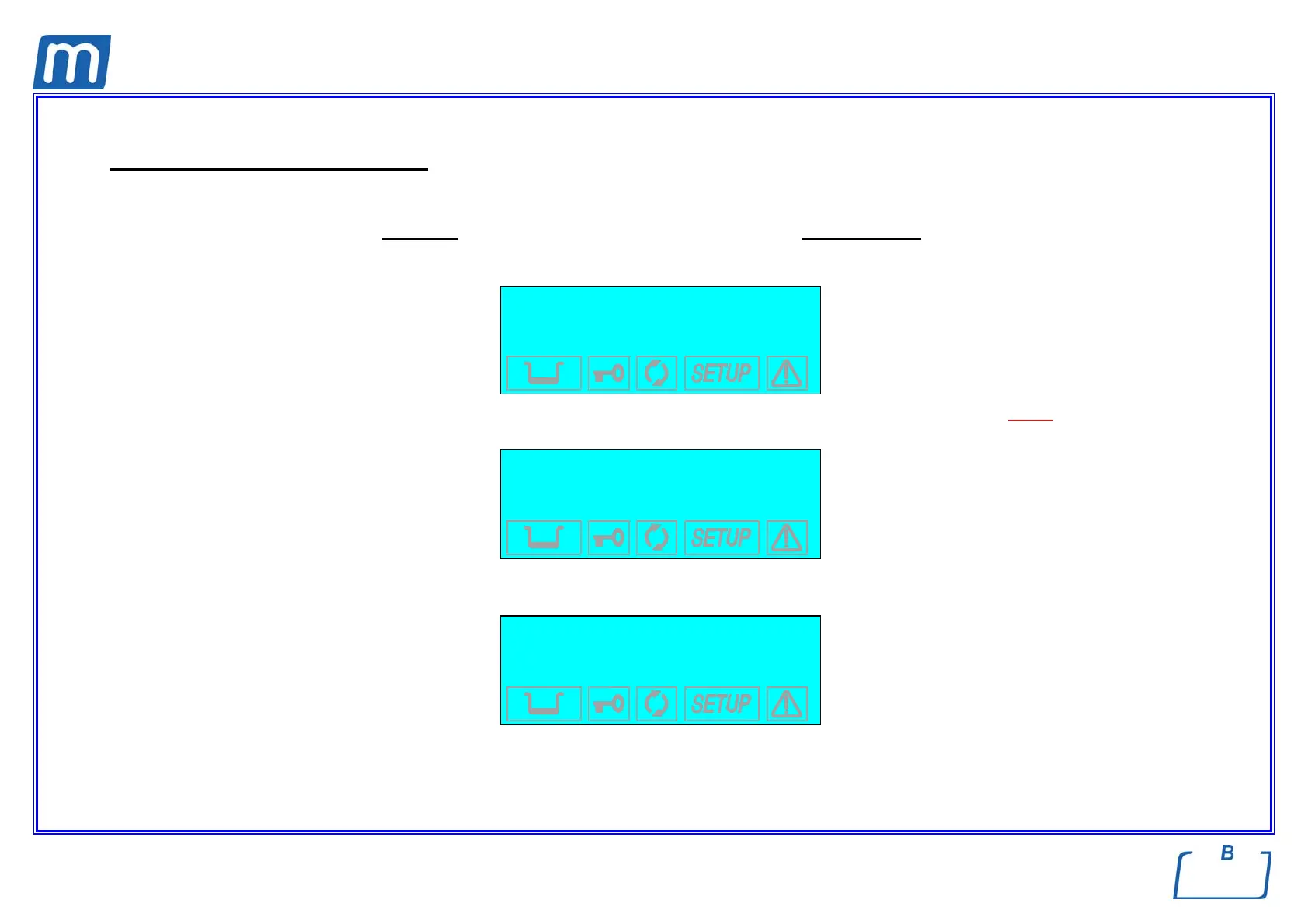
When AMBIENT PRESSURE is activated, the following screen appears:
ACQUISITION OF THE
AMBIENT PRESSURE
↵ to enter
to exit
e Check that the sterilizer door is completely OPEN. If you try to acquire the pressure with the door closed the following message will be
displayed:
OPEN THE DOOR
TO CONTINUE
which remains until the door is opened. Confirm the acquisition of the data by pressing the ↵ key. This message appears:
PRESSURE VALUE
SET INTO MEMORY
accompanied by a beep. The ambient data pressure has been acquired.
On the other hand, press the ↑
key to cancel the operation.



 To Next Page