Rev. 1
Card Gr1-
4
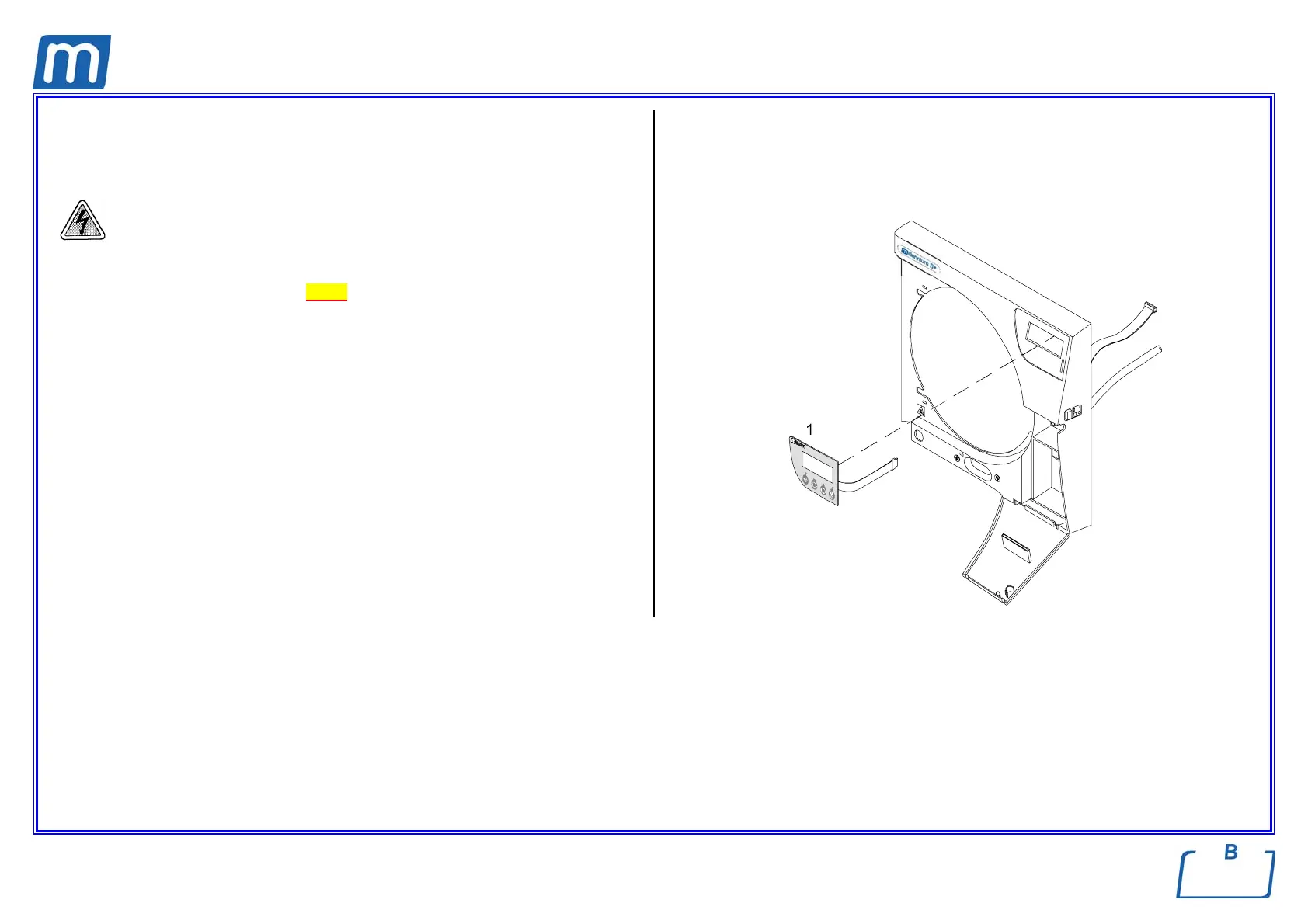
KEYBOARD
C#6BM1630000
Before servicing, switch off the equipment and unplug the power
supply cable from the mains socket.
1. Remove the covers (see card Gr7-1);
2. Remove the keyboard flat cable from the CPU board;
3. Detach carefully the keyboard (1);
4. Remove the protective film from the new keyboard;
5. Attach the new keyboard;
6. Restore connections and assembly all items proceeding in reverse order as
above;
7. Run a sterilization cycle.



 To Next Page