Rev. 1
Page 2-
26
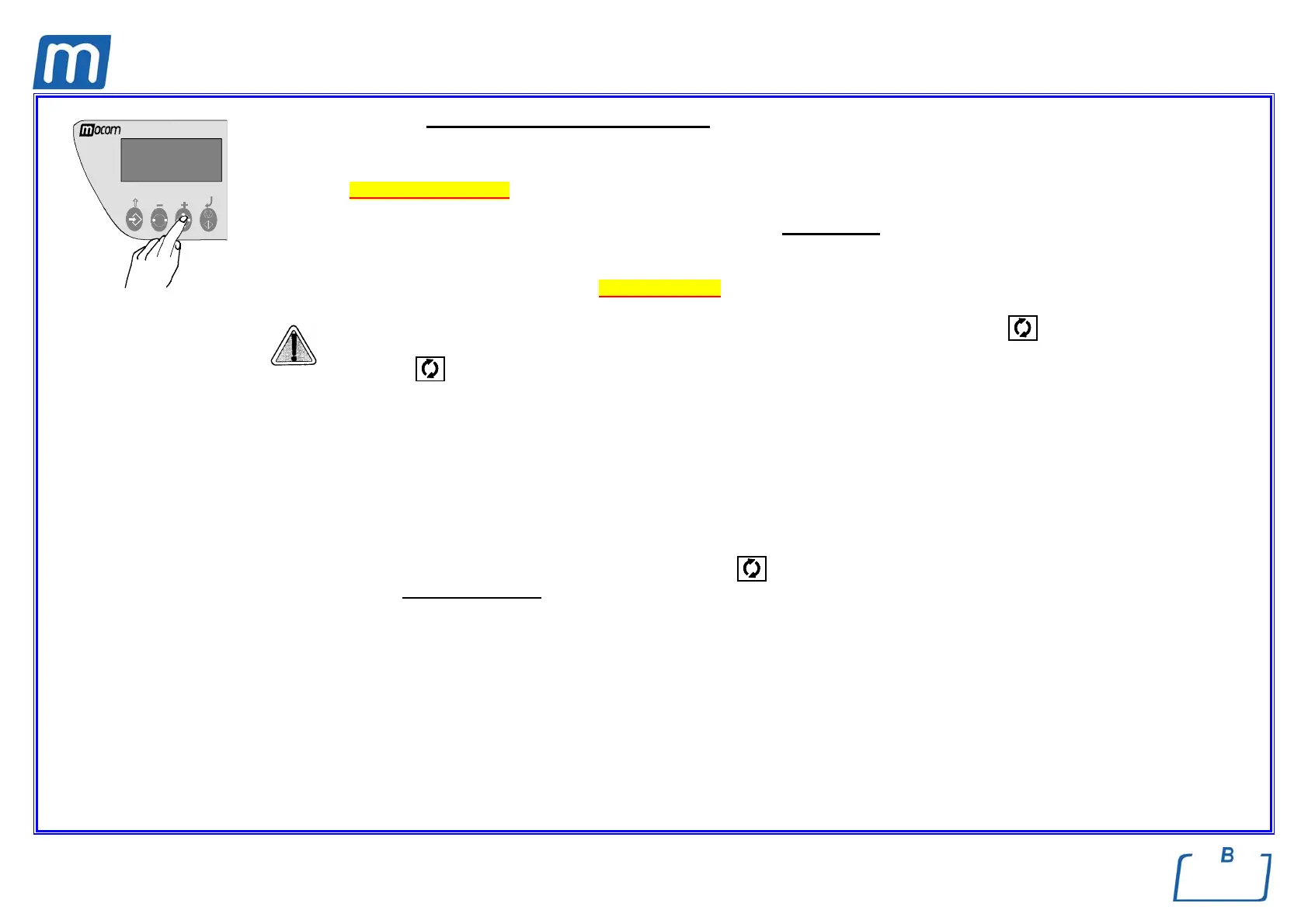
To RESET the system, hold down, for at least three seconds, the PROGRAM SELECTION key until you hear the confirming beep.
When the door is opened, the report for the sterilization cycle executed is produced, including the error code (E999). Check the report, initial it in
the space provided and file it in a suitable place.
Refer to the Print report examples.
After the RESET, the device goes to STAND-BY mode, ready to execute a new program
.
e Whenever an alarm is generated in certain phases of the cycle, an automatic procedure is activated to clean the plumbing circuit. For a
complete description of the alarms, see “Alarm indication”.
After a program is manually interrupted (MANUAL STOP) always check the status of the icon
before using the material in the
sterilization chamber.
If the icon
is STEADY ON, the material in the sterilization can be considered STERILE and, thus, be used. We recommend using it
immediately.
However, if it is OFF, the material in the sterilization chamber CANNOT BE CONSIDERED STERILE and ABSOLUTELY MUST NOT BE
USED..
RESULT OF THE CYCLE
After the cycle is finished, it is important to check the sterilization results.
Whenever a cycle finishes (message CYCLE COMPLETE and icon
on ), without, therefore, being interrupted by any type of alarm, you are
guaranteed to have completely aseptic
material.
The report of the sterilization parameters is an additional check tool.



 To Next Page