Rev. 1
Card Gr7-
4
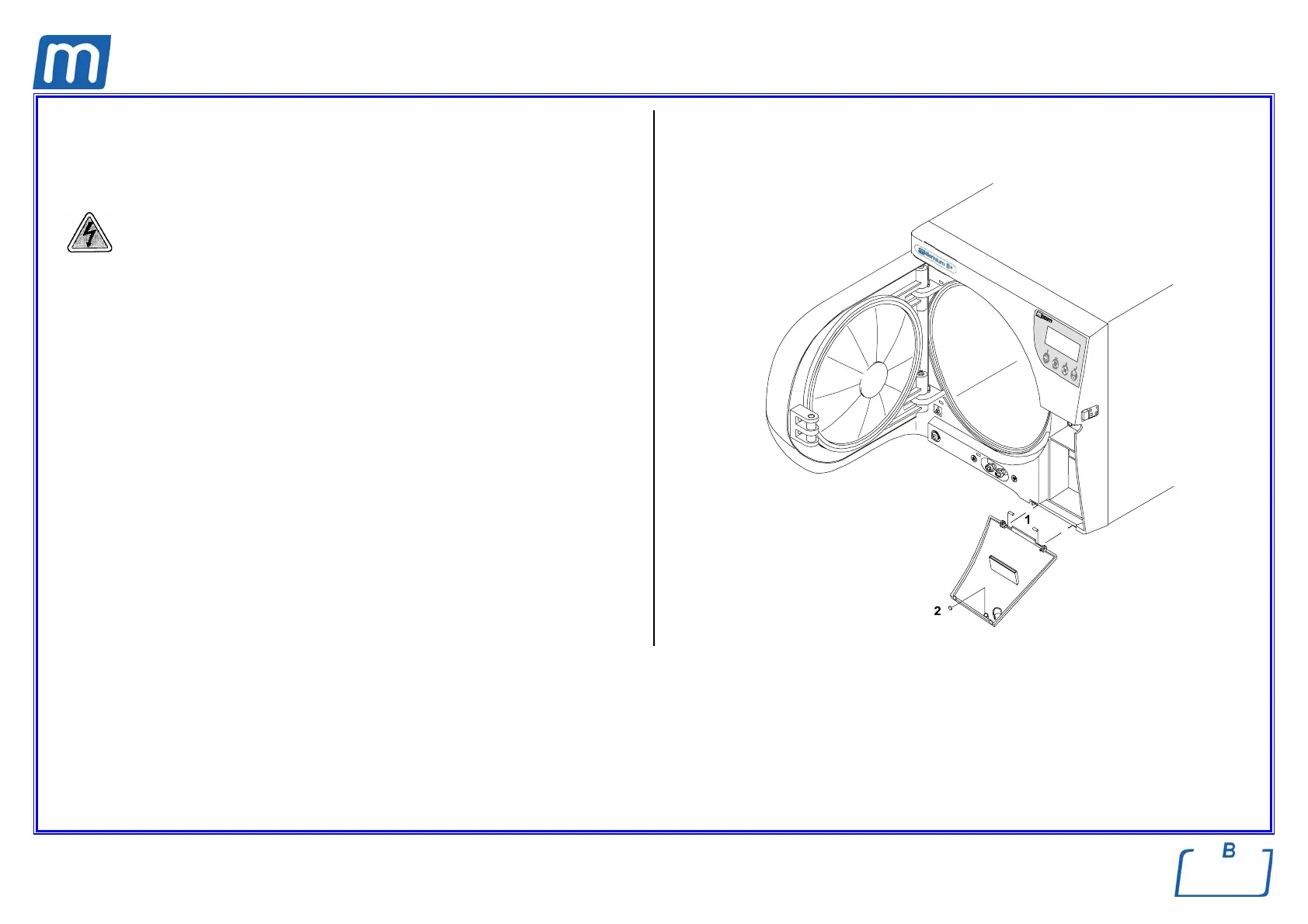
SERVICE DOOR
C#3BP1840000
Before servicing, switch off the equipment and unplug the power
supply cable from the mains socket
1. Open the service cover and remove the two pins (1);
2. Replace the cover, mount the pins and seal them;
3. Close the service door and check the correct closing by the adhesive magnet
button;
4. Do not open the service door for 2/3 hours;
5. Perform a sterilization cycle.



 To Next Page