Rev. 1
Page 2-
7
Starting the program
After placing the load in the sterilization chamber (with the precautions explained in the Chapter, “Preparing the material to be sterilized”) and
selecting the desired program, close the door until you hear the click .
The Door Status icon
flashes (door closed). Press the START button.
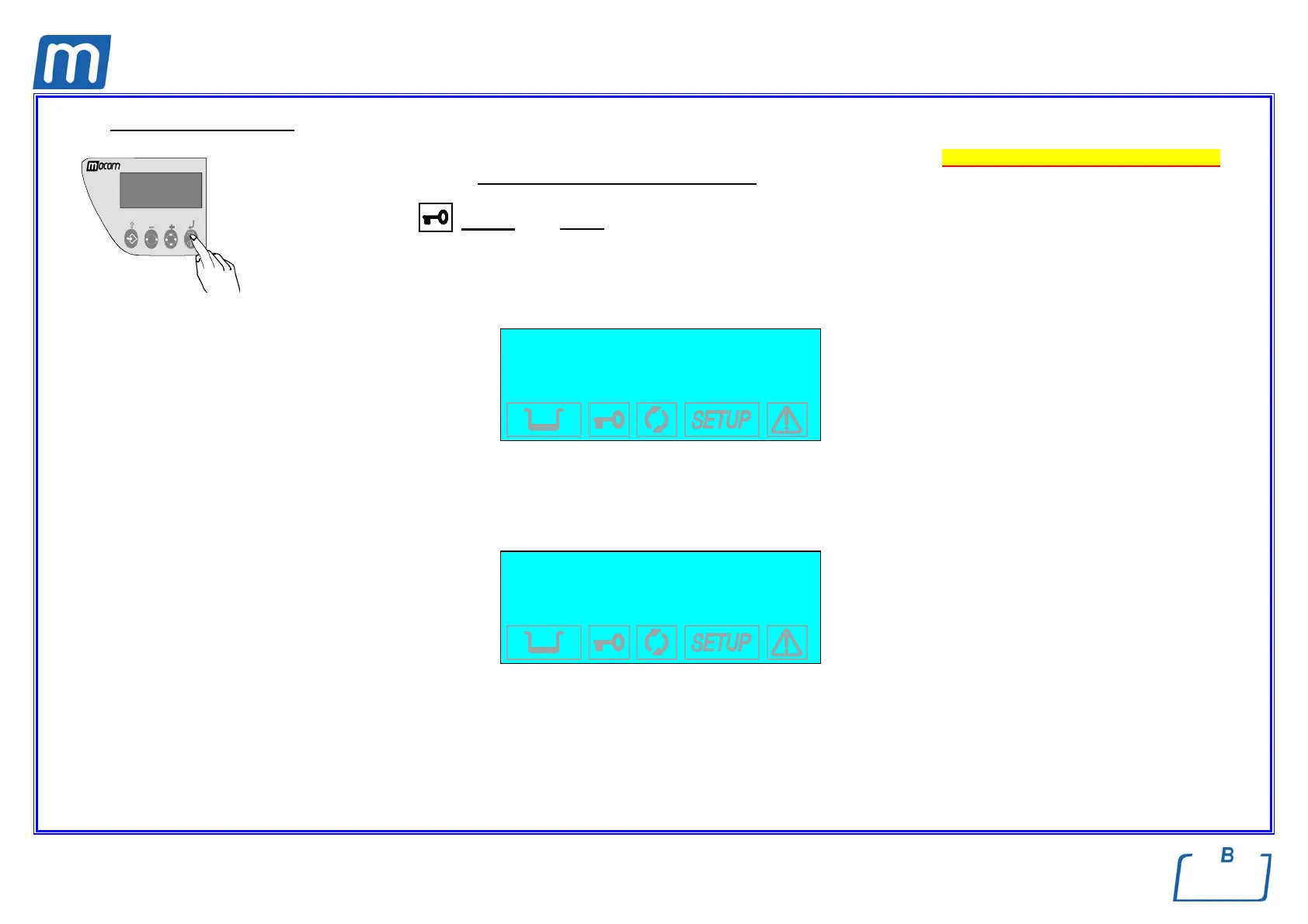
e If a password has been enabled with the option ANY CYCLE START (see the Chapter Configuration - Setting the password), you will be
asked to enter the access code:
Password check
INSERT PASSWORD
↵ to enter
↑ to exit
Enter the password using the + and – keys. Confirm with the ↵ key.
Printer paper-out check
The equipment checks the presence of the paper into the on-board printer; if out or ended the following message will be displayed:
WARNING
PAPER OUT
↵ to continue
↑ to exit
Push key ↵ to continue however (replace the paper during or at the end of the sterilisation cycle). Push key ↑ to return in Stand-by mode.



 To Next Page